215
7
Settings
3
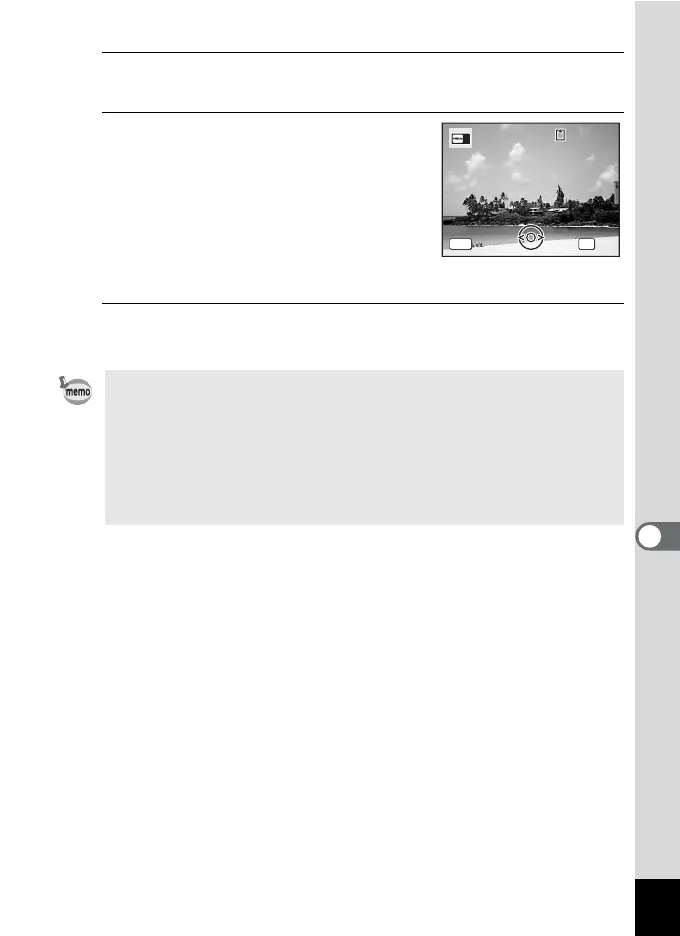
Press the 4 button.
The image selection screen appears.
4
Use the four-way controller (45)
to choose the image for the start-
up screen.
Only images available for the start-up
screen are displayed. You can also choose
one of the three pre-installed images or the
Guide Display Start-up Screen already
stored in the camera.
5
Press the 4 button.
The setting is saved.
• Once the start-up screen has been set, it will not be deleted even if the
original image is deleted or the SD Memory Card is formatted.
• Select [Off] to hide the start-up screen.
• The start-up screen is not displayed when you turn the camera on in
the playback mode.
• Movies or images taken with the recorded pixels of D
(4000×2672)/E (4000×2256)/F (2992×2992) and the F
(Digital Panorama) mode cannot be used for the start-up screen.
100
-
0017
100
-
0017
MENU
Cancel
OK
Cancel
OK
OK



 To Next Page