244
9
Appendix
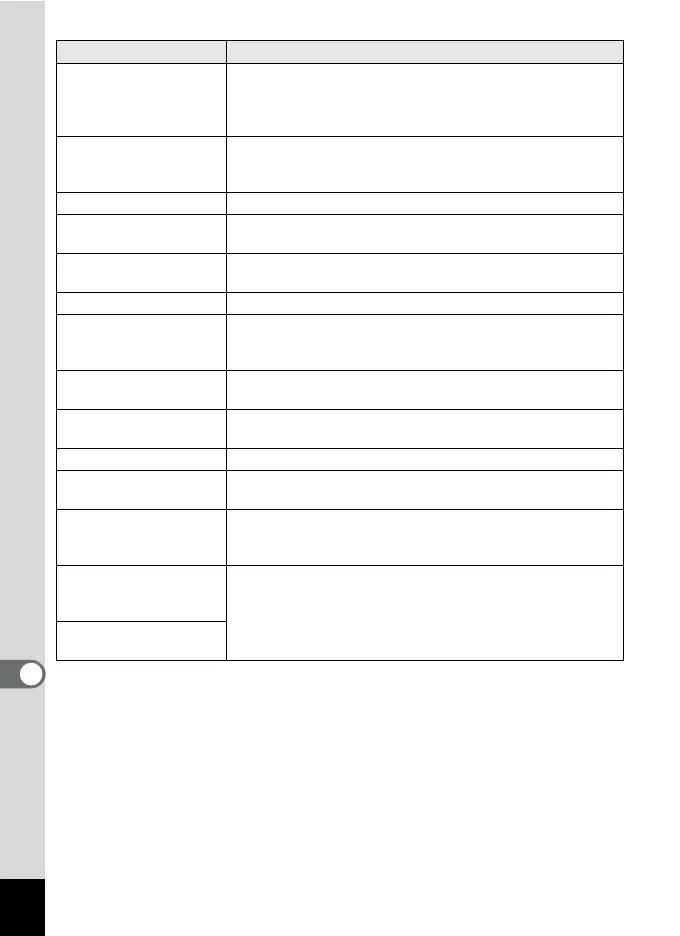
Data being recorded
Displayed when you switch to Q mode while an image is
still being recorded, or when the protect setting or DPOF
setting is being changed. It disappears after the image is
recorded or the setting is changed.
Data being processed
Displayed when the camera takes more than five seconds
to display an image due to image processing, or when the
SD Memory Card or the built-in memory is being formatted.
Built-in memory full Displayed if the built-in memory is full when saving a file.
No image to be
processed
Displayed when there are no images.
This image/sound
cannot be processed
Displayed for files that cannot be processed.
No card in the camera Displayed when no SD Memory Card is inserted.
The built-in memory is
not enough to copy
images/sounds
Displayed when there is insufficient built-in memory to
perform copying.
Cannot process
correctly
Displayed when Red-eye Compensation processing fails.
Displays image/sound
from built-in memory
Displayed when the camera enters the built-in memory
display.
Please pop-up the flash Press the b button to enable the use of the flash.
Please confirm the lens
cap is removed
Displayed when the power is turned on with the lens cap on.
Turn the camera on after removing the lens cap.
Not enough battery
power remaining to
activate Pixel Mapping
Displayed during pixel mapping if the battery level is
insufficient. Replace the battery with a fully charged one or
use an optional AC adaptor kit K-AC106 (p.35).
This card isn’t
compatible with this
camera
Displayed when the version of the Eye-Fi card is outdated
and the camera is not compatible with it (p.234).
The version of this Eye-
Fi card is outdated
Message
Description



 To Next Page