Previous Page Table of Contents Section Contents
Back
Index Next Page
LIFEPAK 500 automated external defibrillator Replacement Procedures
11-26
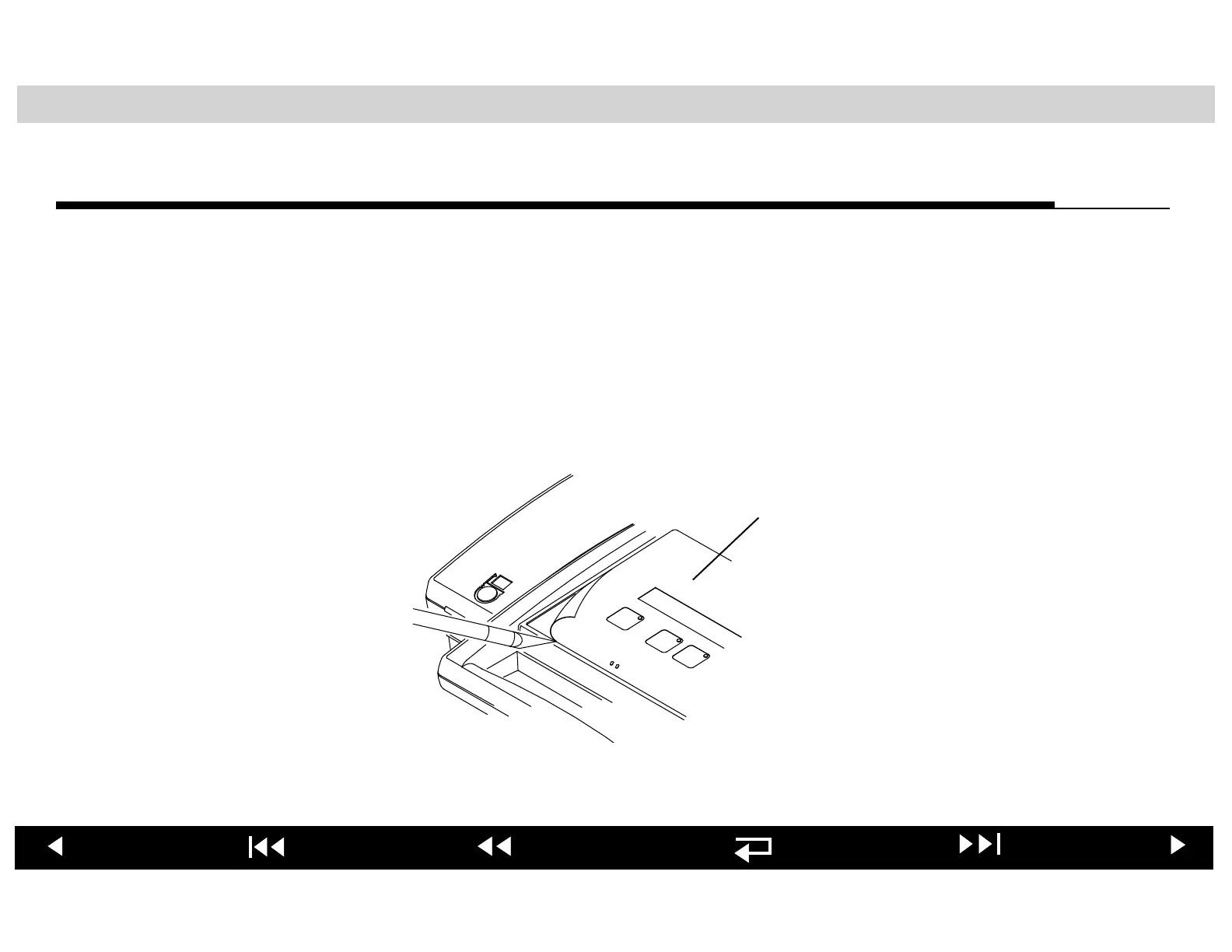
Replacing Keypad Overlay
To replace the Keypad Overlay:
1. Use a knife blade to carefully pull up a corner of the keypad overlay.
2. Peel the keypad overlay and the LCD shield away from the upper enclosure.
3. Use a lint-free, alcohol-dampened cloth to remove any residual adhesive on
the upper enclosure. Allow the area to completely dry.
4. Install a new LCD shield in the upper case recess, over the LCD.
5. Install the replacement keypad overlay in the top cover indexing recess.
Keypad Overlay (3-button
LIFEPAK 500 AED shown)












 To Next Page