Previous Page Table of Contents Section Contents
Back
Index Next Page
LIFEPAK 500 automated external defibrillator Modes of Operation
5-23
Computer-Assisted Test Mode Page 3 of 3
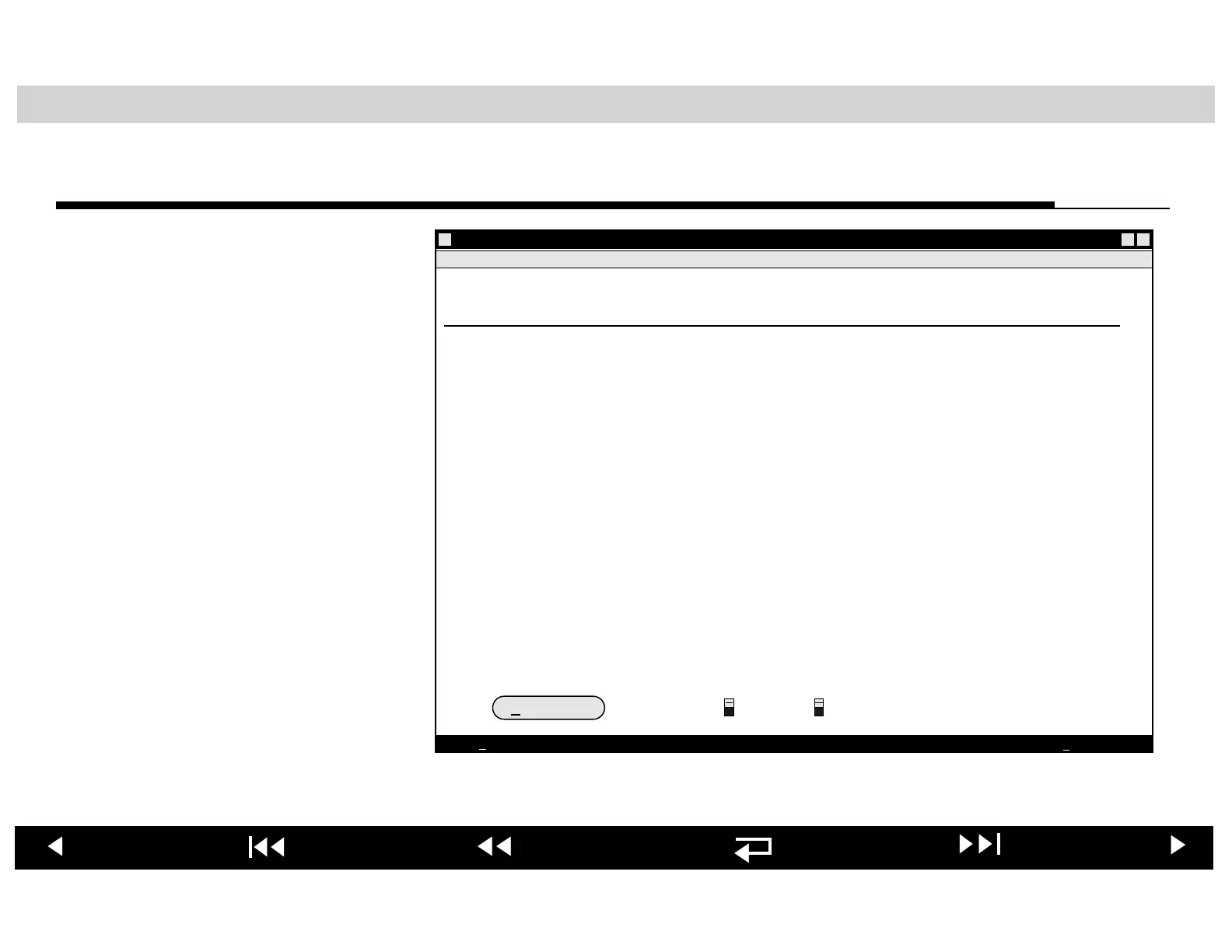
When you run the Computer-
Assisted Test program
(lp500pip.exe), the first
Computer-Assisted Test
screen will appear. Follow the
instructions presented on the
Computer-Assisted Test
screens to complete the
automatic portion of the
Performance Inspection
Procedure (PIP).
LP500 COMPUTER ASSISTED PIP
LIFEPAK 500 Monophasic/Biphasic automated external defibrillator
Computer Assisted Tests
Automatic Tests
START TEST
CONTINUE
QUIT
Automatic computer assisted tests consist of a series of routines which
test the serial communications function, the battery sense function, the
slow charge rate circuit, the ECG monitoring function, the motion
detection function (impedance), and the UUT selftest.
1. Select the serial port to which the unit under test (UUT) is connected.
2. Select the type of UUT connected (Monophasic or Biphasic).
3. Remove and install a fully functional rechargeable battery into the UUT.
4. Turn the UUT on and wait for selftest to finish.
5. Click on the START TEST button.
6. Verify the Automatic Test Results window displays a PASS for each test.
7. Click on OK.
8. Click on CONTINUE to go to next test.
COM1
COM2
Serial Port
Monophasic
Biphasic
UUT Selection












 To Next Page