Previous Page Table of Contents Section Contents
Back
Index Next Page
LIFEPAK 500 automated external defibrillator Replacement Procedures
11-29
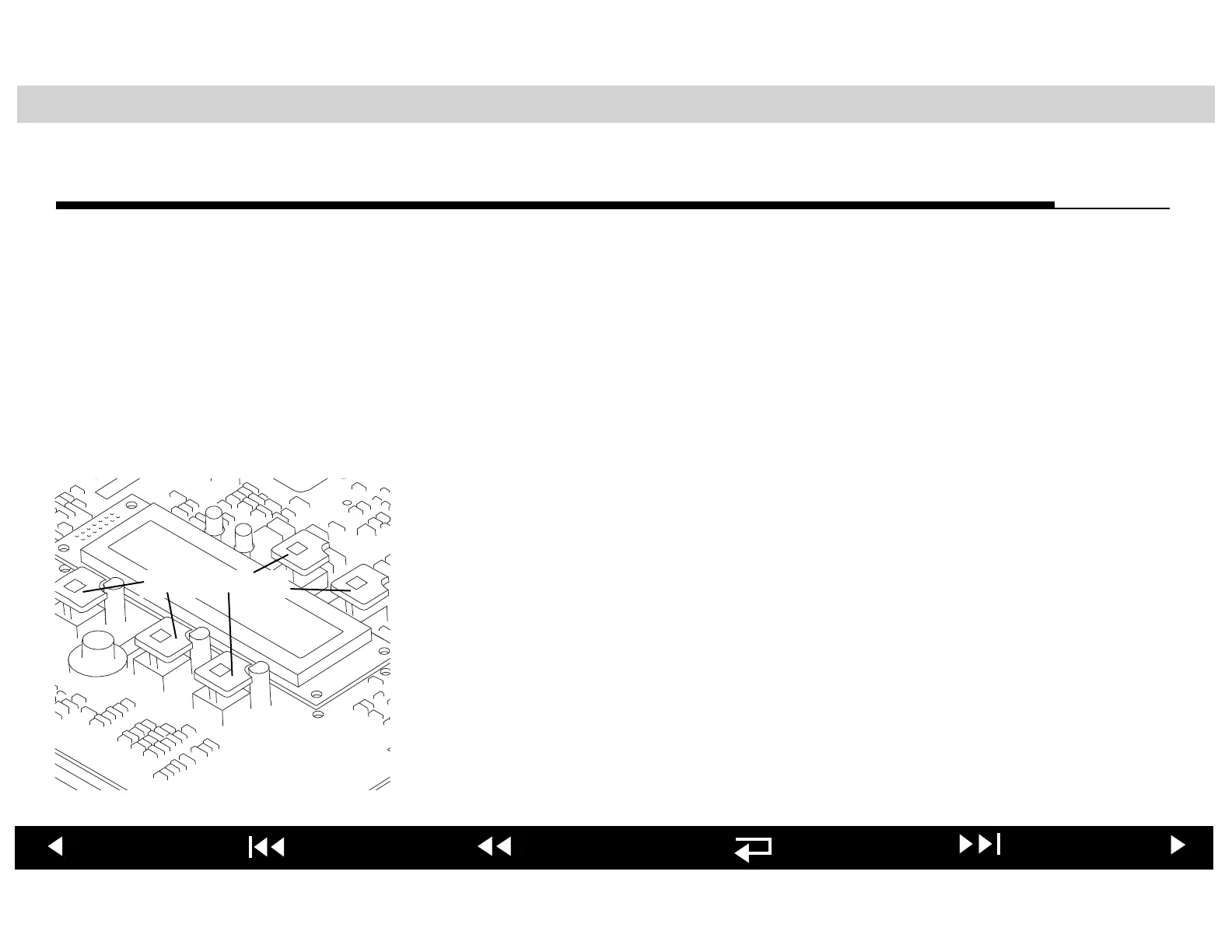
Replacing a Main PCB Switch Cap
Preparation Before replacing any or all of the five switch caps, you must first perform the
following procedures:
■ Removing Top Cover
WARNING!
Shock hazard. The Energy Storage Capacitor carries high voltage.
Remove the battery and discharge the capacitor before handling. See:
■ Discharging Energy Storage Capacitor
To replace a switch cap:
1. Hold the top of the switch cap between your forefinger and thumb.
2. Gently pull the switch cap to the side and away from the PCB.
3. Orient the cut-out corner of the new switch cap toward the right-rear corner
of the Main PCB. Gently press the switch cap onto the switch plunger until it
snaps into place.
When you have completed the switch cap replacement procedure, jump to the
Reseating Main PCB procedure.
5 Switch Caps












 To Next Page