8-10
8 • Standard Accounting Option
SV62261 Rev. C
Editing Account Names and Passwords
You can edit an account name and establish passwords for each ac-
count if you wish.
1. Press Menu.
2. Select "Accounts".
i
NOTE: If the supervisor password is enabled, you will need
to enter it to gain access to all of the accounting functions.
3. Select "Edit Accounts".
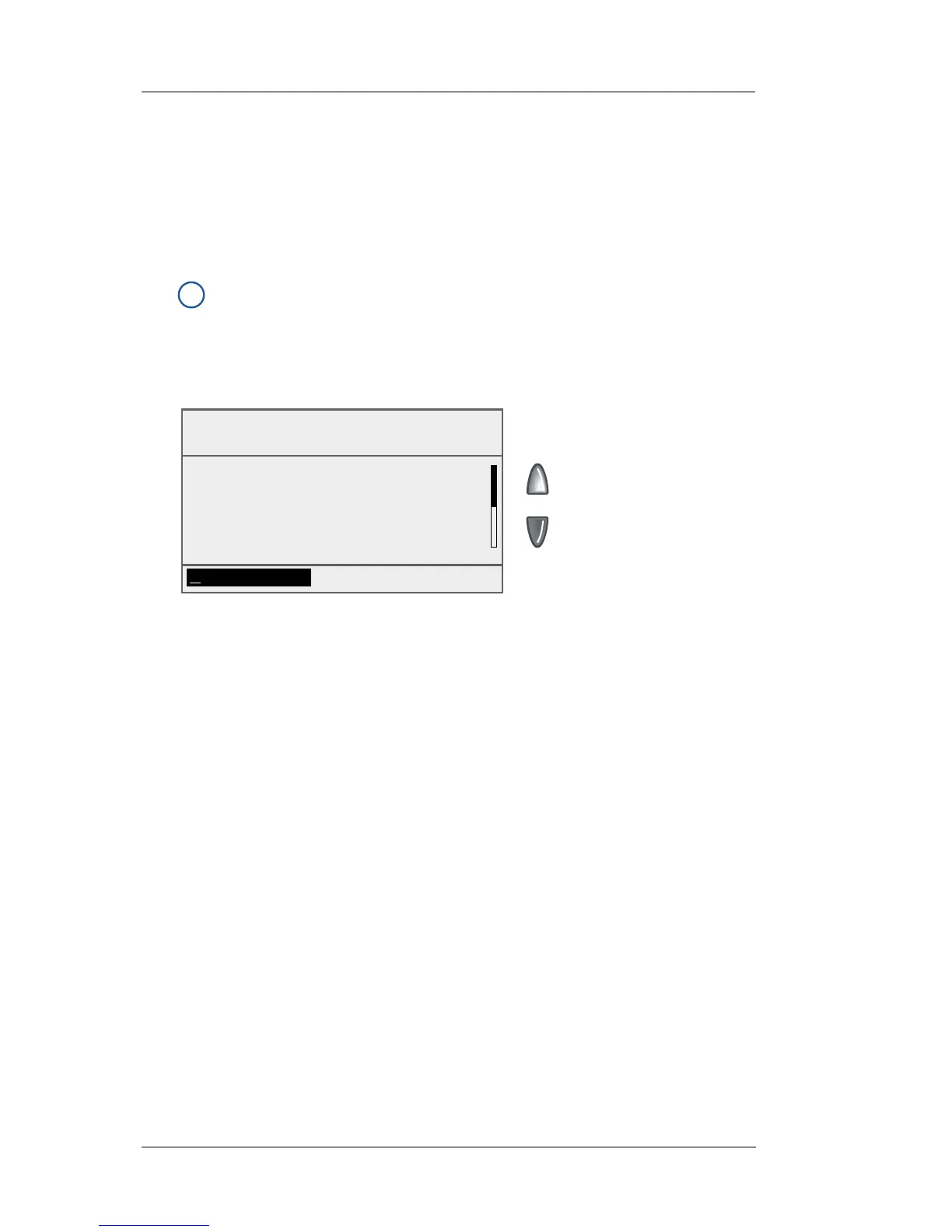
4. Select an account to edit:
• Key in the account number and press Enter, OR
• Select the appropriate account from the list. If necessary,
press the green down arrow key to scroll through the menu
screens.
5. The Edit Account screen appears.
A. Select "Name" if you would like to edit the account name.
Select "Accept" to return to the Edit Account screen.
B. If the supervisor and account passwords are enabled, you
will have the option of editing the account password. Select
"Password" and enter the four-digit password. Select "Ac-
cept" to return to the Edit Account screen.
C. Select "Number" if you would like to change the number as-
signed to the account. Select a number from the list.
D. Select "Done" to return to the Accounts screen.
Select Account
To Edit
◄ SALES 1
◄ MARKETING 2
◄ ENGINEERING 3
◄ SERVICE 4
(Use Keypad)














 To Next Page