4-7
4 • Printing Options
SV62261 Rev. C
4. Key in the print distance from the right edge of the envelope to
the indicia (from 5-25 mm).
5. Select "Accept" or press Enter to return to the Home screen.
Adjusting Horizontal Print Position of Indicia
You may need to adjust slightly the left/right print position of the
indicia on a mail piece.
1. Press Menu.
2. Select "Printing Options".
3. If necessary, press the green down arrow key to scroll through
the menu screens. Select “Set Printing Position.”
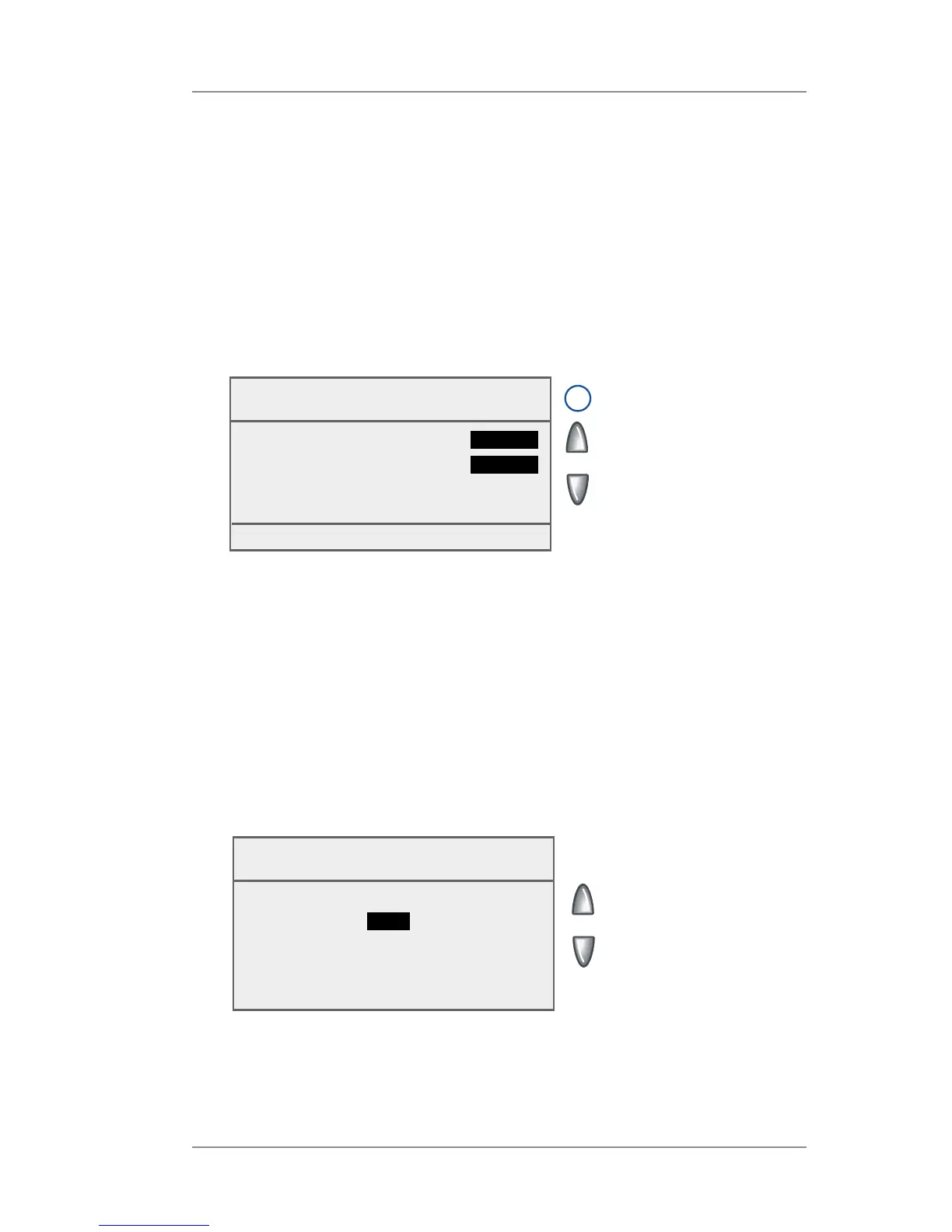
Horizontal
Printing Position
Distance from right edge
5_
(5 - 25 mm)
◄ Accept
Omitting/Restoring Day or Date on the Meter Stamp
For most mailings, you normally print the date as part of the meter stamp.
However, for certain classes of mail, you may want to turn off the date.
Call your local post office or visit www.USPS.com for further information.
1. Press Menu.
2. Select "Printing Options".
3. Select "Omit Day/Date/Other".
4. Select either "Omit Date" or "Omit Day" to toggle between "Yes"
and "No".
5. Press Enter. You will return to the Home Screen.
Omit Day/Date
◄ Omit Date :
No
◄ Omit Day :
No
Done [Enter]
i
NOTE: An option that is
set to "Yes" will not be
printed. You can elect
to omit either the day
or date, but not both.














 To Next Page