11-14
11 • Scale Options
SV62261 Rev. C
Turning On WOW® Mode
The WOW
®
mode allows you to feed mail pieces having various
weights (1 oz., 2 oz., 3 oz., etc.) into the machine and the machine will
weigh and apply the correct postage to each piece automatically. This
increases your productivity because you don't have to presort the mail
by weight before loading the pieces into the machine.
1. Press Weigh/Rate.
2. If necessary, press the green down arrow key to scroll through
the menu screens.
3. Select "WOW-Weigh on the Way".
4. You return to the Home screen ready to run mail in this mode.
i
NOTE: To exit from a WOW
®
mode, simply:
• enter values (numbers) for key in postage (KIP),
• select KIP, Manual Weight Entry, Attached Scale, Dif-
ferential Weighing mode, or any preset that contains a
different weighing mode than WOW
®
WOW
®
(Weigh-on-the-Way) and Shape-Based Rating
(DM475)
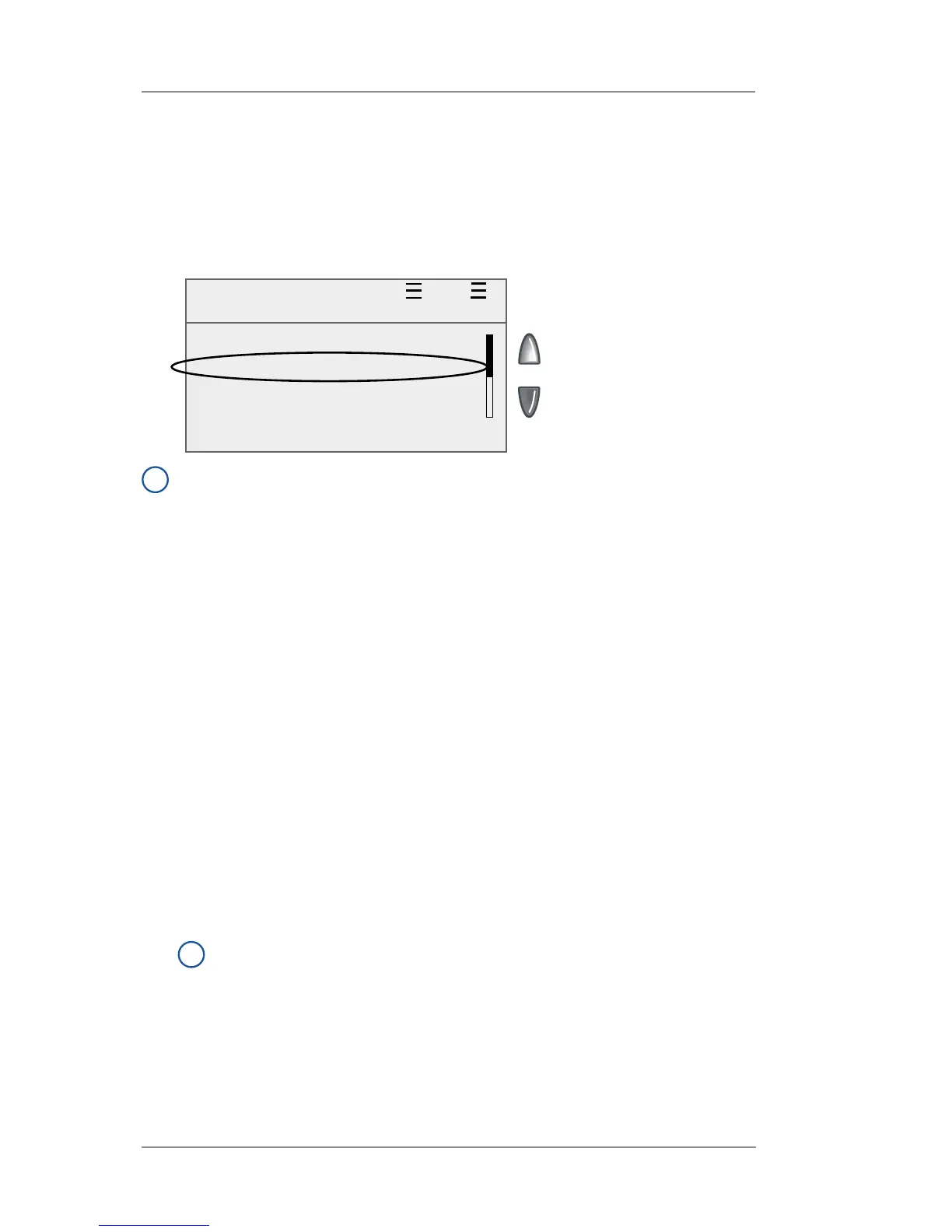
To rate your mail according to USPS
®
shape-based requirements,
the system must be in WOW
®
mode and you must select a class that
has "SBR" in its name (see sample screen below).
i
NOTE: If you do not select a class with "SBR" in its name when
using the WOW® mode, the system will only rate the mail piece
based on weight. This could result in an incorrectly rated mail
piece if the mail piece exceeds certain dimensions (see Appen-
dix B- USPS® First Class Mail® Sizes for the dimensions).
WOW + SBR $0.44
0lb 1.0oz Oct 05 2009
◄ ACCOUNT : None
◄ CLASS : SBR 1stClass
◄ AD : None
◄ INS : None
Ready














 To Next Page