7-2
7 • System Options
SV62261 Rev. C
System Options Overview
System Options allow you to customize the machine for the way you
run your mail and add security to those features that are sensitive to
your organization. Because of the many settings available, the set-
tings are categorized into "Basic" and "Advanced".
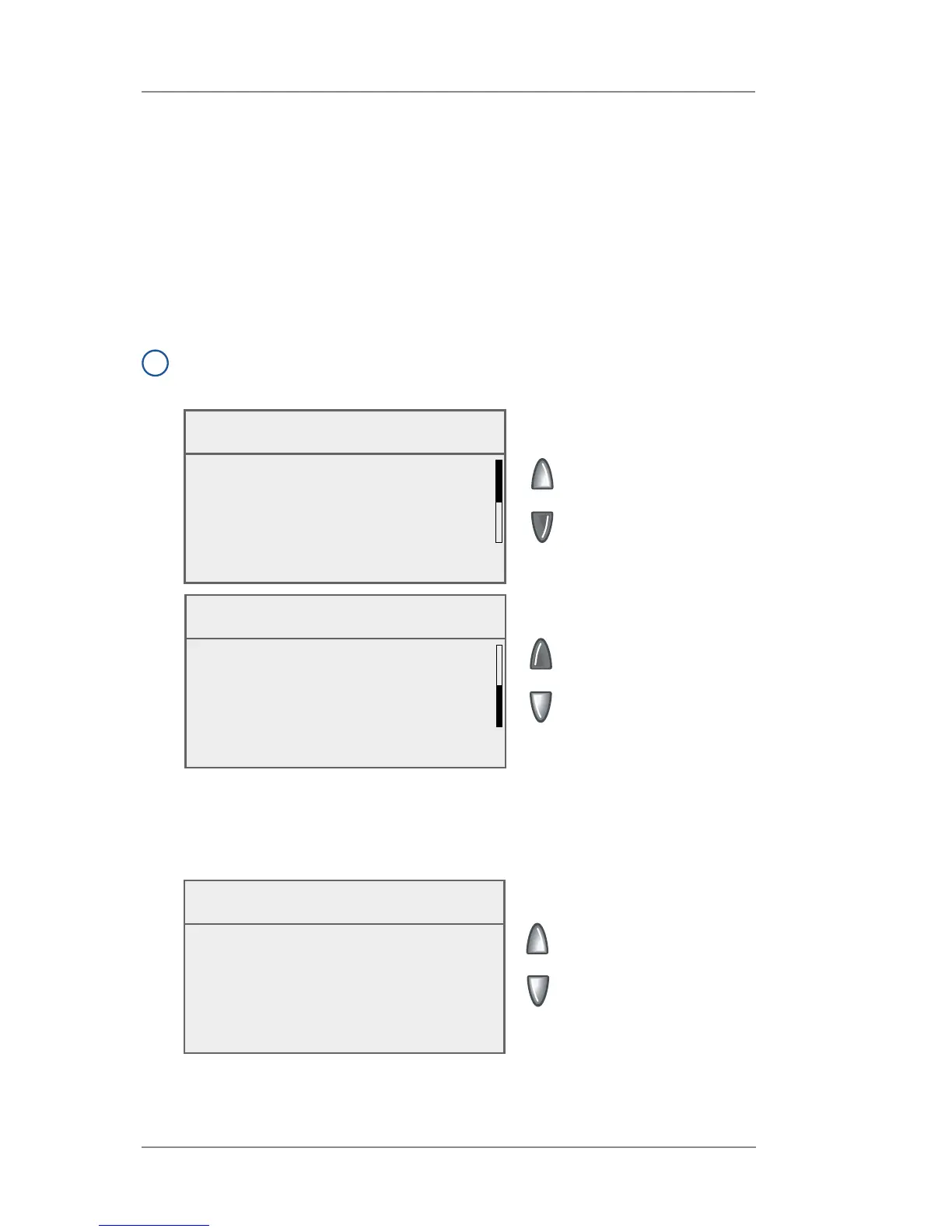
The basic System Options are accessed by pressing Menu and
selecting "Setup Options". You can then select your choice from the
menu as shown below.
i
NOTE: All menu options shown may not be available your system,
based on the features/confi guration purchased for your machine.
Setup
◄ Time & Timeouts
◄ Language
◄ Display Contrast
◄ Postage Limits
The Advanced Options are accessed by pressing Menu, then press-
ing the green down arrow key and selecting "Advanced Features",
which displays a menu of settings as shown below.
Advanced Features
◄ Confirmation Records
◄ Meter Withdrawal
◄ Run Install Model
Setup
◄ Lock Code/Password
◄ Configure Tape Button
◄ Confirmation Service
◄ Serial Port














 To Next Page