11-6
11 • Scale Options
SV62261 Rev. C
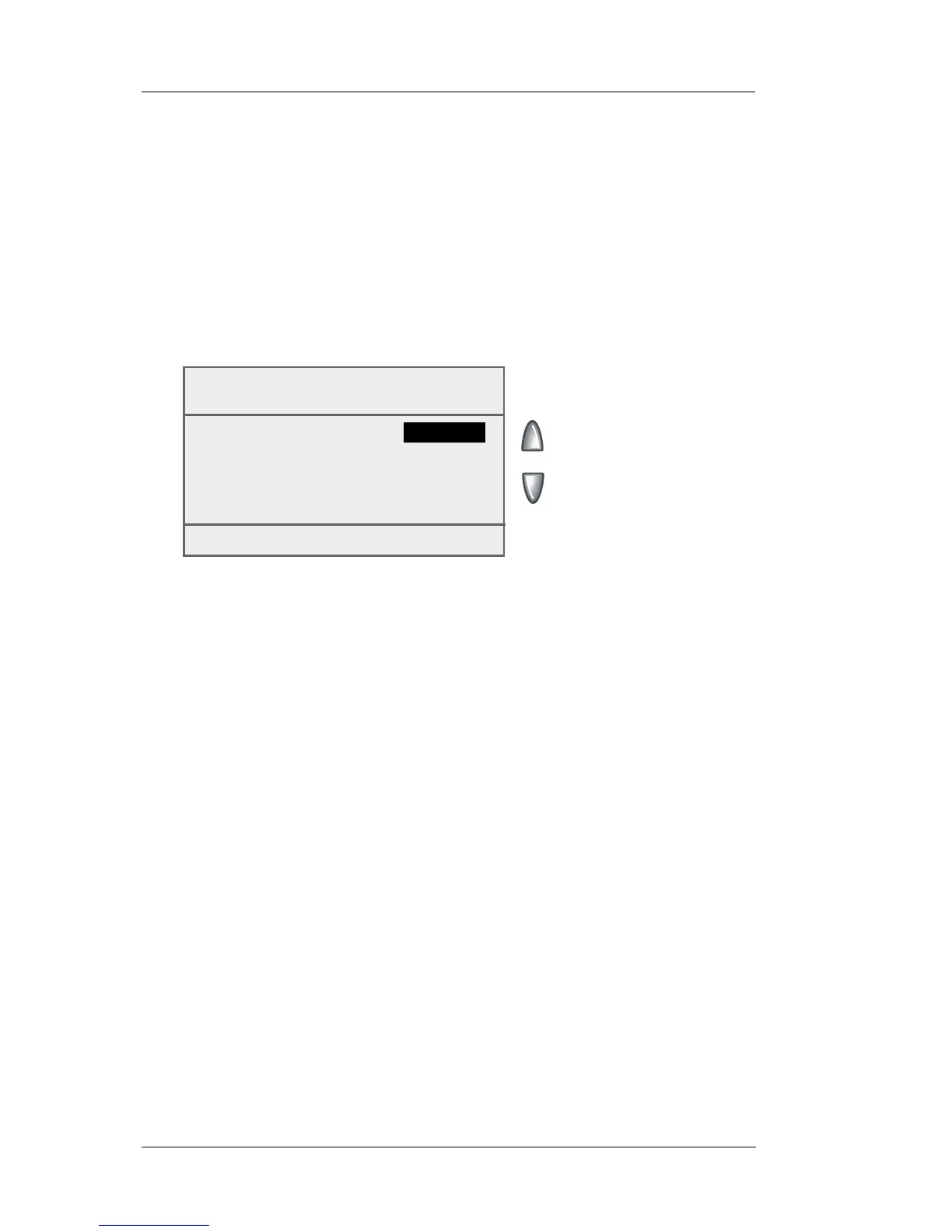
Setting Destination Change Options - Change/Retain
Destination
You can set how the weighing platform reacts regarding the ZIP
Code when the class of service changes.
1. Press Weigh/Rate.
2. If necessary, press the green down arrow key to scroll through
the menu screens.
3. Select "Change/Retain Destination".
When New
Class
◄ Retain ZIP/Zone :
Yes
Done [Enter]
4. Select "Retain ZIP/Zone".
• Toggle "Yes" if you want the system to retain the ZIP Code
when the class changes.
• Toggle "No" if you do not want the system to retain the ZIP
Code when the class changes.
5. Press Enter when done to return to the Home screen














 To Next Page