6-11
6 • Adding Postage/Connecting to Data Center
SV62261 Rev. C
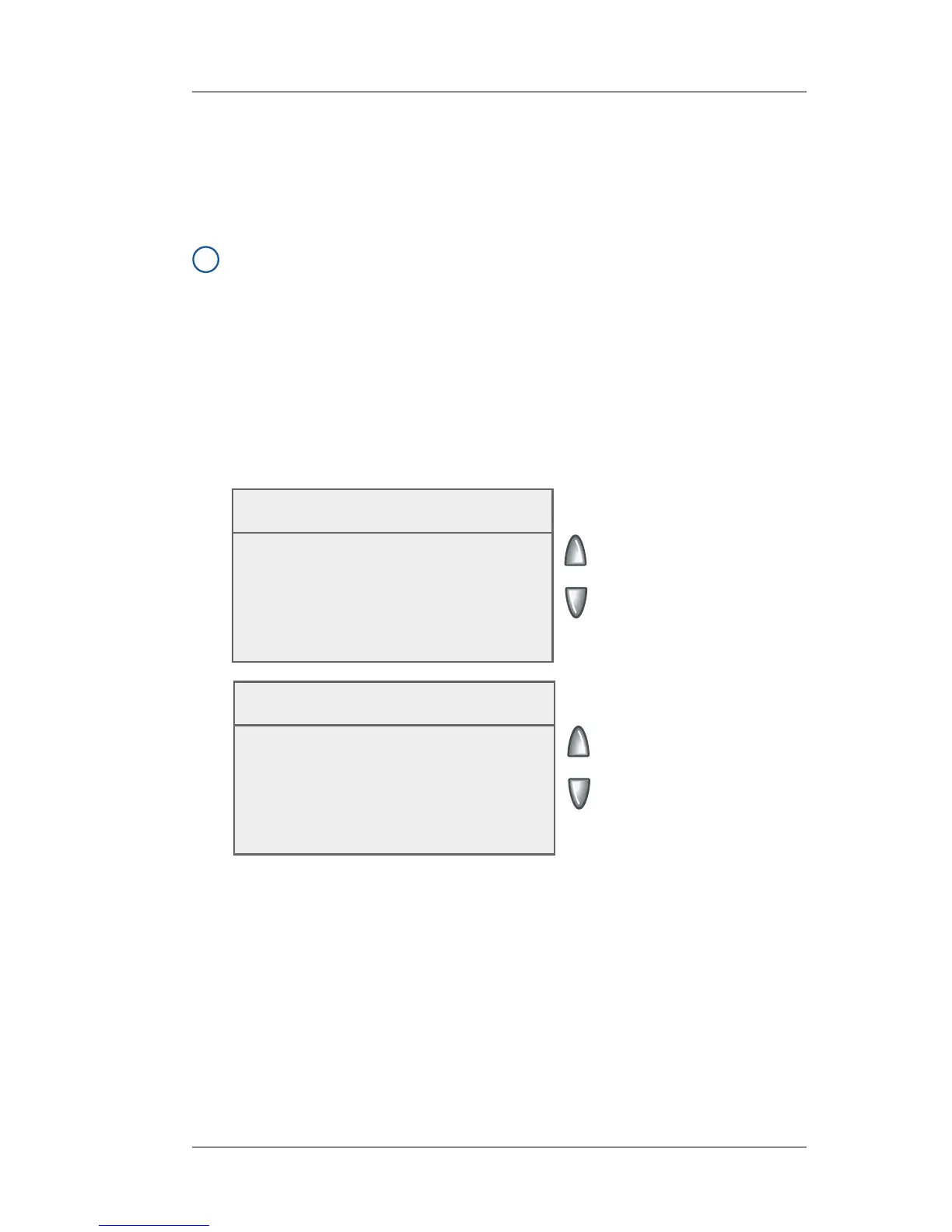
Requesting
PBP Balance
Please Wait....
PBP Balance
Prepaid : $ xxxxx
Other : $ xxxxx
◄ Refill Postage
◄ Continue
If there are no updates for your system, you will return to the
Home screen. If there are updates available, the display notifies
you of this fact.
Prepaid – the amount you have prepaid in your Postage By
Phone® ac count balance (by sending in a check, using your
credit card, etc.)
Other – the amount you have on credit on your Postage By
Phone® ac count balance (by signing up to one of the various
Pitney Bowes credit programs such as Purchase Power, etc.)
Checking Your Postage By Phone
®
Account Balance
You can check your Postage By Phone
®
ac count balance at any
time, as long as your system is connected to the Pitney Bowes Data
Center.
i
NOTE: The Postage By Phone® ac count balance represents the
funds in your account, not the amount in your meter.
1. Press Refill Postage.
2. Select “Check PBP Balance”.
3. The system connects to the Pitney Bowes Data Center (this may
take a few moments). Various screens displays, letting you know
the status of the process.
4. The Prepaid and Other balances displays. Select "Continue" to
return to the Funds Options menu.














 To Next Page