3-16
3 • Running Mail
SV62261 Rev. C
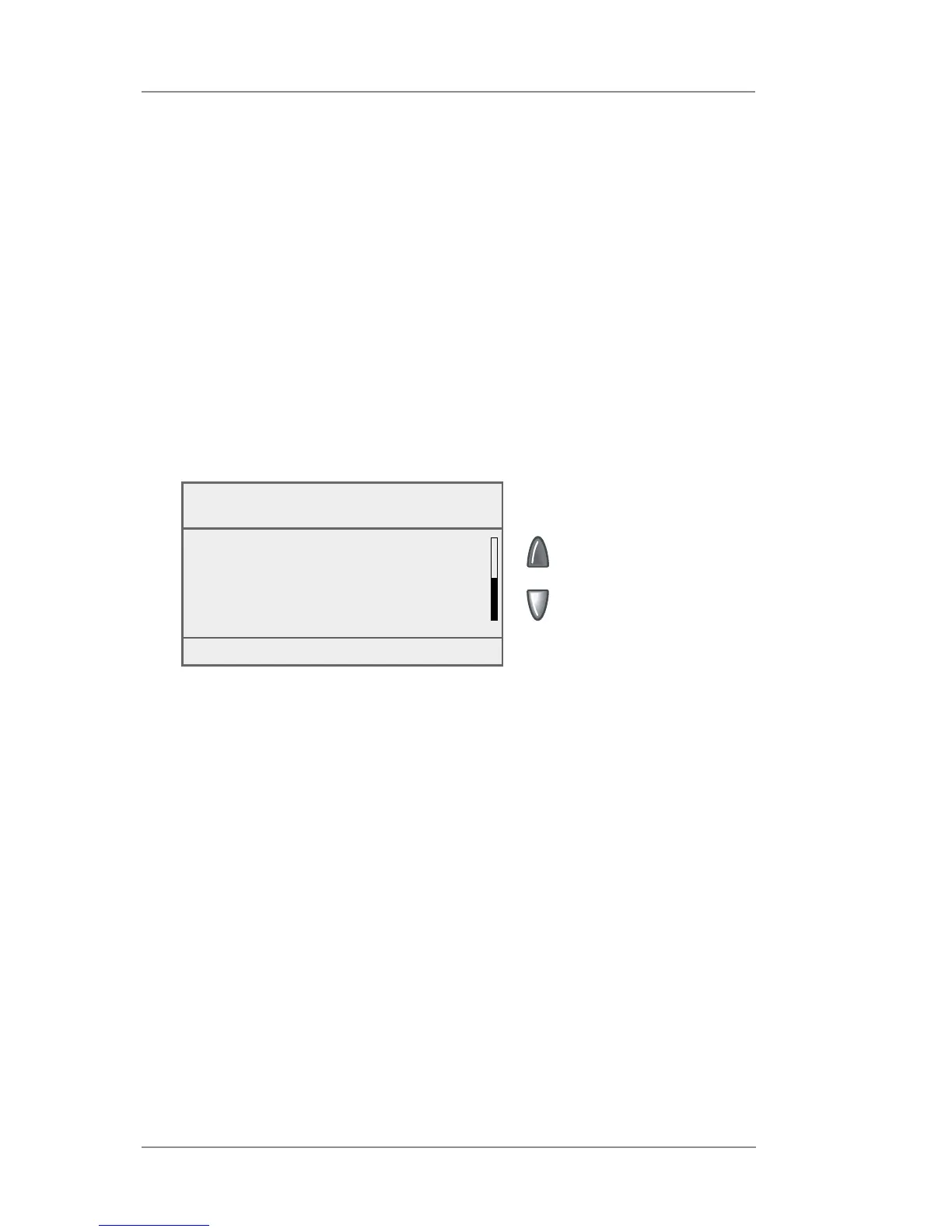
Viewing (Checking) the Batch Count
1. Press Funds.
2. Press the green down arrow key to scroll through the menu and
view the Batch Count information. (Batch Count is the last item in
the Funds menu list.)
Checking and Clearing the Batch Count
Your system has the ability to keep track of batches of mail if desired.
You may use this feature to track the amount of mail going out per
day, per week, per month, etc. The system stores the postage value
and piece count in for ma tion in a "batch register". You can view and
print the batch register values at any time. You can also clear/ reset
the batch register to zero when necessary.
3. Press Home to return to the Home screen.
Funds
Batch Value : $ 11.65
Batch Count : 3
Funds Options (Menu)














 To Next Page