3-2
3 • Running Mail
SV62261 Rev. C
Home Screen
When you power up your system, the Home screen ap pears on the
operating display. If your sys tem has been set up to require a Lock
Code or password, you are prompted to enter it.
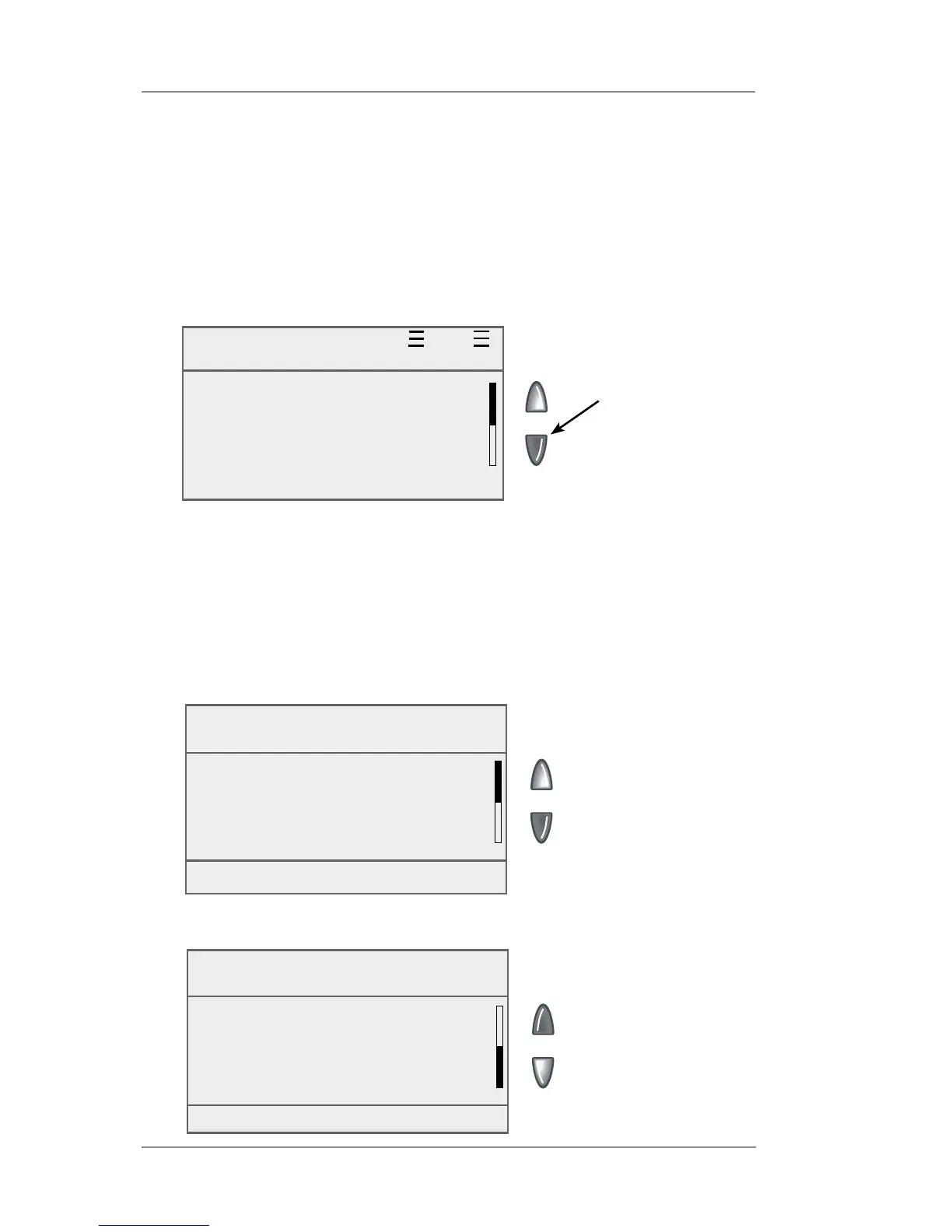
A typical Home screen is shown below (your screen may vary
slightly if you have not purchased the optional accounting feature or
weighing platform):
The Up/Down
arrow keys are
lit up (green)
when there are
additional menu
options.
Key In Postage $0.00
Oct 05 2009
◄ ACCOUNT : None
◄ CLASS : None
◄ AD : None
◄ INS : None
Funds
Available : $204.94
Used : $17.06
Total Pieces : 130
Ctl Sum : $222.00
More Options (Menu)
Funds
Batch Value : $ 11.65
Batch Count : 3
More Options (Menu)
Checking Funds (Postage) Availability in Machine
It is a good idea to check the amount of funds (postage) in your
meter before running your daily mail.
1. Press Funds.
2. View funds used and pieces processed.
3. Press the down arrow key to view additional information.














 To Next Page