11-7
11 • Scale Options
SV62261 Rev. C
Setting the Scale Location Code
The location code is used to calibrate your scale to your geographic
location, based on your latitude coordinates. Normally, you do not
need to change the scale location code once your system has been
installed.
However, if you have moved the location of your system at least
100 miles (north or south only) from its original location and a Pitney
Bowes agent has directed you to do so, enter in the new location
code provided to you.
1. Press Weigh/Rate.
2. If necessary, press the green down arrow key to scroll through
the menu screens.
3. Select "Scale Location Code".
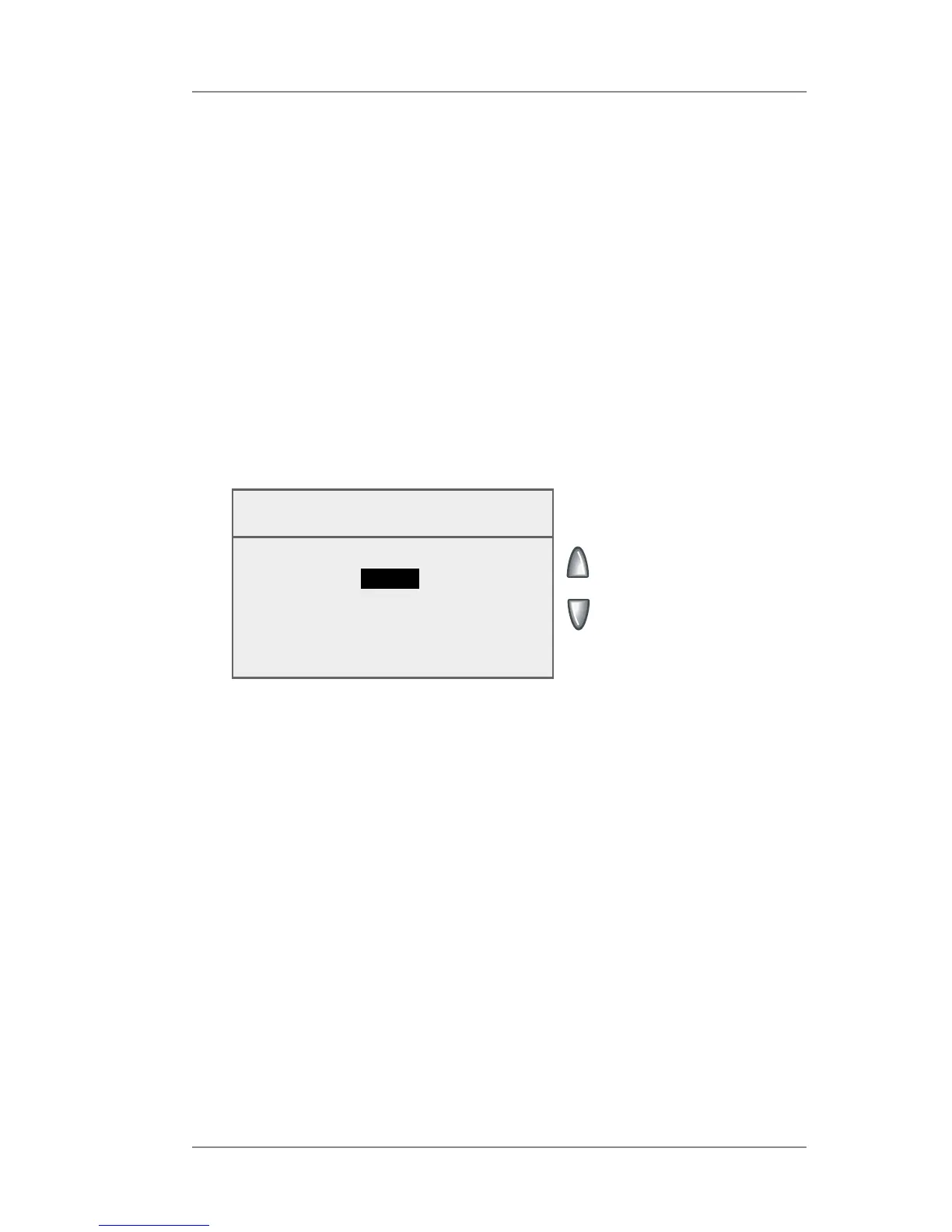
Scale Location Code
Enter Code:
_
(1-31)
◄ Accept
4. Enter the location code (from 1 - 31) provided to you.
5. Select "Accept".














 To Next Page