11-4
11 • Scale Options
SV62261 Rev. C
Turning Auto Scale On or Off
Use the Auto Scale option to determine if you want the system to
switch to "scale" mode (using the scale to weigh a mail piece for rat-
ing) when the weighing platform is touched.
1. Press Weigh/Rate.
2. If necessary, press the green down arrow key to scroll through
the menu screens.
3. Select "Turn Rate Preview On/Off".
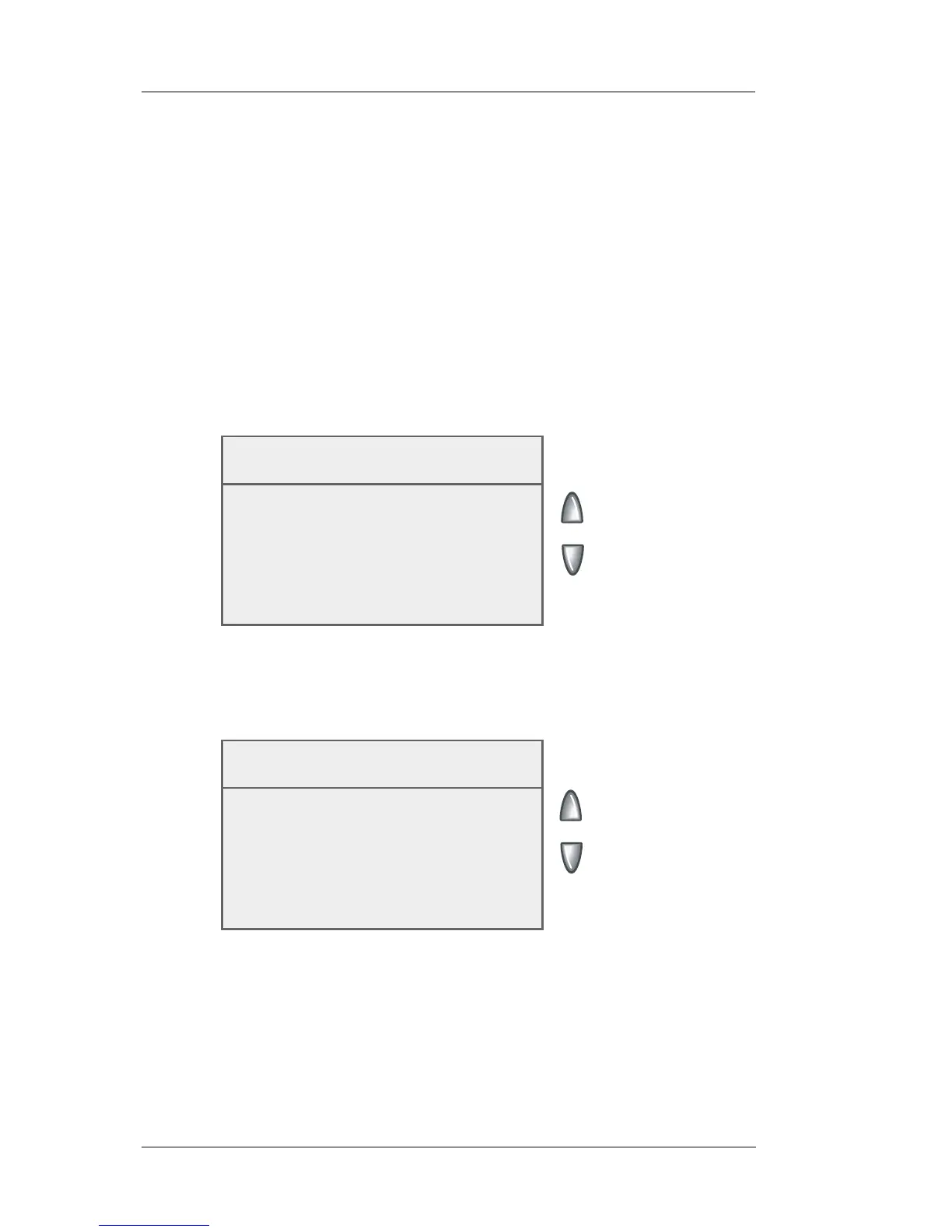
• If the weighing platform is ON, you will be prompted to "Turn
Auto Scale OFF" or "Keep it turned ON". Select the appropri-
ate option.
Currently the Auto
Scale is ON
When ON, change in weight will calcu-
late new rate.
◄ Turn Auto Scale OFF
◄ Keep it turned ON
• If the weighing platform is OFF, you will be prompted to "Turn
Auto Scale ON" or "Keep it turned OFF". Select the appropri-
ate option.
4. Depending on the changes you make, the system will do one of
the following:
• If you elect to turn the weighing platform on or off, you return
to the Home screen with either the weighing platform on or
off.
• If you elect to keep the weighing platform in its current mode,
you return to the Weight/Rate menu.
Currently the Auto
Scale is OFF
When ON, change in weight will calcu-
late new rate.
◄ Turn Auto Scale ON
◄ Keep it turned OFF














 To Next Page