13-1SV62261 Rev. C
This chapter explains how to troubleshoot your mailing
system.
Getting Help......................................................................13-2
Messages on the LCD Display .........................................13-2
Blank Display ....................................................................13-2
Display Difficult to Read ...................................................13-3
Printing Problems .............................................................13-3
Feeding Problems (stalled envelopes) ............................13-4
To avoid stalled envelopes .........................................13-4
To clear stalled envelope in printer area ....................13-4
To clear stalled envelope in feeder area (DM400c) ........13-5
To clear stalled envelope in feeder/WOW area
(DM475) ...........................................................................13-6
Moistening Problems (envelopes don't seal) ....................13-8
Mail Transport Error Messages ...........................................13-9
Problems Connecting to Data Center via LAN Network ..13-10
Problems Refilling Postage via PC Meter Connect™.....13-11
Problems Connecting to the Data Center via PC Meter
Connect™.......................................................................13-13
Problems Connecting to the Data Center via Analog Line ....13-14
Viewing System Configuration Levels ............................13-14
Accidentally Printing the Wrong Postage .......................13-15
13 • Troubleshooting
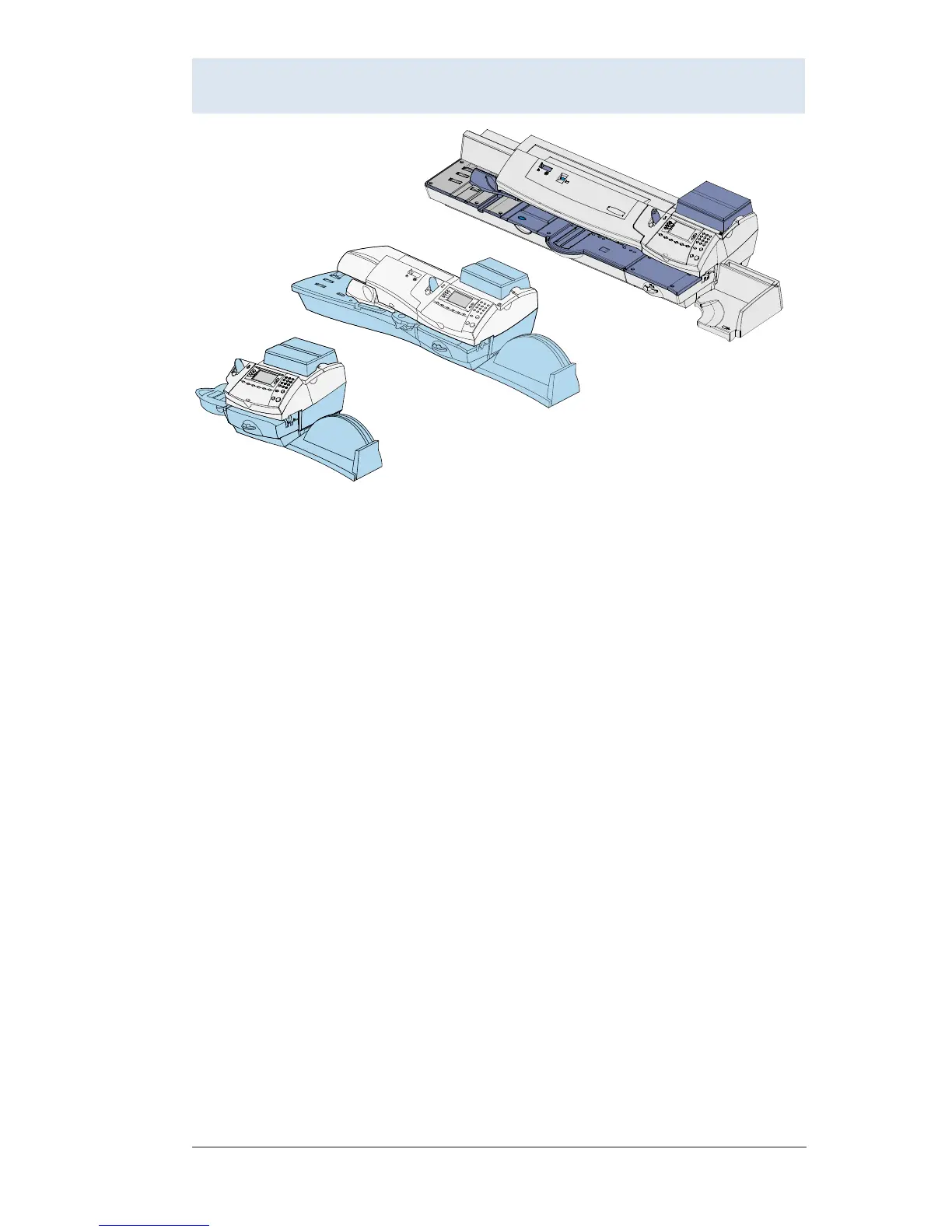
DM300c
DM400c
DM475














 To Next Page