4-2
4 • Printing Options
SV62261 Rev. C
Printing Options Overview
There are various printing options available when processing mail
through the system. You can:
• Seal the envelope without printing the meter stamp.
• Print the date and time, an advertisement, or text on mail.
• Set or advance the date.
• Omit day or date when printing an indicia.
• Adjust the horizontal print position of the indicia on the mail.
• Print/download a postal inscription.
• Print/download an envelope advertisement
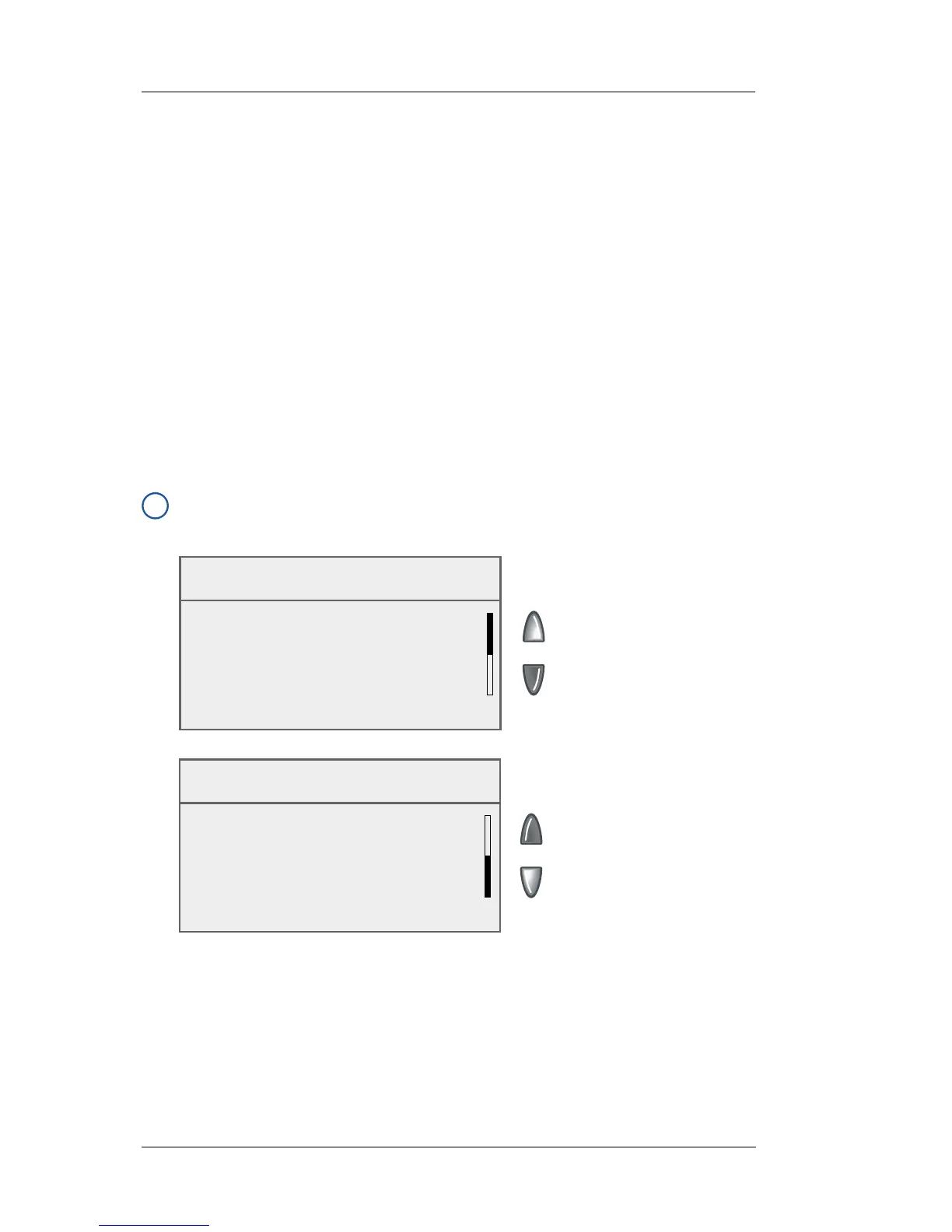
Many of these settings are available by pressing Menu and selecting
"Printing Options" (see below).
i
NOTE: All menu options shown may not be available your system,
based on the features/confi guration purchased for your machine.
Printing Options
◄ No Printing (Seal Only)
◄ Text-Ad-Date-Time Mode
◄ Set or Advance Date
◄ Omit Day/Date/Other
Printing Options
◄ Set Printing Position














 To Next Page