3-12
3 • Running Mail
SV62261 Rev. C
Selecting an Account to Track Postage
You can select an account to track postage if one of the optional
departmental accounting features is turned on. See Chapter 8,
Standard Accounting Option, for additional information.
1. From Home screen, press the selection key next to Account. The
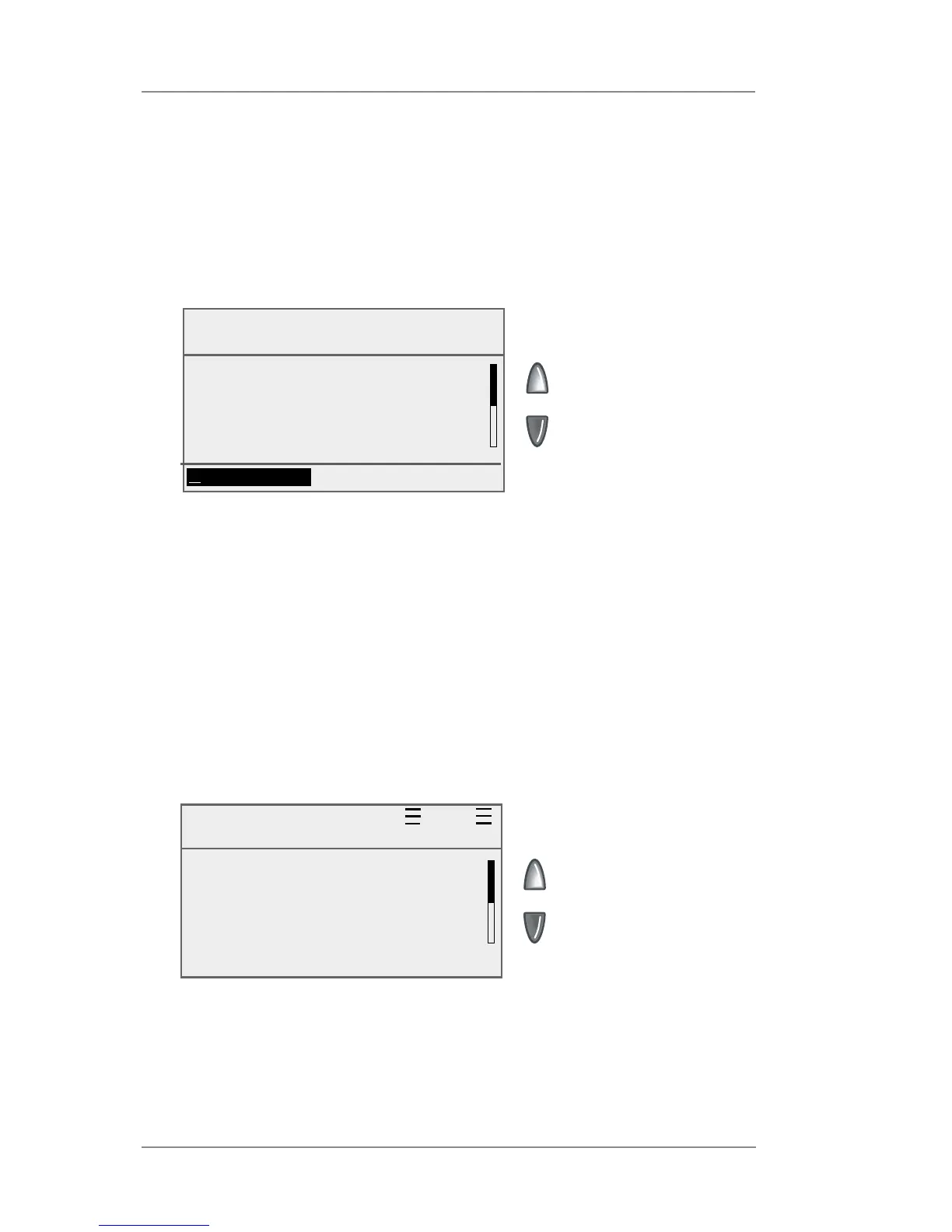
"Select Account" screen displays
Select Account
Current: None
None 0
◄ Sales 1
◄ Engineering 2
◄ Marketing 3
(Use Keypad)
2. Press the down arrow key to see more choices (if lit). To select
an account:
A. You may either key in the first digit of the account number if
you know it and press Enter, OR
B. Use the appropriate selection key next to the display.
Key In Postage $0.44
Oct 05 2009
◄ Account : Sales
◄ Class : None
◄ Ad : None
◄ Inscrip. : None
3. If a password has been assigned to this account, you will
be prompted to enter one. Key in the four-digit password if
necessary.
4. You return to the Home screen with the name of the account
listed (the example below shows "Sales" as the account chosen).














 To Next Page