10-5
10 • Text Messages
SV62261 Rev. C
Creating a Text Message
1. Press the Menu key.
2. Select “Text Messages.”
3. Select “Create New Messages.”
4. The system indicates that messages must comply with postal
rules for ads. Select “Accept & Continue.”
i
NOTE: See Postal Rules and Guidance in this chapter for
more information.
6. Use the keypad to type in a name for the text message, then
select “Accept.”
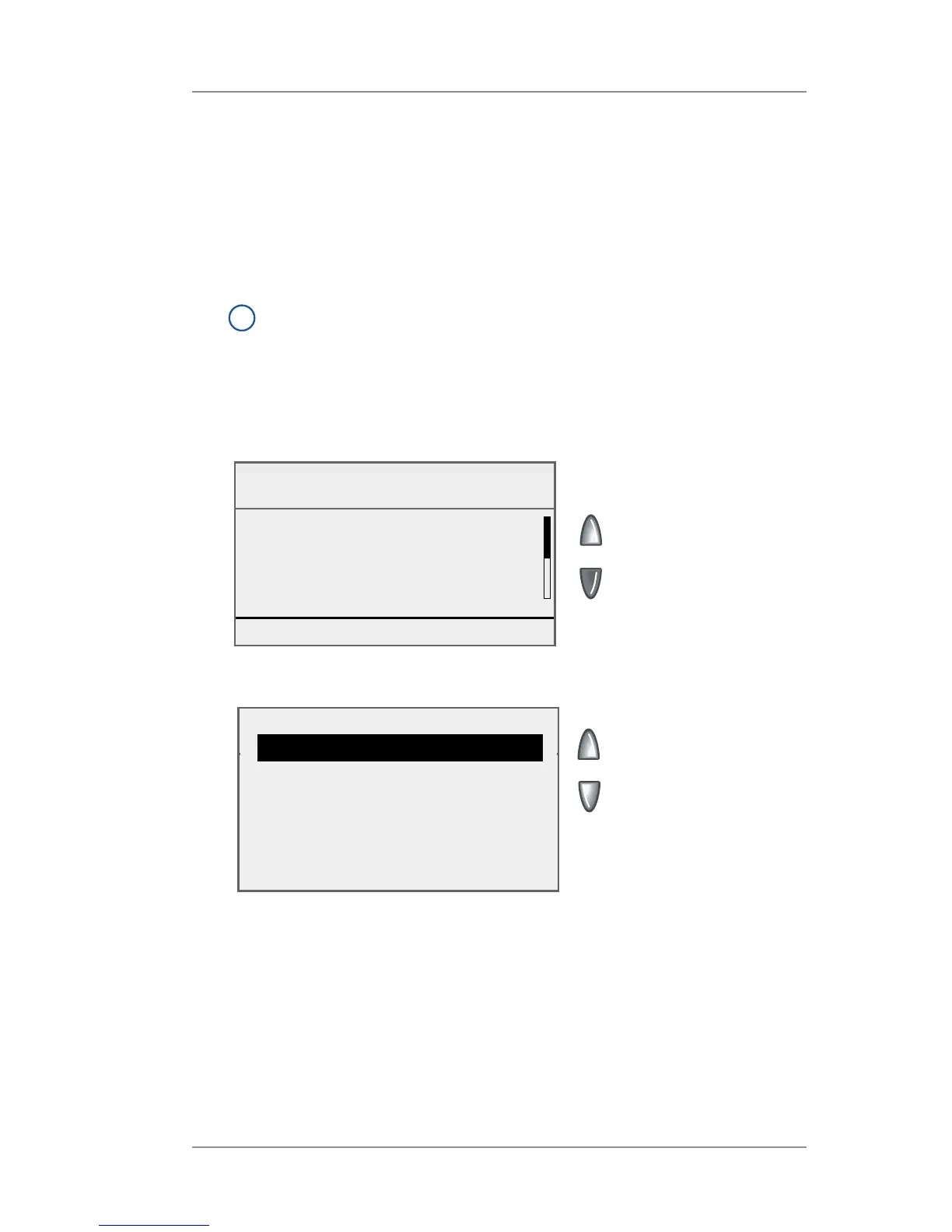
7. Select “1” to access the first line of text.
Create New Message
Txt Msg: ACME Finance
◄ 1 :
◄ 2 :
◄ 3 :
◄ 4 :
Done [Enter]
8. The Edit Line screen displays.
Edit Line 1
|
◄ Edit Options
◄ Edit Next Line
◄ Cancel
◄ Accept
a. Type in the appropriate text.
b. Select “Edit Next Line”.
c. Repeat steps a and b until all lines of text are complete. You
can enter up to five lines of text, with a maximum of 16 al-
phanumeric characters per line.
d. Select “Accept” when done.
9. Press Enter to return to the Text Messages menu.














 To Next Page