6-17
6 • Adding Postage/Connecting to Data Center
SV62261 Rev. C
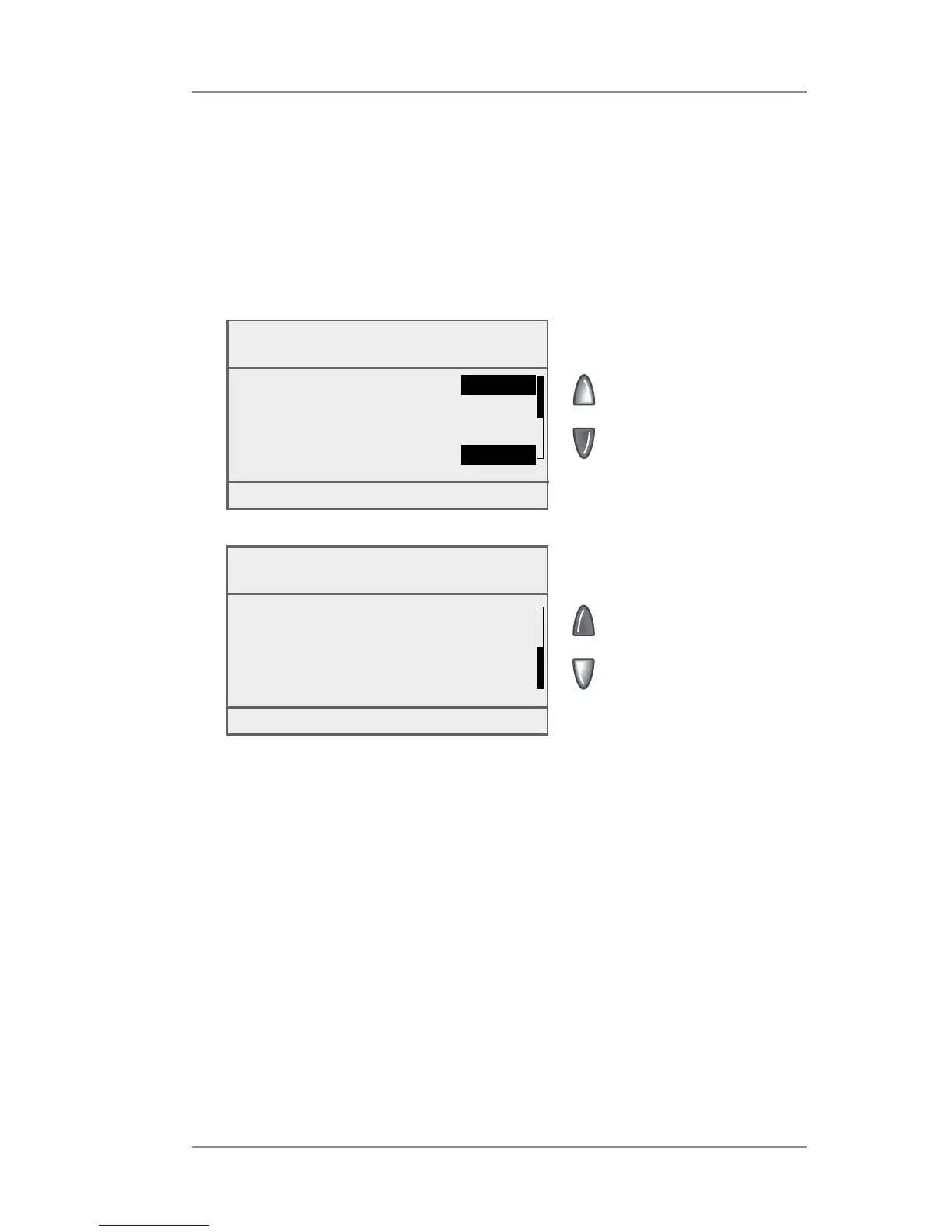
Analog Phone Line Connection Settings
If an Internet connection is not available, you can use an analog
phone line to connect to the Data Center. The Phone Settings menu
allows you to modify the phone con nec tion settings on your machine
(tone or pulse, dial prefix, etc.)
Settings for Connecting to the Data Center (cont'd)
Phone Settings
◄ Dial Type :
Tone
◄ Dialing Prefix : None
◄ PBP Phone# : xxxxxx....
◄ Blind Dialing :
ON/OFF
Done [Enter]
Phone Settings
◄ Modem String : xxxxxx...
◄ PBP Account # : xxxxxx...
Done [Enter]














 To Next Page