10-6
10 • Text Messages
SV62261 Rev. C
Viewing/Editing a Text Message
1. Press the Menu key.
2. Select “Text Messages.”
3. Select “View/Edit Messages.”
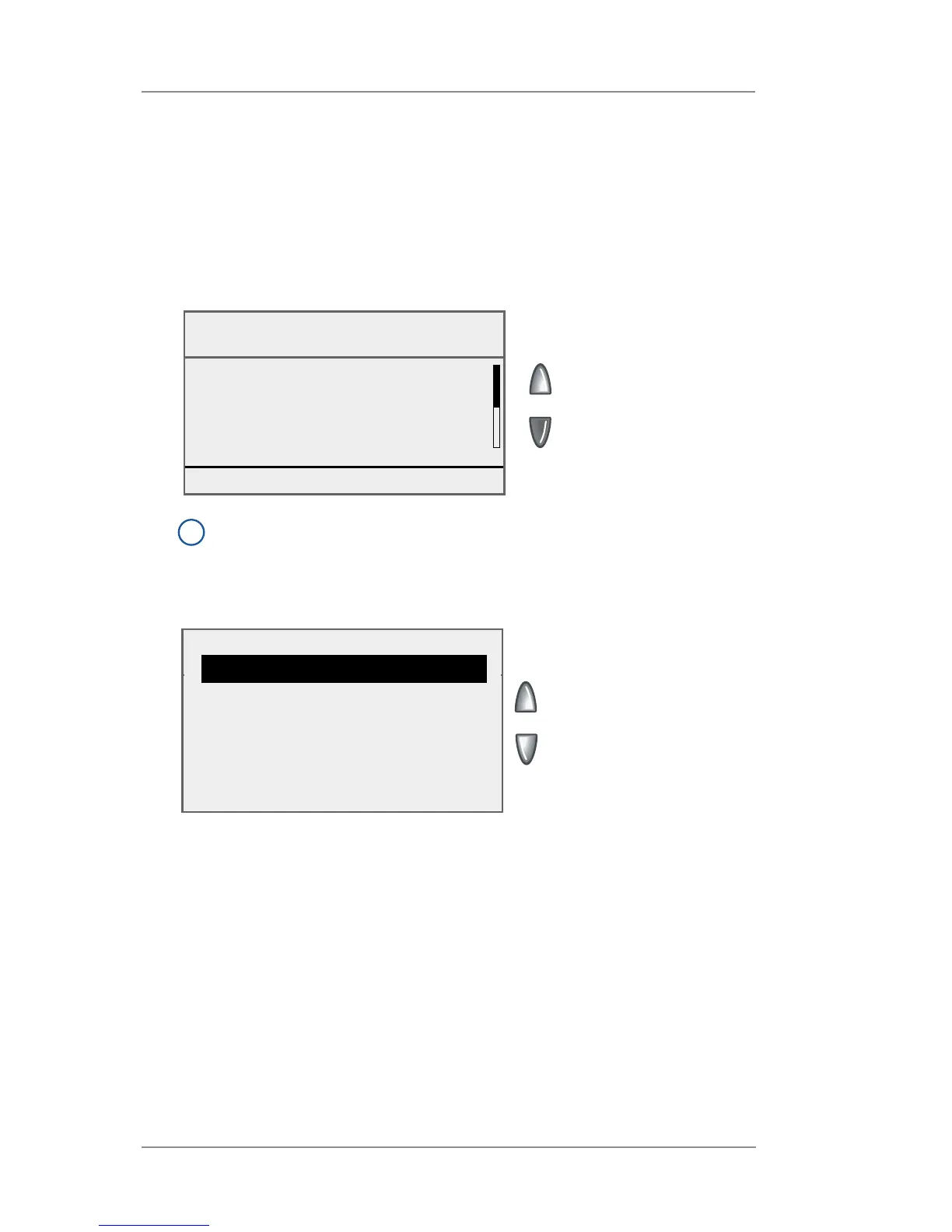
4. Select a message to edit. If necessary, press the green down
arrow key to view the next menu screen.
View/Edit Messages
Txt Msg: ACME Finance
◄ Acme Corp. Finance
◄ Dept. Building 3
◄ Floor 16
◄ Aberdeen Parkway
Done [Enter]
Edit Line 2
Dept. Building 3|
◄ Edit Options
◄ Edit Next Line
◄ Cancel
◄ Accept
5. Select the line of text to edit.
i
NOTE: If you are only viewing the Text Message, press Enter
to return to the Text Messages menu.














 To Next Page