4-6
4 • Printing Options
SV62261 Rev. C
Printing the Date and Time, Ad or Text (no meter stamp)
You may want to use this feature to time-stamp incoming mail or
sensitive documents, or to include an ad or text to outgoing letters
already having a meter stamp.
1. Press Menu.
2. Select "Printing Options."
3. Select "Text-Ad-Date-Time Mode."
• Date-Time -This option allows you to toggle between "Print"
and "Do Not Print."
• Ad - This option allows you to select an advertisement to
print on the envelope/tape.
• Text - This option allows you to select a preconfigured text
message to print on the envelope/tape. Refer to Chapter 10,
Text Messages for more information about configuring text
messages.
4. To manually feed envelopes (DM300c): Place the envelope up
against the registration wall of the sys tem and slide it to the right
until the sys tem grasps it. The system prints the dig i tal indicia
and ejects the envelope.
To automatically feed envelopes (DM400c/DM475): Load
envelopes onto the feeder and press Start. The system
automatically feeds the envelope, prints the digital indicia and
ejects the envelope.
To print tapes: Press Tape. Enter the number of tapes and press
Start.
i
NOTE: Make sure you orient the mail piece so the date and time
prints on a blank section of the mail piece.
5. Select “Return to Normal Mode” when finished to return to the
Home screen.
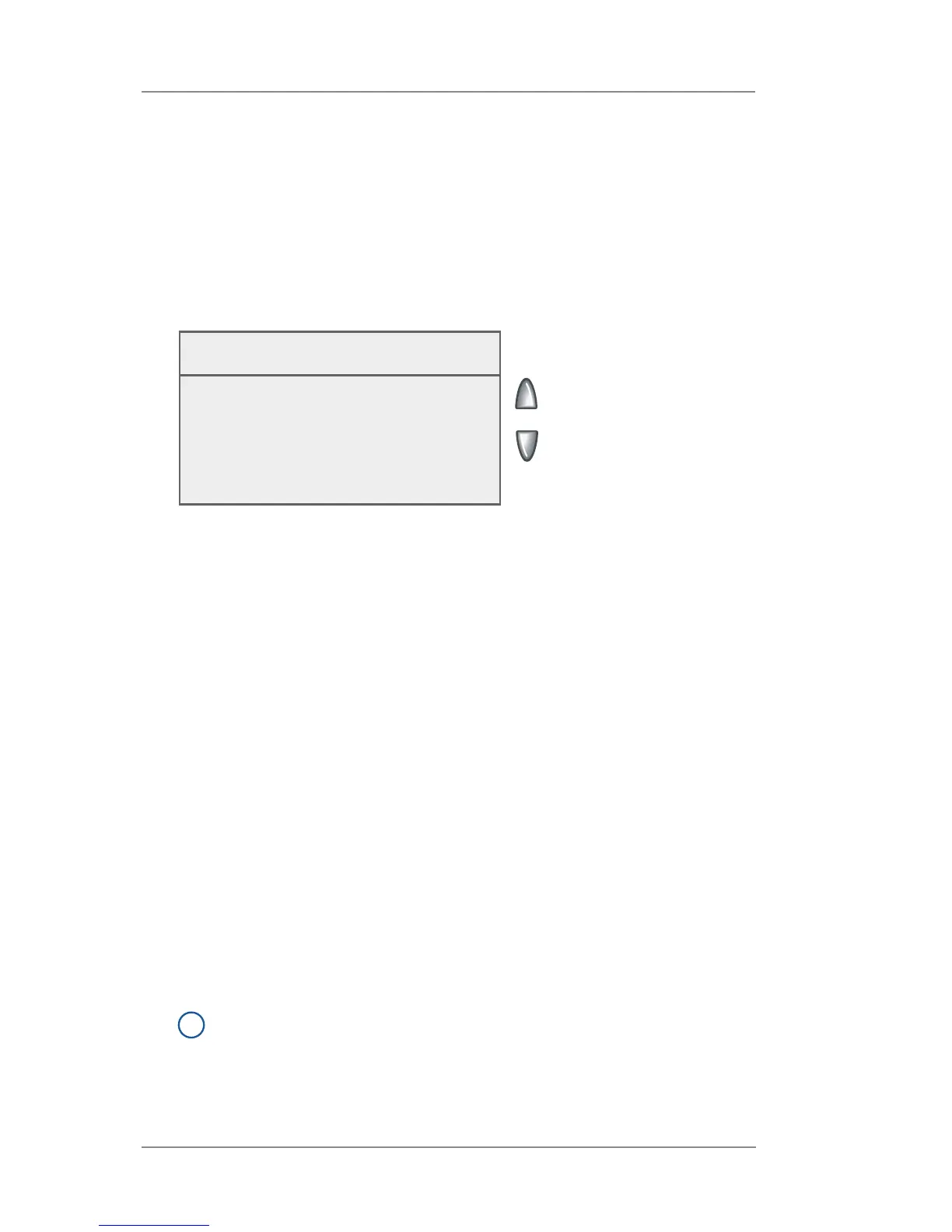
Text-Ad-Date-Time screen on Manual Feed System
When Ready Insert
Envelope or Press Tape
◄ Date-Time : Print
◄ Ad : None
◄ Text : None
◄ Return to Normal Mode














 To Next Page