11-5
11 • Scale Options
SV62261 Rev. C
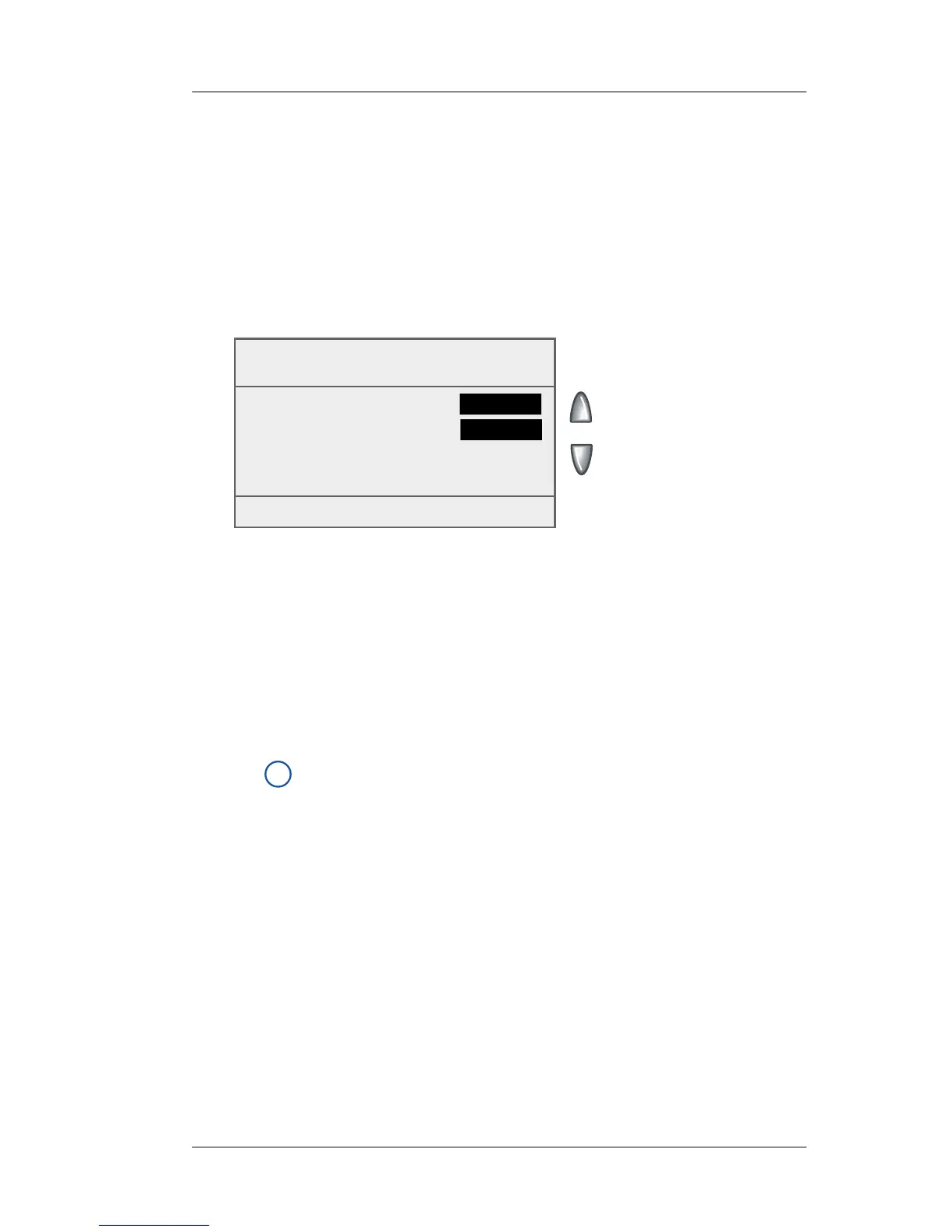
Setting Weight Change Options - Change/Retain Class
You can set how the weighing platform reacts regarding the class of
service or ZIP Code when the weight changes.
1. Press Weigh/Rate.
2. If necessary, press the green down arrow key to scroll through
the menu screens.
3. Select "Change/Retain Class".
When New
Piece
◄ Retain Class :
Yes
◄ Retain dest (ZIP/Zone) :
Yes
Done [Enter]
4. Select "Retain Class".
• Toggle "Yes" if you want the system to retain the class when
the weight changes.
• Toggle "No" if you do not want the system to retain the class
when the weight changes.
5. Select "Retain dest (ZIP/Zone)".
• Toggle "Yes" if you want the system to retain the ZIP Code/
Zone when the weight changes.
i
NOTE: Not applicable if Retain Class is set to "No".
• Toggle "No" if you do not want the system to retain the ZIP
Code/Zone when the weight changes.
6. Press Home when done to return to the Home screen.














 To Next Page