12-4
12 • Maintenance
SV62261 Rev. C
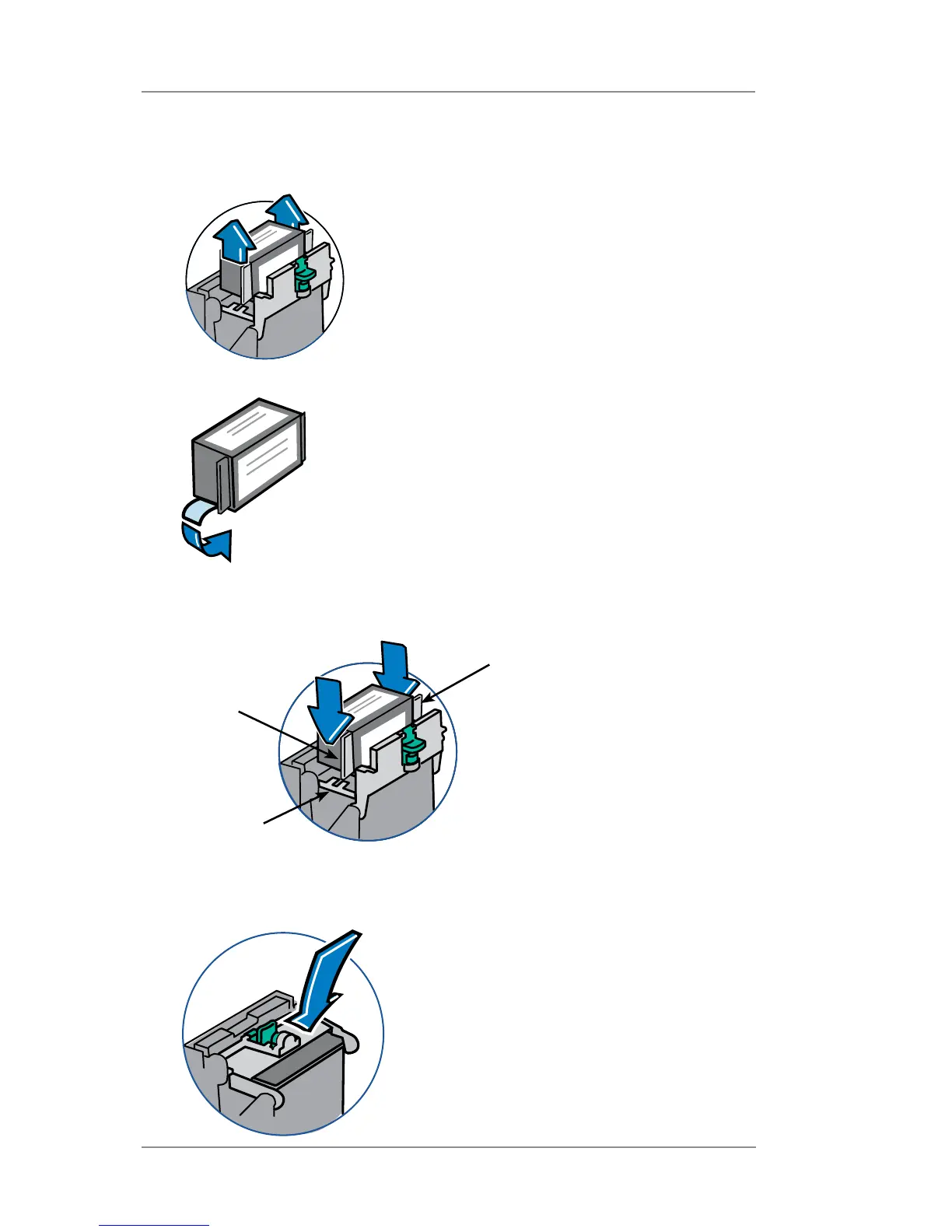
7 Rotate guard back to closed position and be sure it latches.
Press on the two half-circle shaped pads on either side of the
green latch until the latch snaps into place
6. Lower the ink tank cartridge into the cavity. The cartridge should
drop in freely - do not push. The ridges on either side of the car-
tridge will slide into the grooves.
Groove
Ridge
Ridge
5. Remove tape on bottom of new ink tank cartridge.
Replacing the Ink Tank Cartridge (cont'd)
4. Lift up and remove old ink tank cartridge.














 To Next Page