3-14
3 • Running Mail
SV62261 Rev. C
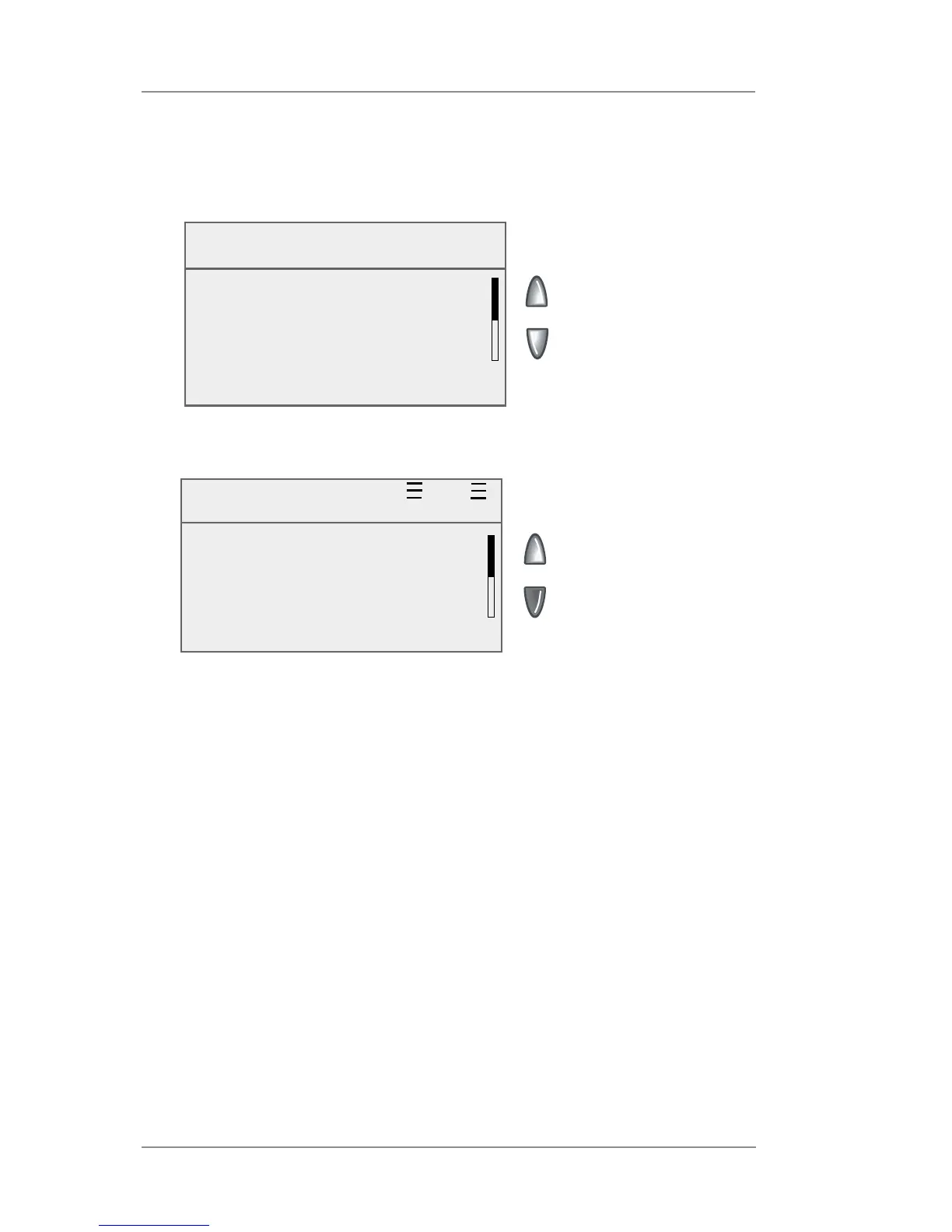
6. The total weight of the mail pieces are displayed. As prompted,
remove one item from the scale.
Diff. Weight $0.61
0lb 2.0 oz Oct 05 2009
◄ ACCOUNT : Sales
◄ CLASS : 1st Cl ltr
◄ AD : None
◄ INS : None
8. Remove the top item from the stack and:
DM300c - If using the moistener, place flap along moistener and
move towards the right.
DM400c/DM475 - Load the envelope onto the feeder with the
flap down and fac ing the rear wall.
9. DM300c - Place the envelope up against the registration wall of
the sys tem and slide it to the right until the sys tem grasps it. The
system prints the meter stamp and ejects the envelope.
DM400c/DM475 - Slide the side guide up to the envelope. Leave
space (about the thickness of a dime) between the side guide
and the envelope to ensure feeding is not restricted. Press Start.
The system automatically feeds the envelope, prints the digital
indicia and ejects the envelope.
10. The same screen from Step 6 appears.
Repeat steps 6 -10 for each item that needs postage.
Using Differential Weighing (cont'd)
7. A ready to print postage screen displays, showing the weight of the
item removed.
Remove One Mail Piece
From the Scale
Total weight: 0lb 2.0 oz
◄ Exit Diff. Weighing














 To Next Page