6-1SV62261 Rev. C
6 • Adding Postage/
Connecting to Data Center
This chapter explains how to add postage to your system
using Pitney Bowes' Postage By Phone
®
service and
connecting to the Pitney Bowes Data Center.
Postage and Your Machine.................................................6-2
Establishing Communications Between Your Machine and
the Pitney Bowes Data Center ...........................................6-2
Downloads from the Data Center to Your Machine ................6-3
Using LAN Network (Constant Connection) to Establish
Communications with the Data Center ................................6-6
Using PC Meter Connect
™
to Establish Communications with
the Data Center ..................................................................6-7
Using an Analog Phone Line to Establish Communications with
the Data Center ..................................................................6-9
Checking Funds (Postage) Availability in Machine ...........6-10
Checking Your Postage By Phone
®
Account Balance ......6-11
Adding Postage ................................................................6-12
Printing a Funds Report....................................................6-14
Downloading Files or Updating System............................6-15
Settings for Connecting to the Data Center ........................ 6-16
LAN Connection Settings ...........................................6-16
Analog Phone Line Connection Settings ...................6-17
Data Center Distributor Settings ................................6-20
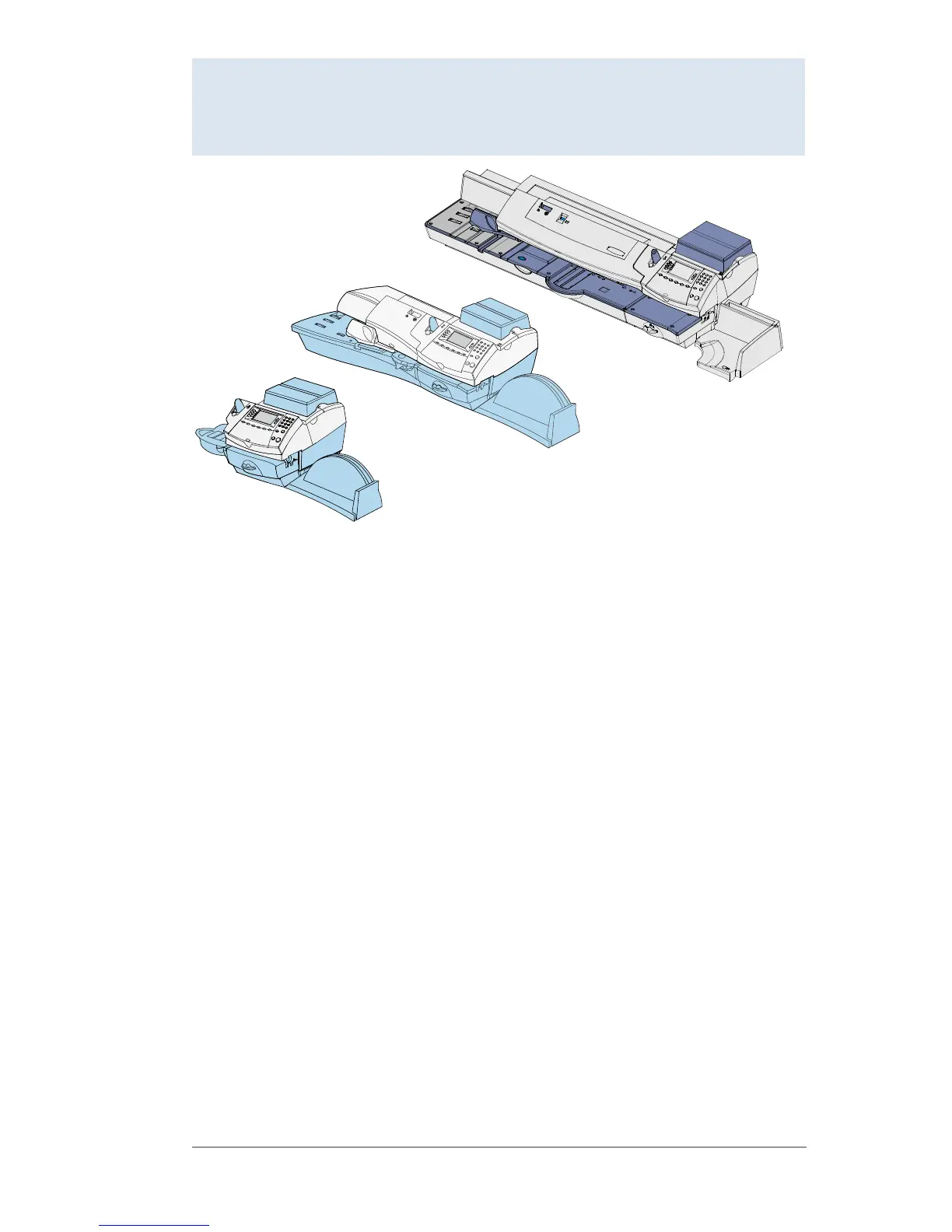
DM300c
DM400c
DM475














 To Next Page