Before you begin
In order to print an international shipping label with customs form from your device, you need to
connect it to an 8.5 x 11 1E50 or 1E60 laser printer.
If you do not have a 1E50 or 1E60 laser printer, you print an international label from your SendPro
Online or PitneyShip account using any 8.5 x 11 printer.
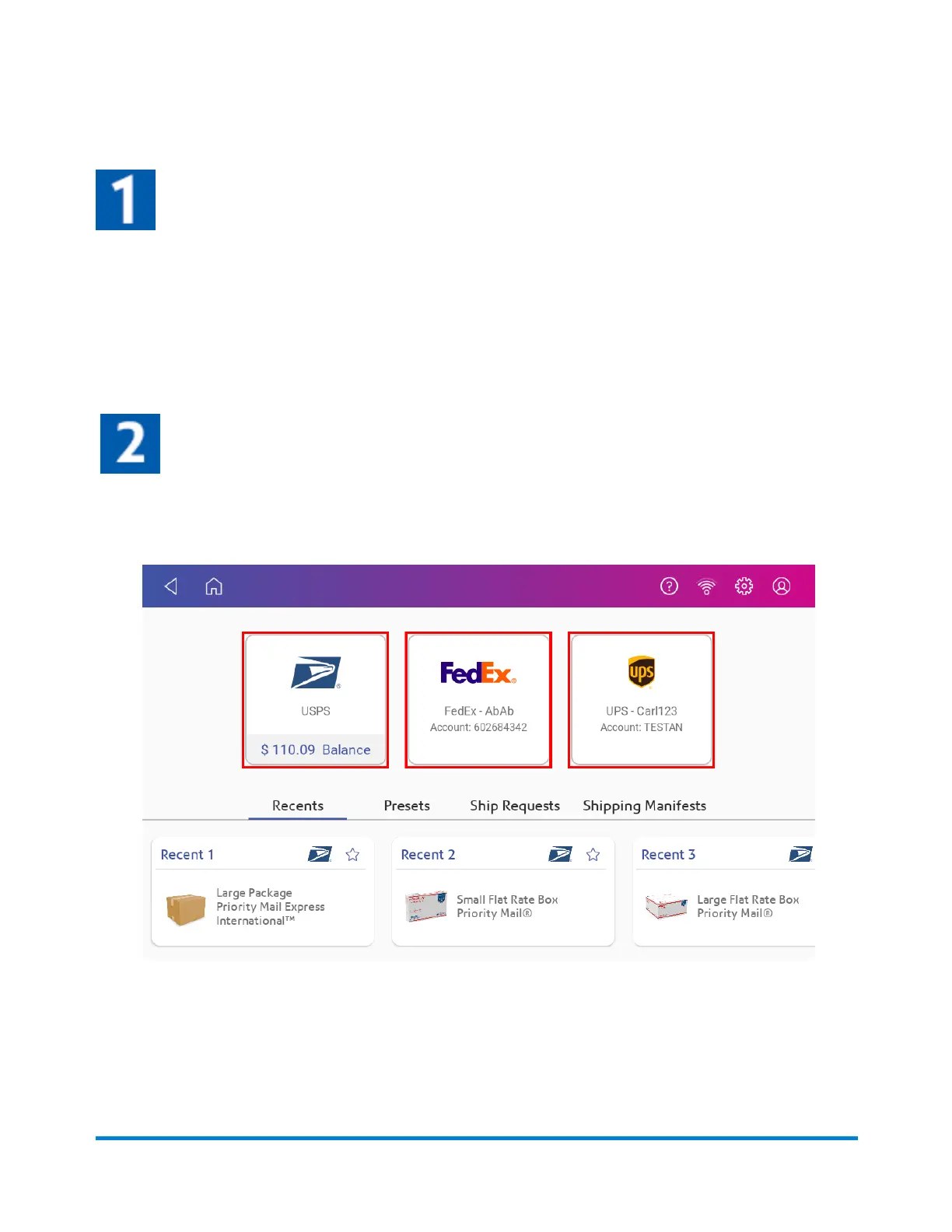
Select the carrier
1. Tap Create Shipping Labels on the Home screen.
2. Tap the carrier you wish to use.
Printing Shipping Labels
Pitney Bowes Operator Guide April 2022 108












 To Next Page