Add the sender and recipient addresses
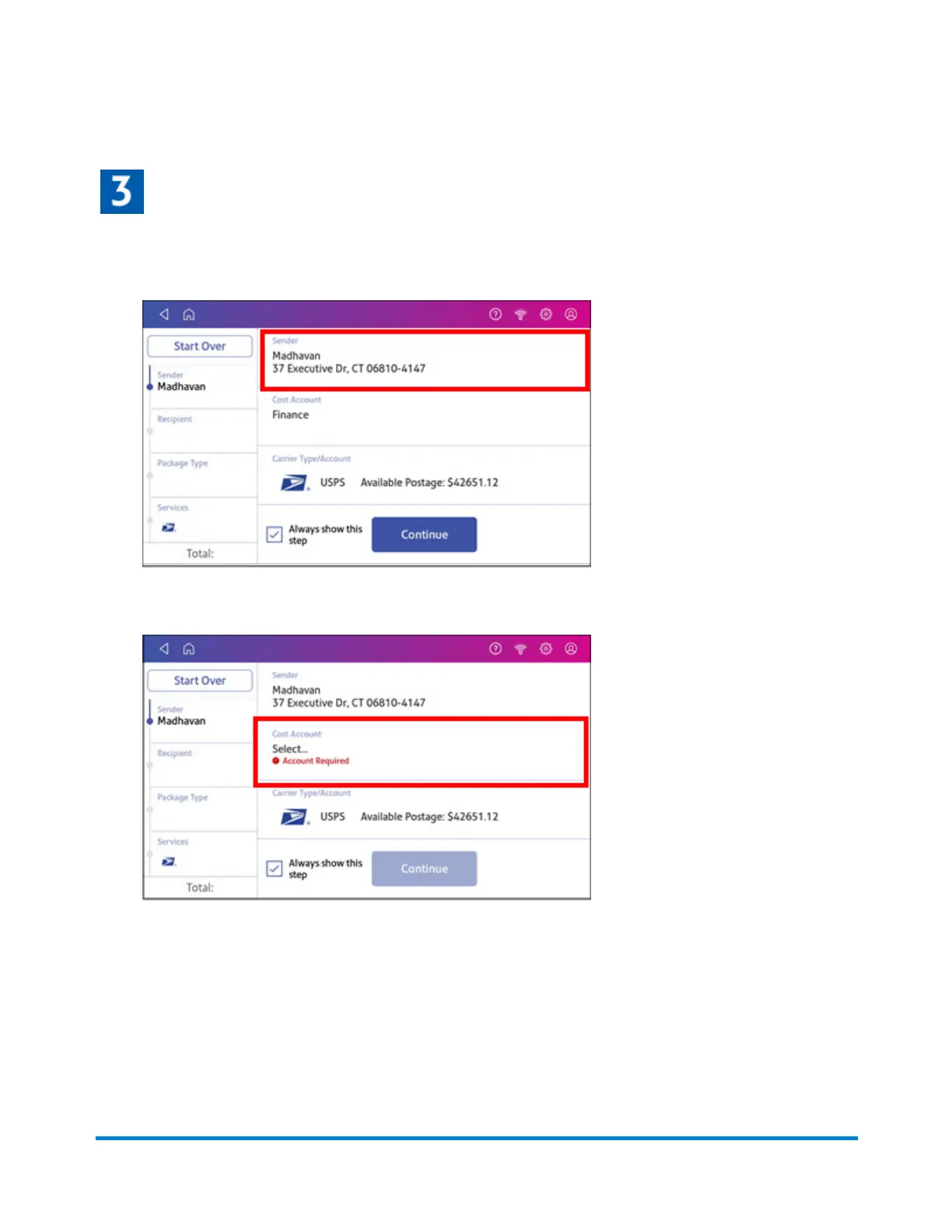
1. Verify that the sender address is correct. If not, tap on the Sender field and select a new
address.
2. Select an account if cost accounts are enabled. Verify the selected cost account. Tap Cost
Account and select an account to change or add the account.
3. Tap Continue.
Printing Shipping Labels
Pitney Bowes Operator Guide April 2022 109












 To Next Page