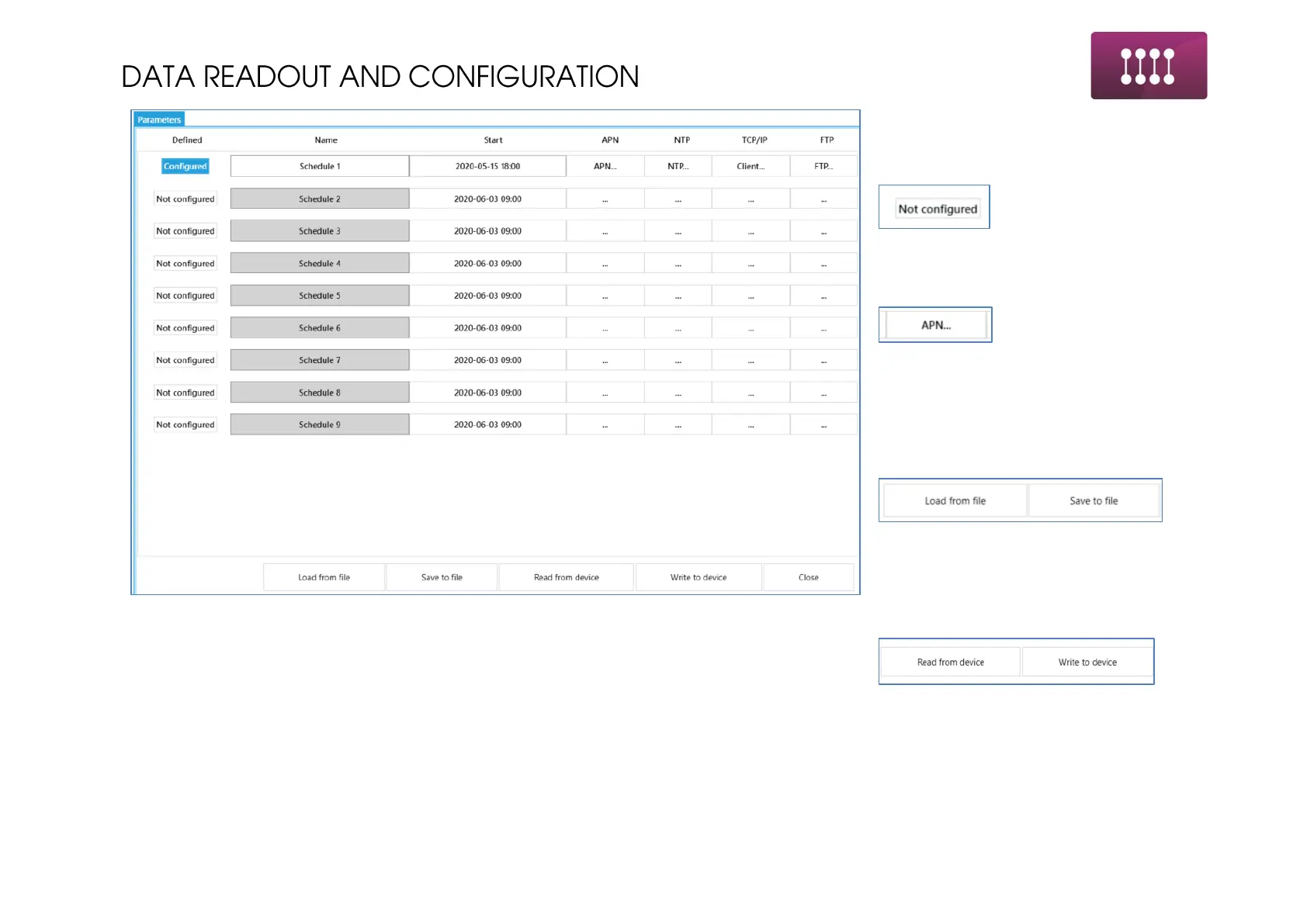
This window is main schedule
configuration console.
To enable the schedule click on
Clicking on boxes causes opening new
window for thematic section settings.
When settings are done simply close the
window. There is no need to confirm
partial steps.
Use buttons
To save the schedule to file for further
usage in next device.
Use buttons
To save the schedule in device memory
or to read it from device to edit.



 To Next Page