F-22
MacBAT 5 – USER GUIDE. Version 1.0
CONFIGURED SCHEDULE
Summary of configured schedule:
• Device will execute the schedule on 5
th
, 15
th
and 25
th
day of the month
• Hour of executing schedule – 6pm.
• Random delay – 120 minutes – despite the schedule is set to 6pm it will start every day at various hour from 6pm to 8pm.
• SIM card must be working in APN “gasapn.com”
• Device will synchronize time with NTP server
• Device within its schedule will start the TCP connection in PULL mode – will be waiting for queries.
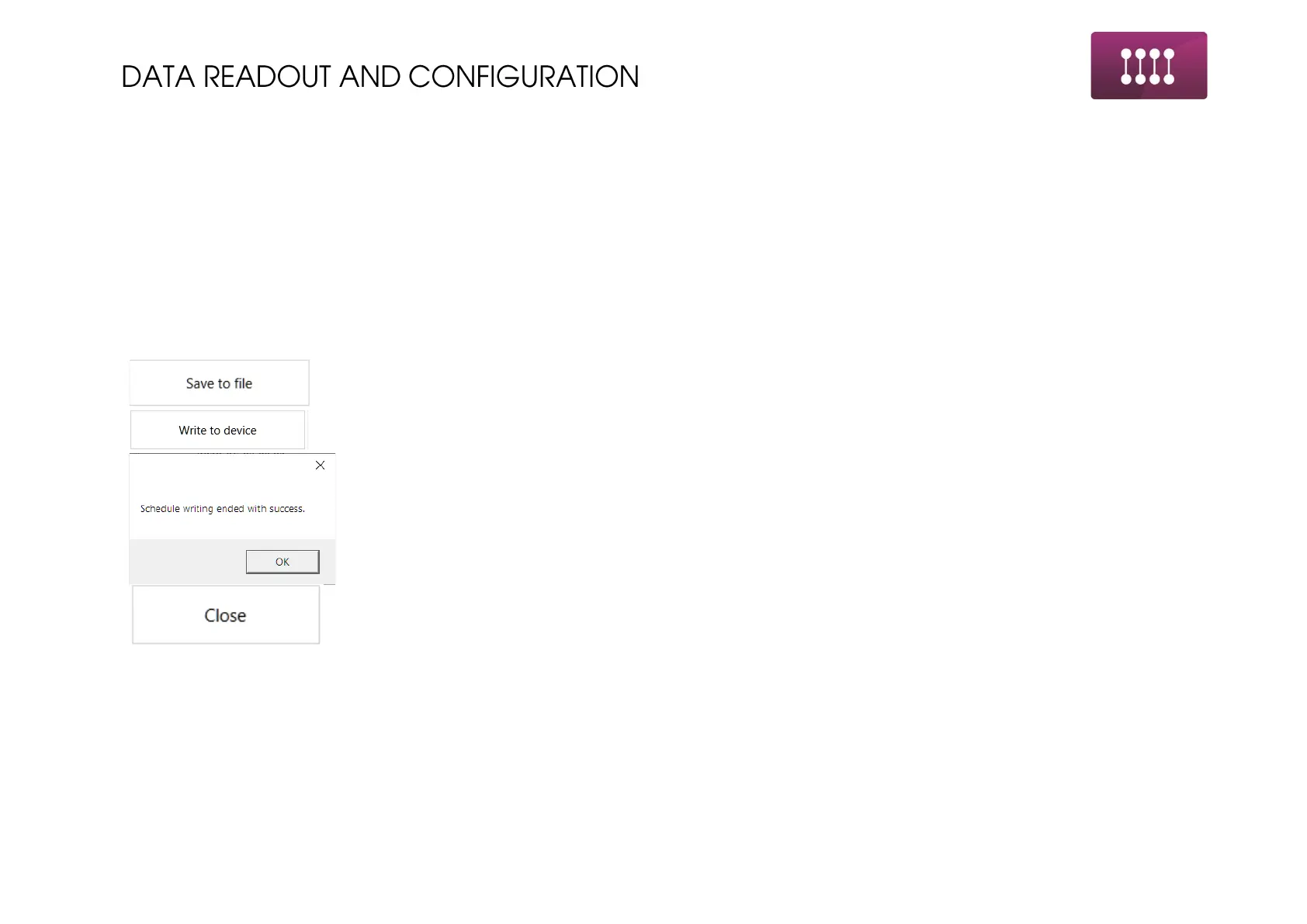
Once all the settings are done use one of the two buttons:
Save to file once the schedule will be repetitive – uploaded to many devices. Save the schedule for uploading
later in the next configured devices.
Write to device – schedule is uploaded to the device. When the device accepts the configured schedule,
prompt message will be presented on screen.



 To Next Page