60-2
9
10
11
12
Wear Parts - Replacing Jaws
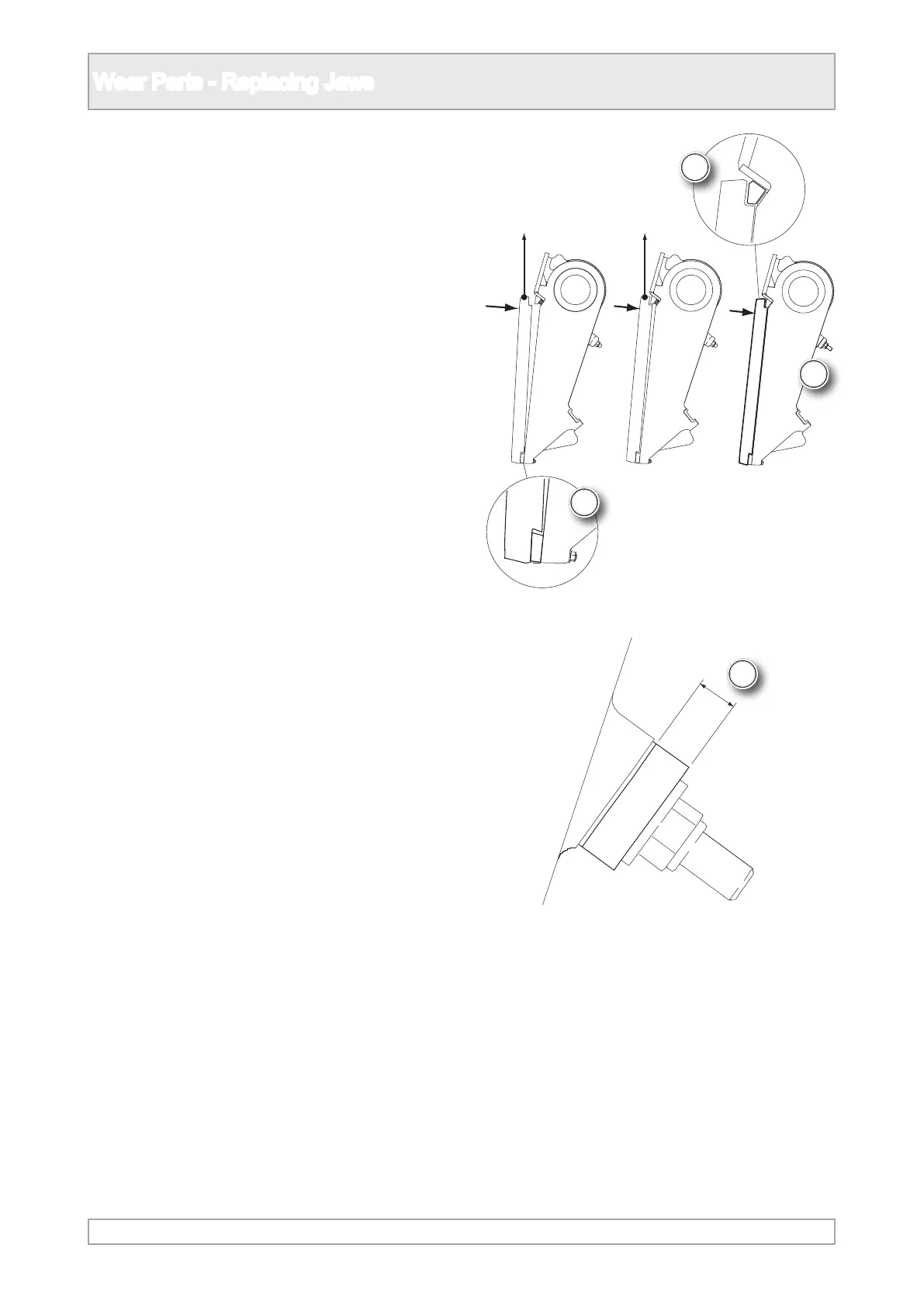
9. When tting the jaw, locate the jaw centrally and
hook on base of the jaw to engage with the jaw
holder.
10. Move the top of the jaw towards the holder and
locate the clamp into the hook on the jaw.
11. Lightly tighten the clamping nuts and hammer
the jaw and clamp to ensure it is fully seated.
12. Tighten the clamping nuts until the soft
washers compress to 6mm (0.24in) thick. Do
not overtighten.



 To Next Page