ST Series User’s Manual
7-4
7.2 Self-Diagnosis
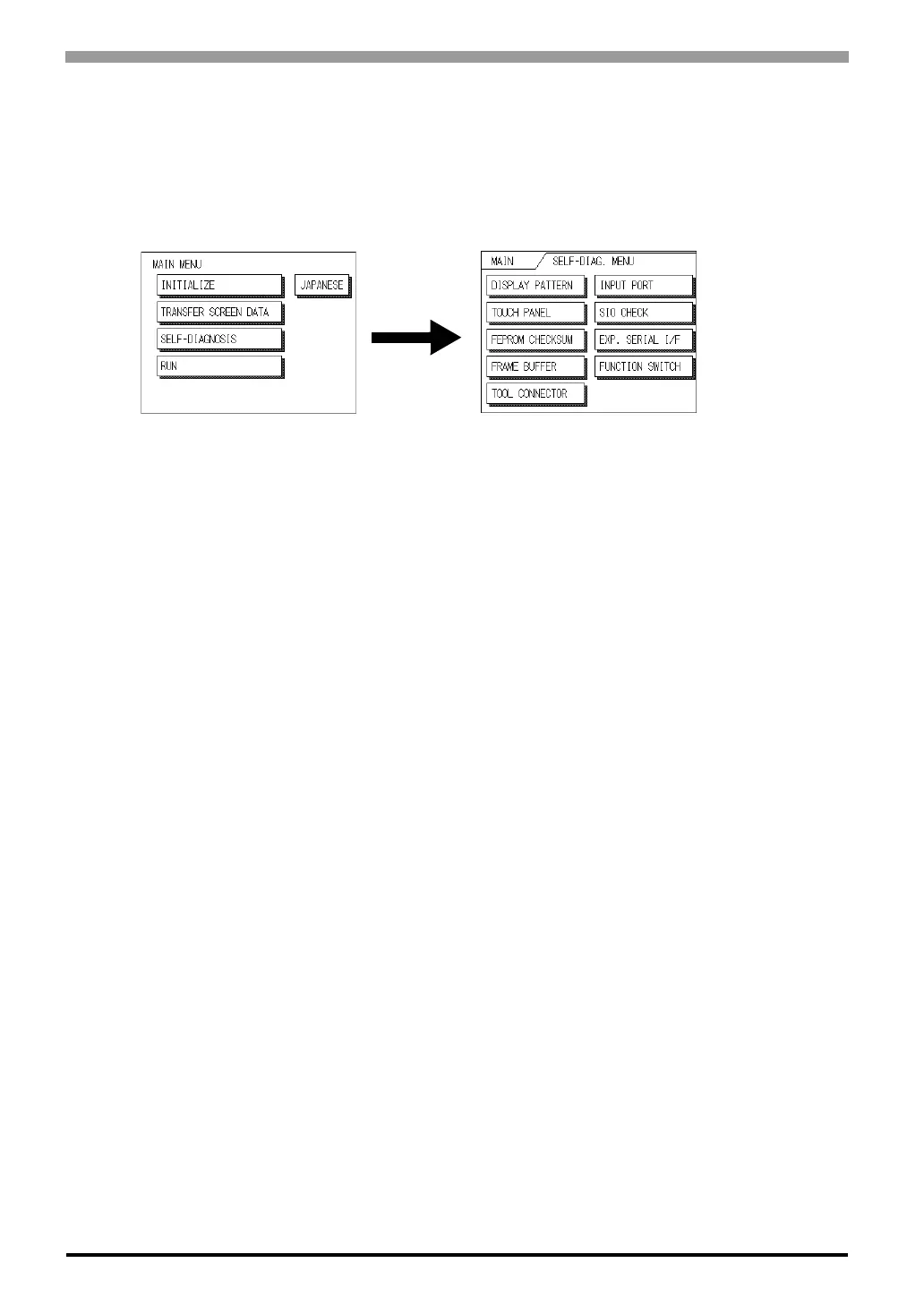
The ST unit is equipped with a number of self-diagnosis features used to check its System and Interfaces for
any problems.
7.2.1 Self-Diagnosis Item List
• Checks all the figures and tiling patterns.
• Checks each ST touch panel square.
• Checks the System and Protocol of the ST Internal Memory (FEPROM).
• Checks the internal display memory (Frame Buffer).
• Checks the Tool Connector control lines and send/receive lines.
*1
• Checks the Input Port (for Digital's maintenance use only).
• Checks the RS-232C and RS-422 send/receive lines.
*1
• Checks the status of the Expansion Serial I/F. (Only for ST402)
*1
• Checks the Function Switch.
The following pages explain each item's details.
*1 This item requires the use of special equipment (cable, connector, etc.).



 To Next Page