ST Series User’s Manual
6-30
6.9 Font Setting
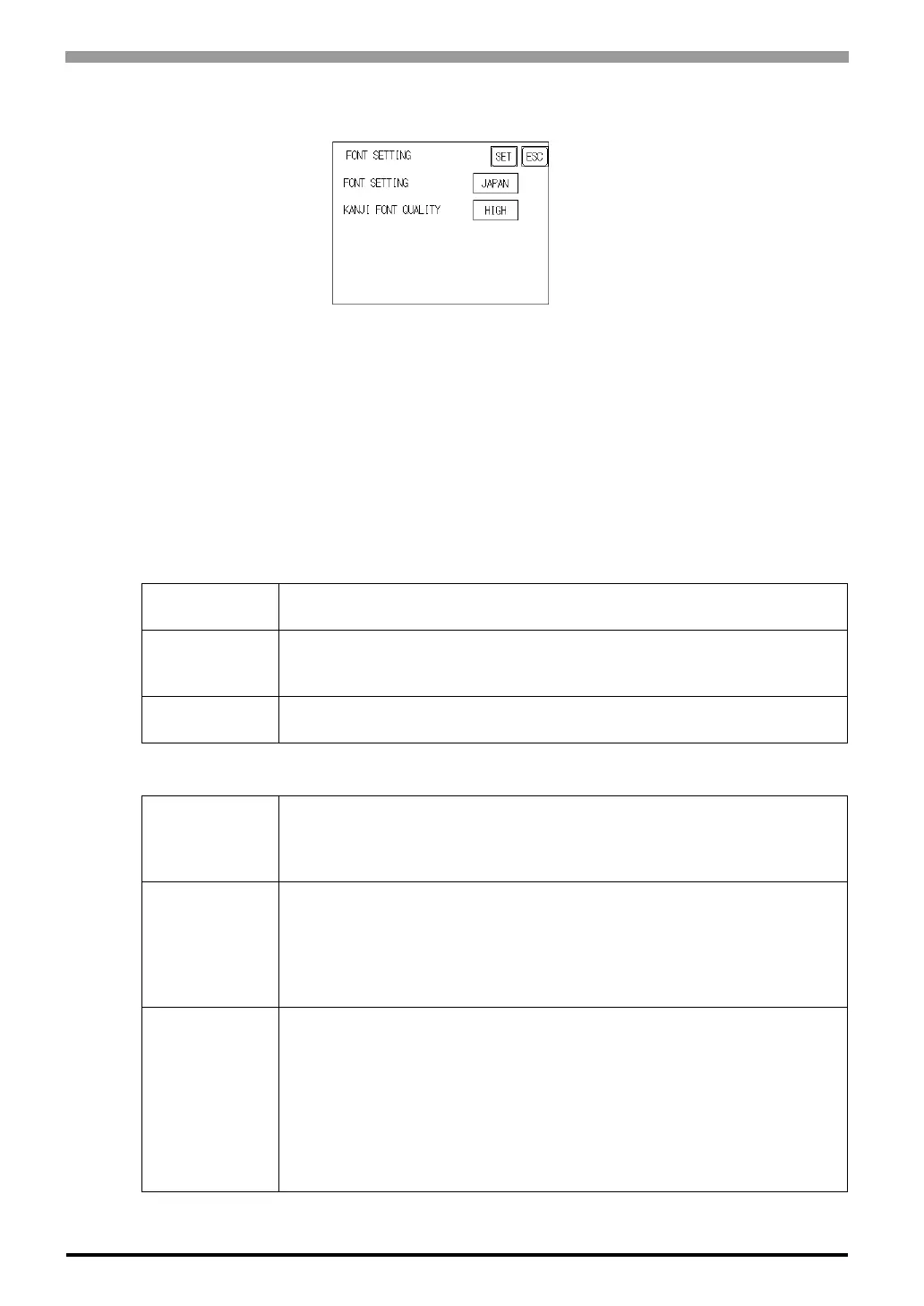
FONT SETTING
Selects the font type displayed on the ST screen during operation.
KANJI FONT QUALITY
Designates the font display quality for enlarged characters.
When [FONT SETTING] is set to [JAPAN]
Single-byte characters will remain 8x16-dot characters when they are enlarged. Double-byte characters are
displayed as:
When [FONT SETTING] is set to any other type (i.e. CHINESE, I-ASCII, KOREA or TAIWAN)
[Standard]
Here, characters are displayed using 16x16-dot "blocks". When enlarged, this
font will remain a 16x16-dot character.
[HIGH(1)]
When enlarged to double size, Level 1 JIS Kanji Code characters are
displayed as 32x32-dot characters. Level 2 JIS Kanji Code characters remain
16x16-dot characters.
[HIGH(1,2)]
When enlarged to double size, both Level 1 and Level 2JIS Kanji Code
characters are displayed as 32x32-dot characters.
[Standard]
Half-size (single-byte) characters are displayed as 16x8-dot characters.
Full-size characters, regardless of the display size used, will always be
displayed as 16x16-dot characters. When enlarged, this font will stay as
16x16-dot character.
[HIGH(1)]
All half-size (single-byte) characters (ASCII code: 21h to 7Dh, i.e. alphanu-
meric characters) except " ^ " and " ' " will display as high quality characters.
-16x16-dot or larger characters will display as high quality 16x16 fonts.
-32x32 or larger characters will display as high quality 32x32 fonts.
Full-sized (double-byte) characters will display as 16x16-dot characters and
remain 16x16-dot characters when enlarged.
[HIGH(1,2)]
All single-byte characters (ASCII code: 21h to 7Dh, i.e. alphanu-meric
characters) except " ^ " and " ' " will display as high quality characters.
When 16x16 dots are used for a character, it will display as a high quality
-16x16 character.
-When 32x32 or larger dots are used for a character, the character will display
as a high quality 32x32-character.
Full-sized (double-byte) characters (i.e. [KOREA], [TAIWANESE] and
[CHINESE]) will display as 32x32-dot characters when enlarged to 32x32-dot
or larger charac-ters.



 To Next Page