ST Series User’s Manual
5-6
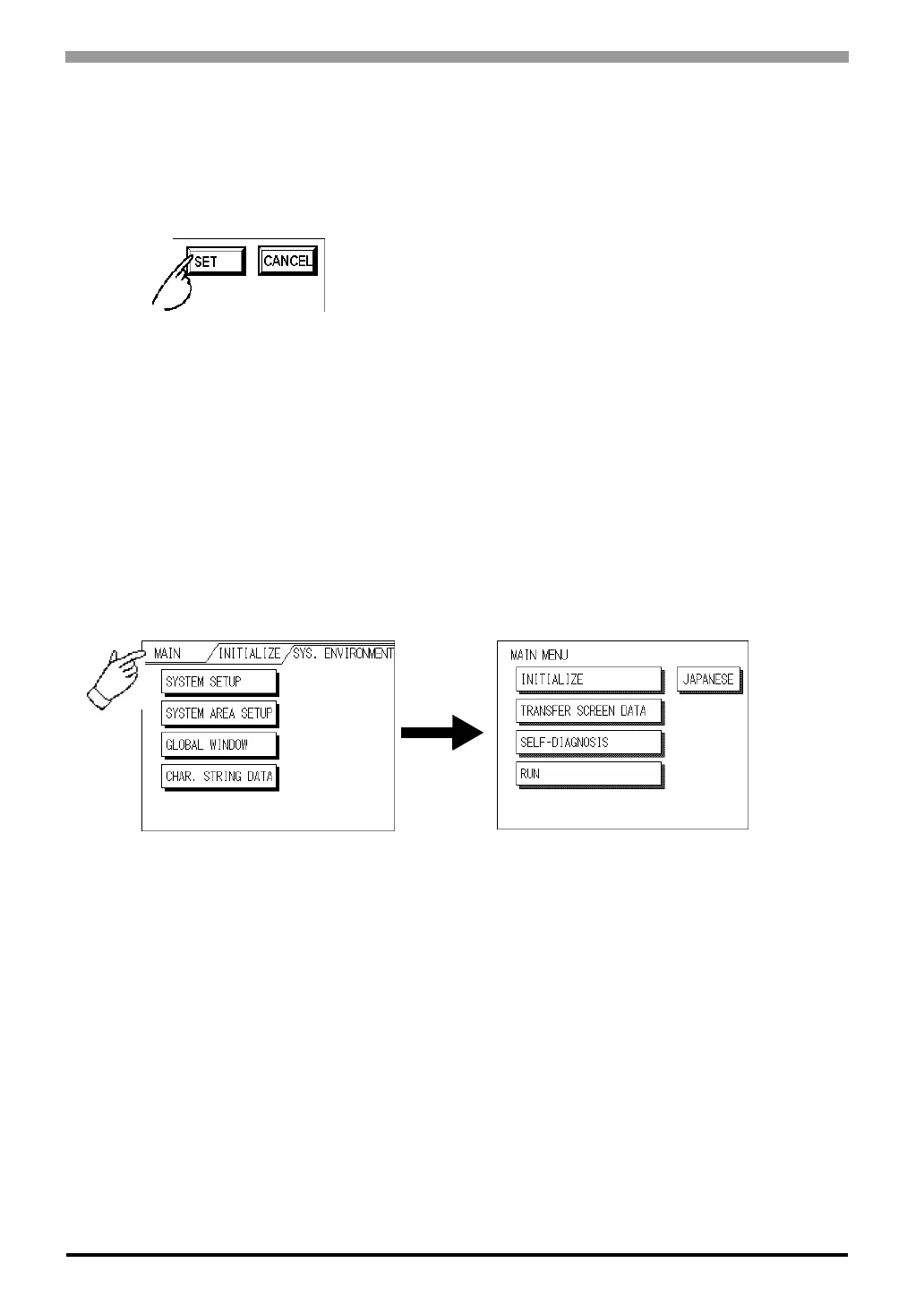
After All Setting Data is Entered
Touch the top-right [SET] button.
If you wish to exit the screen without saving the changes, touch the CANCEL button.
• Press the [SET] key to write the Setup conditions onto the Internal
FEPROM, which may take some time, causing a delay in return-
ing to the previous screen. Therefore, do not touch the screen
until the previous menu display returns.
• Press the [SET] key to write the Setup conditions onto the Internal
FEPROM, and Press the [CANCEL] key to not write the Setup
conditions onto the Internal FEPROM and return to the previous
menu.
Return To Previous Screen
Touch the title of the screen you would like to return to.
E.g. To return to the MAIN MENU from the SYS.ENVIRONMENT screen, simply touch the MAIN MENU
title.



 To Next Page