Chapter 6 Initializing the ST
6-11
6.4 Set Up I/O
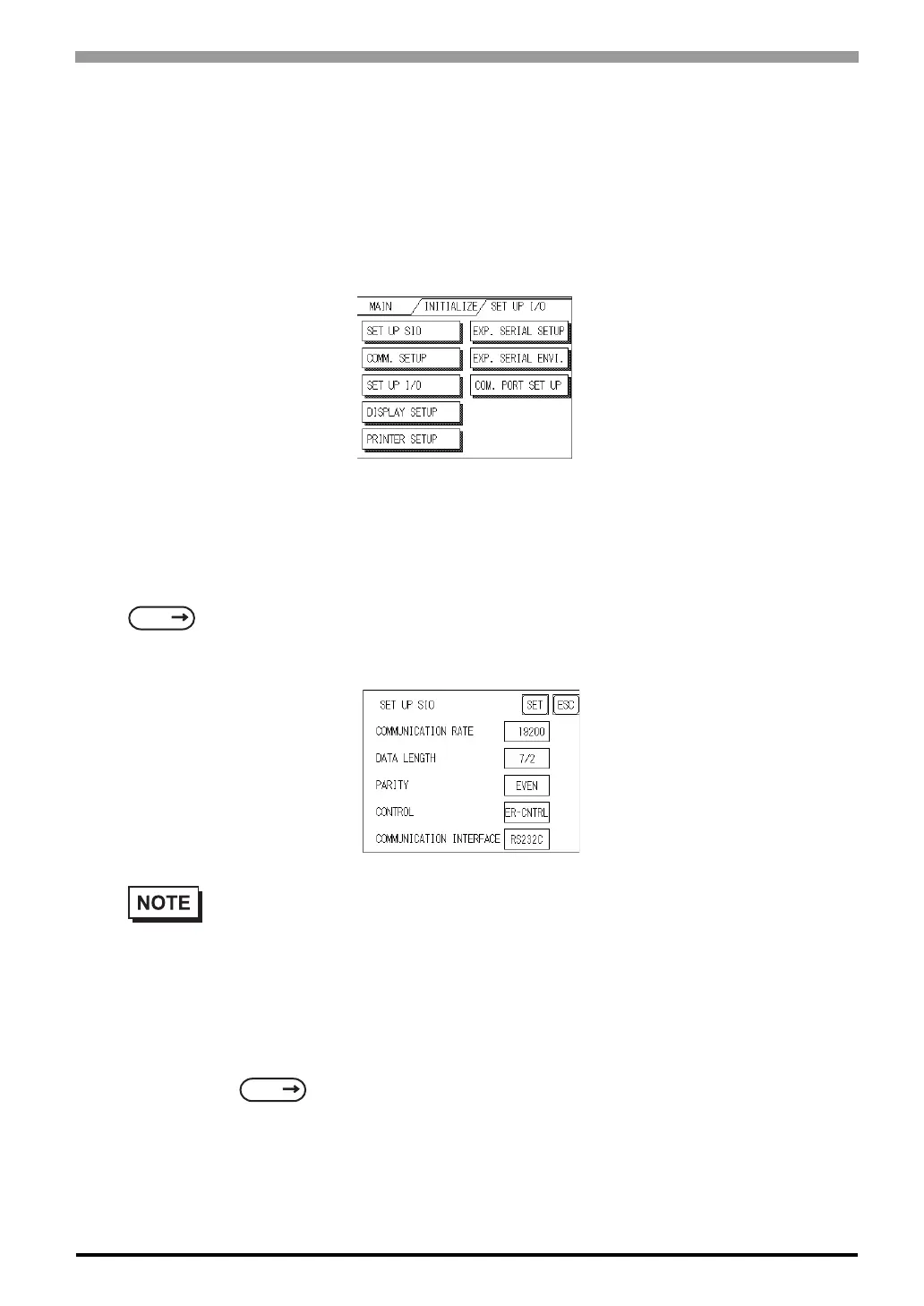
This section describes the communication setup with the Host (PLC) and the setup for any peripheral equip-
ment. The SET UP I/O menu includes the SET UP SIO, COMMUNICATION SETUP, SETUP I/O, DIS-
PLAY SETUP, PRINTER SETUP, EXPANSION SERIAL SETUP, EXPANSION SERIAL
ENVIRONMENT SETUP, SET UP CAPTURE OPERATION, FUNCTION SETUP and COMMUNICA-
TION PORT SET UP menus.
6.4.1 SET UP SIO
This menu runs the settings related to PLC communication. Be sure to match the settings listed below with
the SIO setup on the PLC host, if not, an error may occur.
SEE
GP-PRO/PBIII for Windows Device/PLC Connection Manual (included with the screen editor soft-
ware) GP-PRO/PBIII for Windows
• If you have selected "YES" for the [SERIAL I/F CHANGE] on the [COMMUNICATION
PORT SETUP] screen, or "Yes" for the [Serial I/F Switch] settings in the [Change Extend SIO
Type] command, in the Screen Editor's [Project] menu, do not enter all of the settings related to
device communication using the Extended SIO Script Protocol here. ([SET UP SIO] screen)
These settings are required to set using the [EXPANSION SERIAL COMMUNICATION
SETUP] screen.
6.4.6 Expansion Serial Setup (Page 6-17)
SEE



 To Next Page