Chapter 7 RUN Mode and Errors
7-13
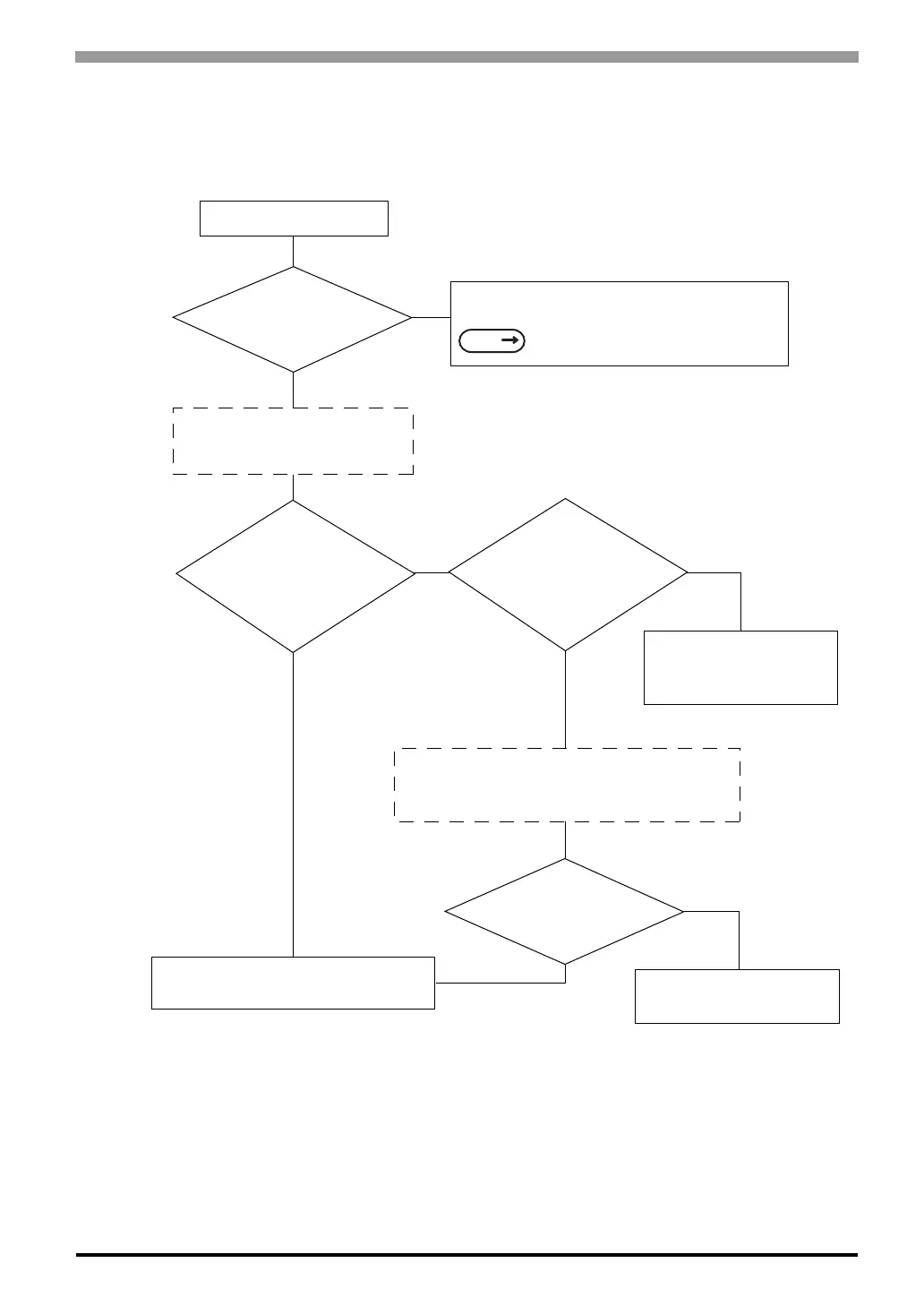
7.3.4 Touch Panel Does Not Respond
When the touch panel does not respond, or its response time is very slow after it is pressed, please use the
flowchart below to find the origin of the problem, and the appropriate solution.
YES
YES
YES
YES
NO
NO
NO
NO
Touch panel not responding
Is INITIALIZE’s
SET UP TOUCH PANEL
correct?
In the INITIALIZE/ SET UP TOUCH PANEL option,
enter values applicable to the Touch Operation Mode.
6 Initializing the ST (page 6-1)
Disconnect all the cables (including
SIO cable and AUX cable), except
the Power cable.
Run SELF-DIAGNOSIS/
TOUCH PANEL CHECK to
see the ST is OK
Are the settings for
touch input tags,
or for Parts correct?
Set the addresses within the
allowable range,or redefine
the touch area.
Connect each unit (i.e. SIO cable, bar code reader,
etc.) to the ST and turn the ST power ON so that
you can check each units operation one by one.
The peripheral
equipment is
malfunctioning.
There is a problem with the ST unit.
Please contact your local ST distributor.
ST operation may be effected
by this malfunction.
SEE



 To Next Page