ST Series User’s Manual
1-8
Recommended Units
The following tables list I/O devices that have been confirmed to be compatible with the ST. If you connect a
device other than those listed below, be sure to confirm that the connection functions correctly using an actual
unit.
Bar Code Readers (Connected to Tool Connector)
• Recommended units are subject to change without notice.
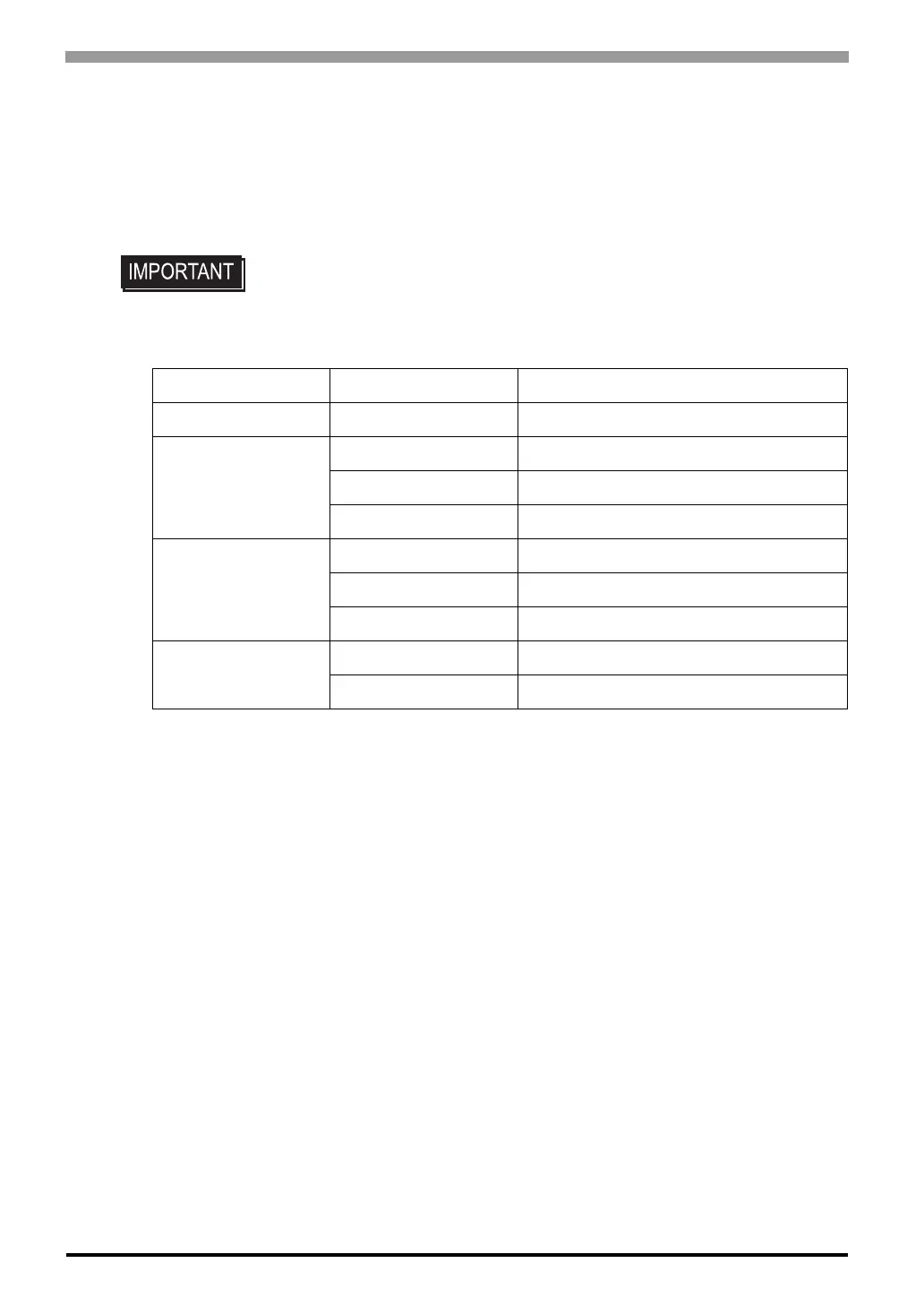
Manufacturer Model Type
Aimex Corporation BR-331 PC2 Pen
OPT Electronics
OPT-1105-RSK 98 Set Touch Scanner (Read Width: 60mm)
OPT-5105-RSK 98 Set Touch Scanner (Read Width: 80mm)
OPL-6735-RSK 98 Set Touch Scanner (Read Width: 100mm)
Toh ken
TCD-5510M Touch Scanner (Read Width: 65mm)
TCD-5510L Touch Scanner (Read Width: 82mm)
TCD-5510W Touch Scanner (Read Width: 105mm)
NEC Infrontia
BCK5435-STA Touch Scanner (Read Width: 56mm)
*1 *2
*1 Be sure to use the Y cable included with the unit and connect it between ST unit and a bar
code reader. Data cannot be read correctly, if a non-"Y" cable is used, or if the bar code read-
er is connected directly to the ST unit.
*2 The following settings must be entered prior to using the bar code reader with a ST unit.
1) Set the CAPS.
2) Add the Carriage Return (CR) in the Postamble's settings.
For the details about these settings, please refer to the Installation Guide included with the
bar cord unit.
BCK5535-STA Touch Scanner (Read Width: 85mm)
*1 *2



 To Next Page