Chapter 6 Initializing the ST
6-29
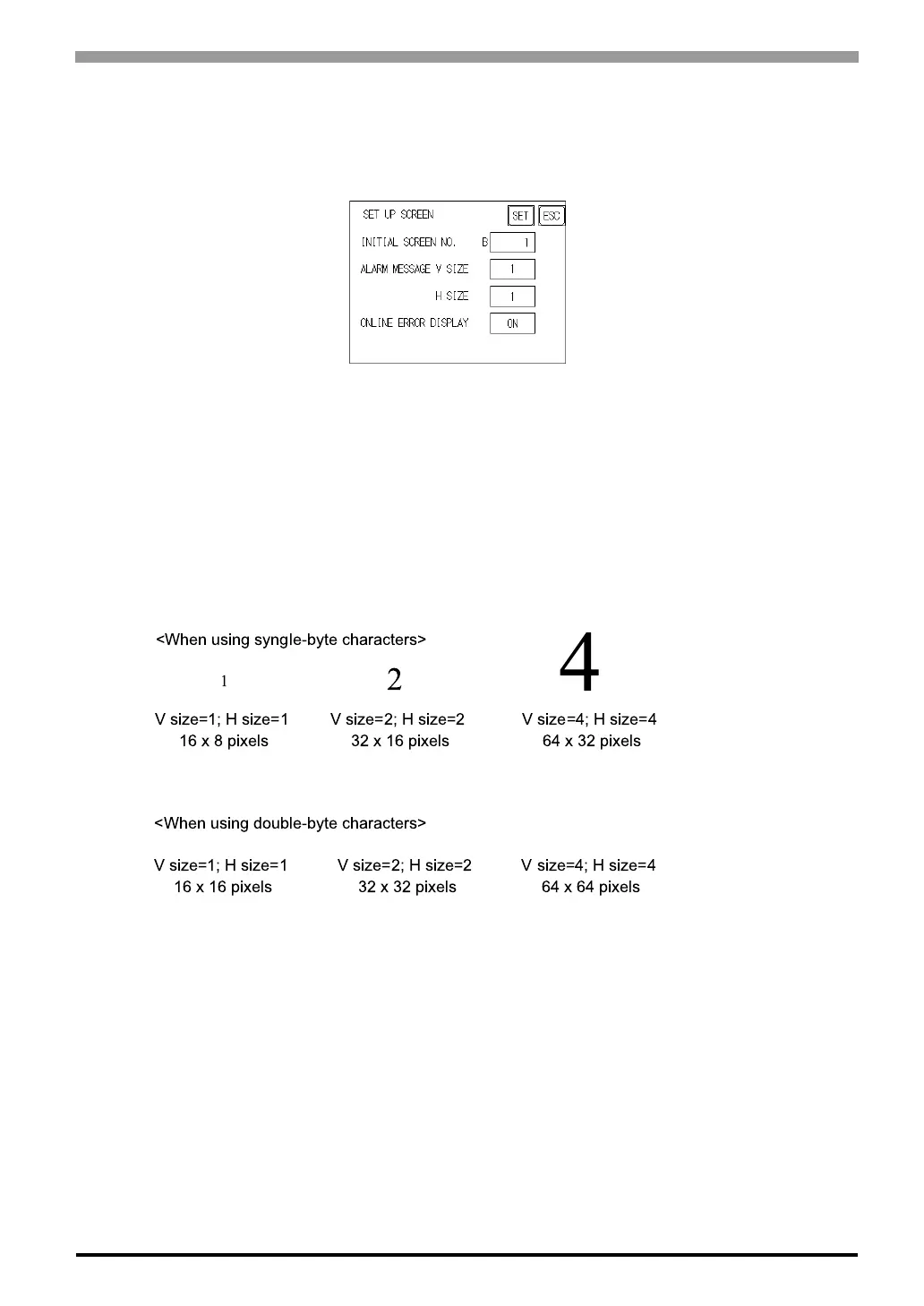
6.8 Set Up Screen
The initial screen display upon powering up, the character size when in RUN mode, and other general screen
items are setup here.
INITIAL SCREEN NO.
Set up the screen file number that will display first upon powering up. If the BIN option for DATA TYPE OF
SCREEN NO in SYSTEM SET UP had been selected, enter a number from 1 to 8999. Or, if BCD was the
option set up, then input a number from 1 to 1999.
ALARM MESSAGE
Set up the character size of the Alarm Message when the Alarm Bulletin is activated.
ONLINE ERROR DISPLAY
Set up whether or not error messages display during RUN mode.
"
!



 To Next Page