ST Series User’s Manual
6-4
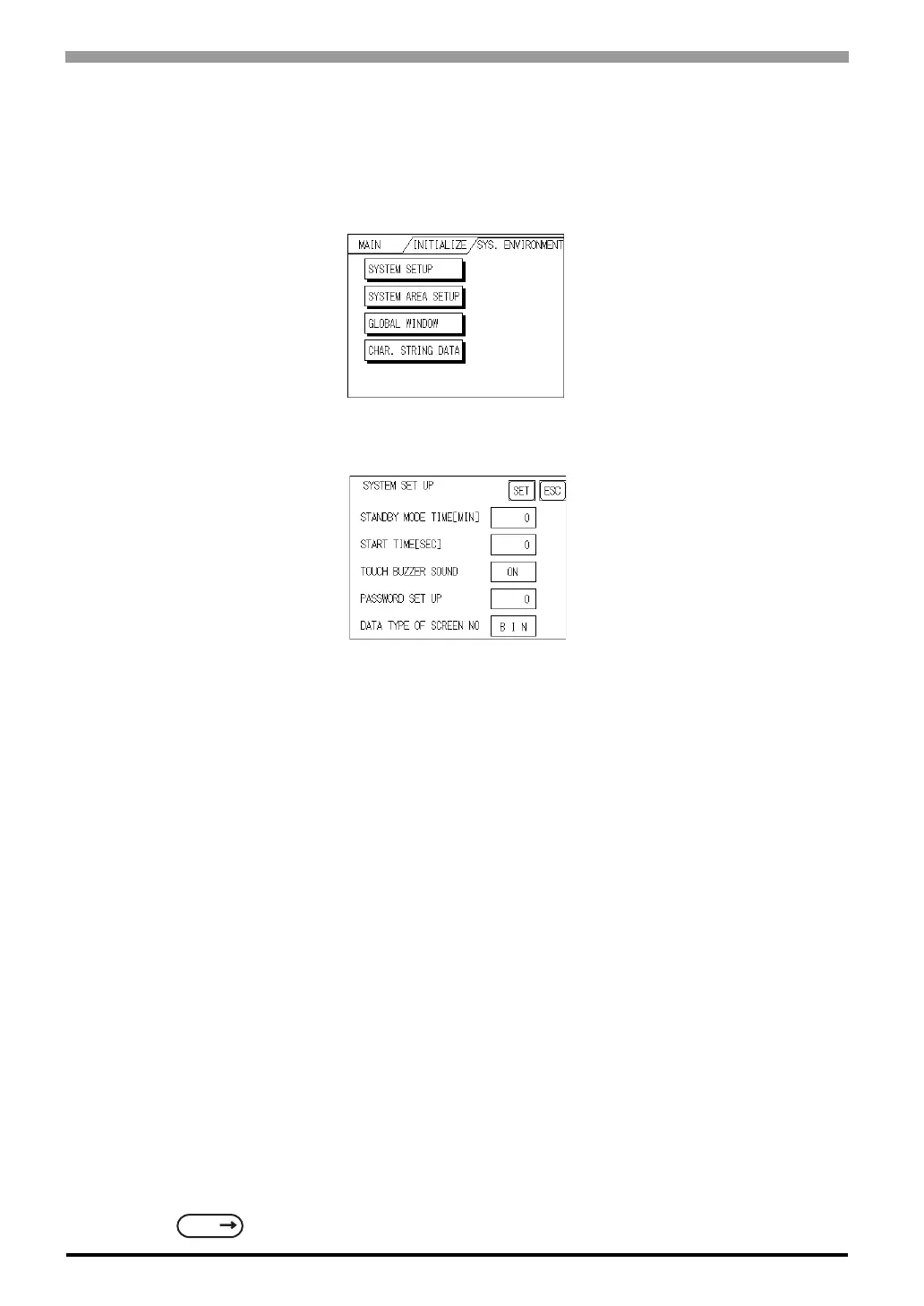
6.3 System Environment Setup
These settings allow you to adjust the ST's operation environment. System Environment SETUP includes
the SYSTEM SETUP, SYSTEM DATA AREA, GLOBAL WINDOW SETUP, and CHARACTER STRING
DATA SETUP screens.
6.3.1 System Setup
STAND-BY MODE TIME [MIN]
To extend the life of the ST's backlight, the ST is equipped with a screen saver function that automatically
turns the unit's backlight (s) OFF when no operations have occurred for a designated period of time. A "0"
entered in this field causes a normal display, i.e. the screen is cleared after the ST's standard default time
elapses.
When SYSTEM DATA AREA's SCREEN DISPLAY OFF
*1
data is 0000h, and the following operations are
not performed on the screen for the User's designated period of time, the ST's current display is turned OFF.
(Reference : "GP-PRO/PBIII for Windows Device/PLC Connection Manual" - included with the screen edi-
tor software)
•Change Screen
•Touch Screen
•Alarm Messages (scrolling display)
•Error Message Display
•Menu Bar (for forced reset) display
*1 When using the Direct Access or the Memory Link formats, the object address becomes +9 or +12,
respectively. (Only when all items are set within the System Data Area.)
SEE
"GP-PRO/PBIII for Windows Device/PLC Connection Manual" (included with the screen
creation so
tware



 To Next Page