ST Series User’s Manual
6-8
LOCATION
Enter the value used for the (Global WINDOW) LOCATION. This field is enabled only when GLOBAL
WINDOW ACCESS is set to direct.
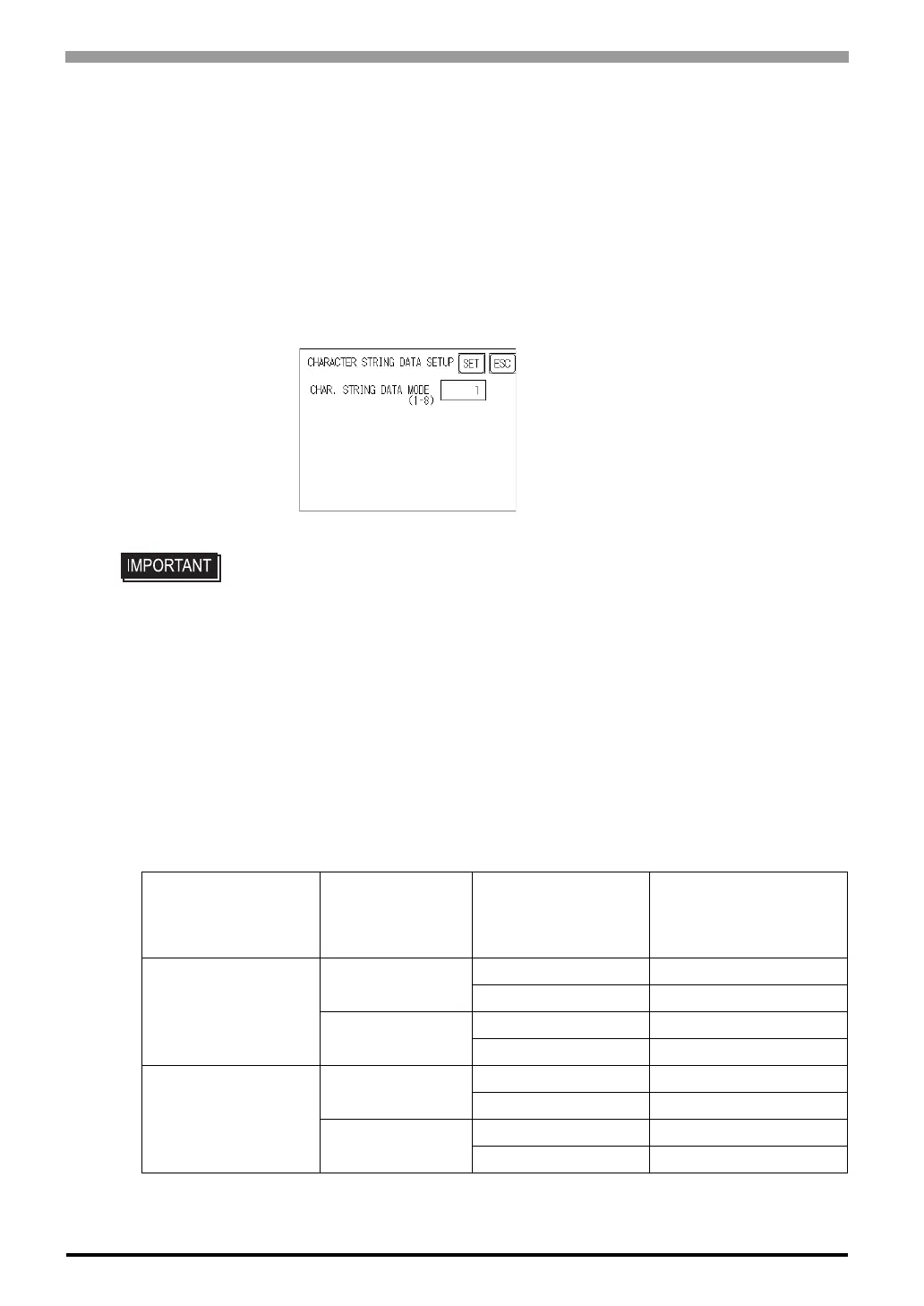
6.3.4 Character String Data Setup
Character String Data ordering varies from manufacturer to manufacturer. Setup the Character String Data
order here to match the corresponding PLC.
CHARACTER STRING DATA MODE (1-8)
Find the data storage order for your PLC in the table, down below, and setup the CHARACTER STRING
DATA MODE.
(I) Data Device Storage Order
(II) Internal Word Byte LH/HL Storage Order
(III) Internal Double-word Word LH/HL Storage Order
Character String Data Mode List
• Setup the Character String Data mode to match the PLC type. Device type and
Tag settings are unavailable.
(I)
Data Device
Storage Order
(II)
Internal Word,
Byte LH/HL
Storage Order
(III)
Double-word Internal
Word LH/HL Storage
Order
Character String
Data Mode
Storage from
Initial data
LH order
LH order 4
HL order 2
HL order
LH order 5
HL order 1
Storage from
End data
LH order
LH order 6
HL order 7
HL order
LH order 8
HL order 3



 To Next Page