Chapter 5 OFFLINE Mode
5-7
5.4 Self-Diagnosis
Selecting a Sub-Display
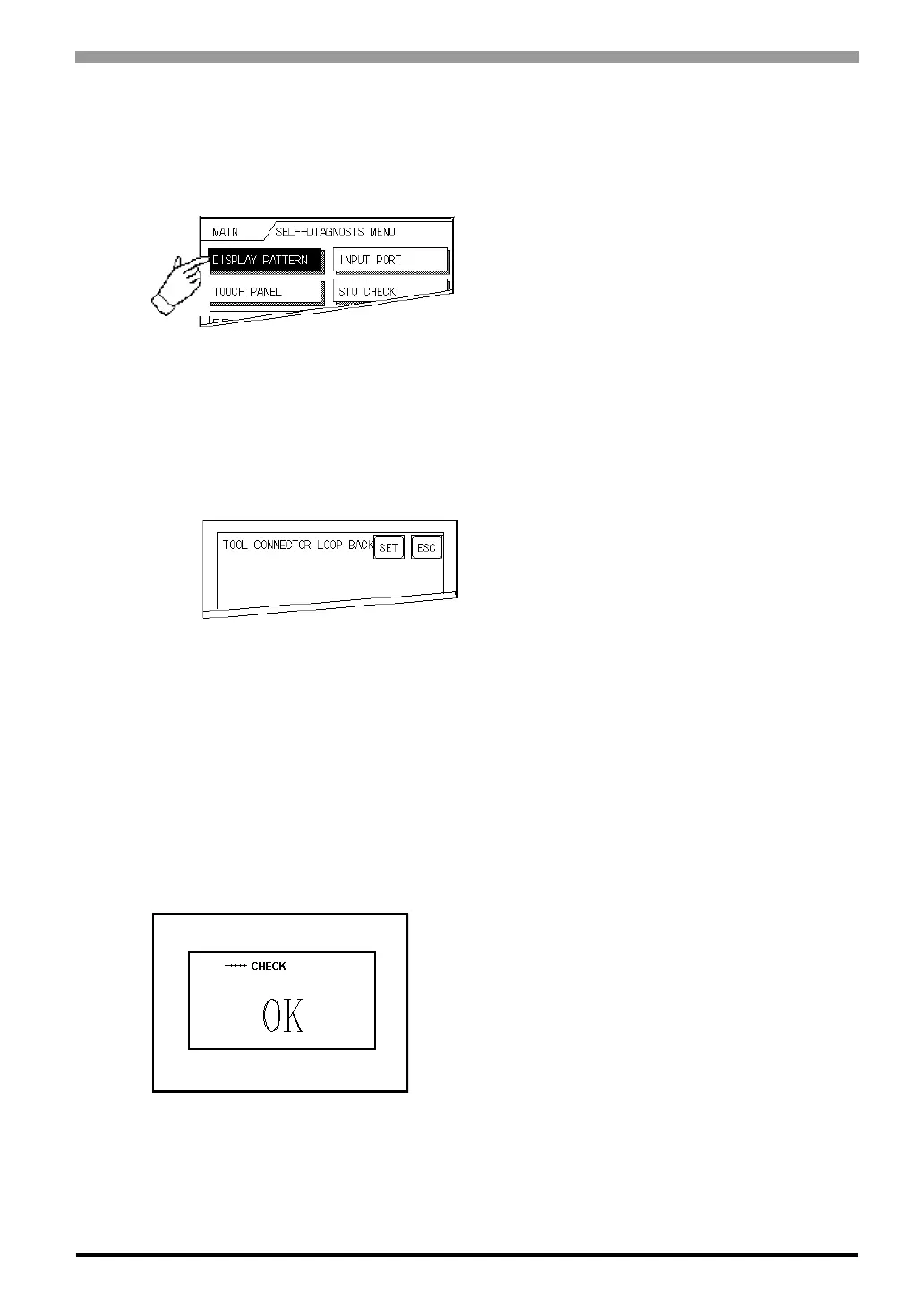
Touch the desired the menu item and that sub-display will appear.
[SET], [ESC] Keys
After selecting the Self Diagnosis item, the [SET], and [ESC] keys may appear at different times at the top of
the screen.
[SET] Key
When this key is pressed, your selected Self-Diagnosis test begins.
[ESC] Key
When this key is pressed, the selected Self-Diagnosis test is cancelled, and you are returned to the SELF-
DIAGNOSIS menu.
After Check To Return To Self-Diagnosis Menu
When OK displays,
Pressing once anywhere on the display screen returns you to the Self-Diagnosis menu.



 To Next Page