ST Series User’s Manual
6-16
SET UP LCD
To reverse the screen display colors, touch SET UP LCD on the SET UP I/O screen to change the setting from
"NORMAL" to "REVERSE", and then touch the "SET" key. The display color will be reversed and the previ-
ous screen will reappear.
6.4.4 Display Setup
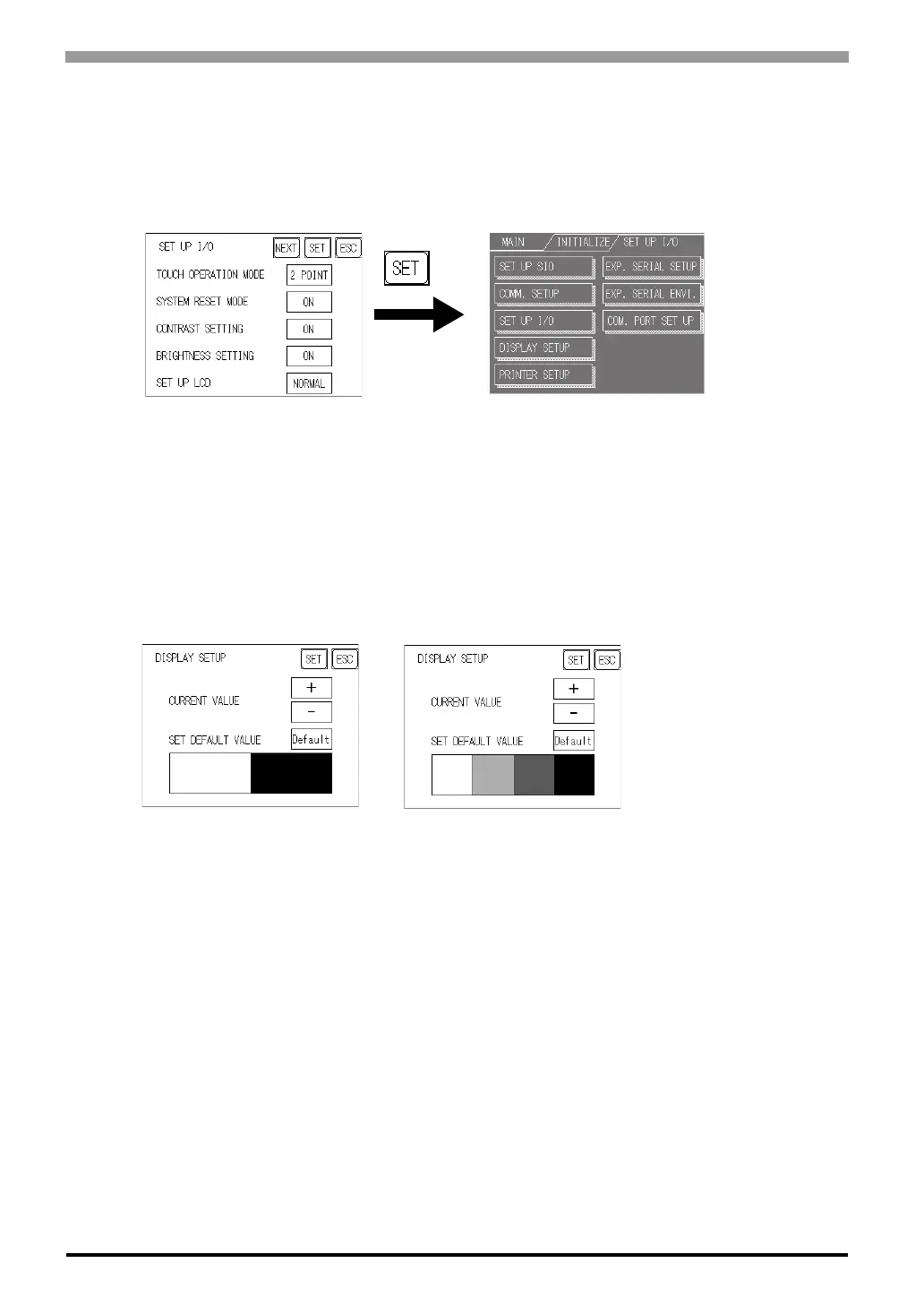
The ST unit's screen may flicker, or there may be shadows appearing on extended display lines on the LCD
surface. In the case where the ST unit's ambient temperature becomes high, and its current brightness level is
set to low, this effect may be more pronounced. This phenomenon is however, a common attribute of LCDs
and is not a defect. To solve this, use this setting for adjusting the ST unit's brightness.
Monochrome LCD
CURRENT VALUE
To solve the above problem, touch "+" or "-" to adjust the brightness. You can check the actual brightness in
the preview field at the bottom of the screen. From the default value of "0" there are 18 "+" levels and 2 "-"
levels available.
SET DEFAULT VALUE
If you touch "Default", the setting returns to "0".
6.4.5 Printer Setup
This feature is not available.
<When using Black and White>
<When using 8 levels of gray>



 To Next Page