ST Series User’s Manual
4-2
4.1 Serial Data Transfer
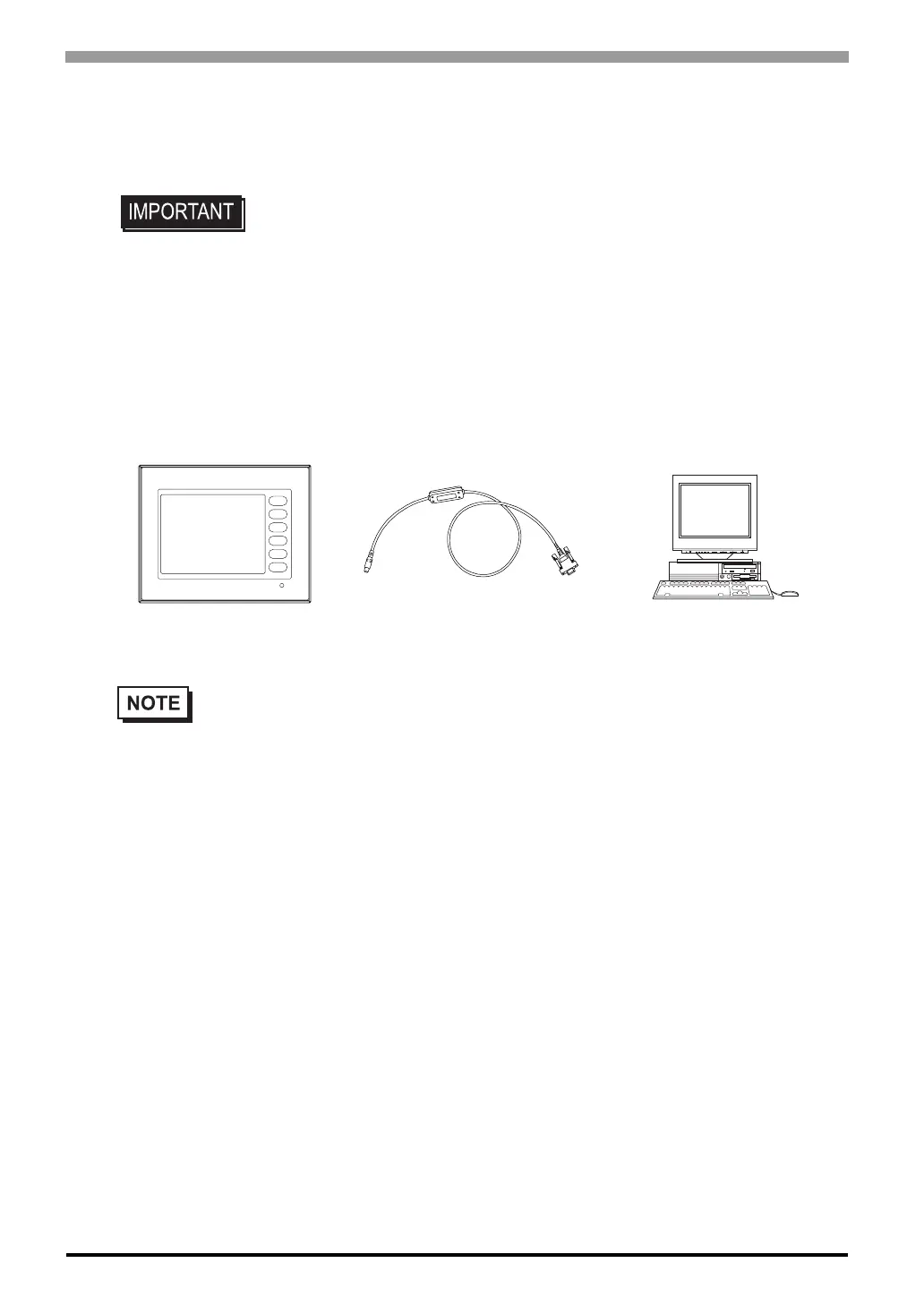
The following explains how to connect Pro-face’s data transfer cable to your PC and to the ST.
Connection of data transfer cable
When using data transfer cable (GPW-CB02)
The tool connector in the back of the main body is connected with the serial port of
the personal computer with the data transfer cable.
• Please connect it at an angle correct so as not to push it forcibly with the connec-
tor when you install the cable. The main body and the connector might break
down.
• Pro-face’s transfer cable (GPW-CB02) is sold separately. The transfer cable package does not
include the PC’s interface converting adapter.
• When using the PC with the Dsub 25pin socket side interface, a connector conversion adapter is
required. Use the straight line type conversion adapter.
Recommended units:
•Arvel AA833
•SANWA SUPPLY INC. D09-9F25F
• When using a PC equipped with a half-pitch 14pin socket interface, a conversion adapter is
required.
Recommended unit:
•LOAS Co. Ltd. ZR01-024
ST
PC
Connected to the
ST's Tool Connector
Connected to the
PC's serial port



 To Next Page