Chapter 4 Data Transfer
4-3
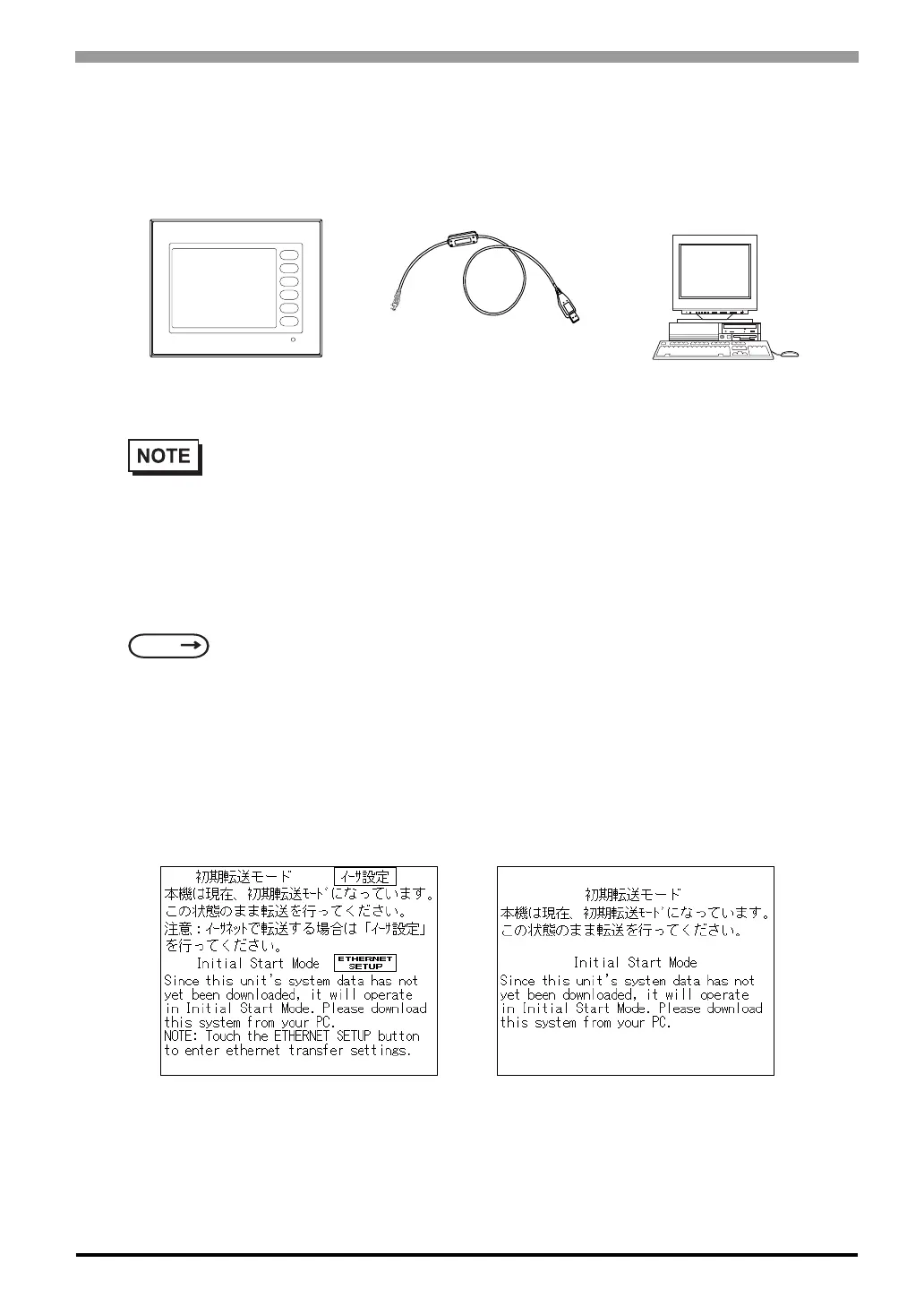
When using USB transfer cable (GPW-CB03)
Please install the USB connector of the USB transfer cable in the USB port of the personal computer.
Transfer screen data from your PC, via the screen editor software.
For details about the screen editor software,
To Transfer Data to a Completely New ST
Connect the ST to your PC via the data transfer cable, and then turn the ST ON. The “Initial Start Mode”
screen will appear on the ST and you can transfer screen from your PC. The screen will change to the “Trans-
fer” screen automatically.
• USB transfer cable (GPW-CB03) is an optional. When USB transfer cable is used, it is necessary
to install the driver by setting up the cable bundle CD. Please see the manual of USB transfer
cable for details.
SEE
GP-PRO/PBIII for Windows Operation Manual (included in the screen editor software)
ST
PC
Connected to the
ST's Tool Connector
Connected to the
PC's USB port
ST403 ST400/ST401/ST402



 To Next Page