Chapter 6 Initializing the ST
6-15
BRIGHTNESS ADJUSTMENT
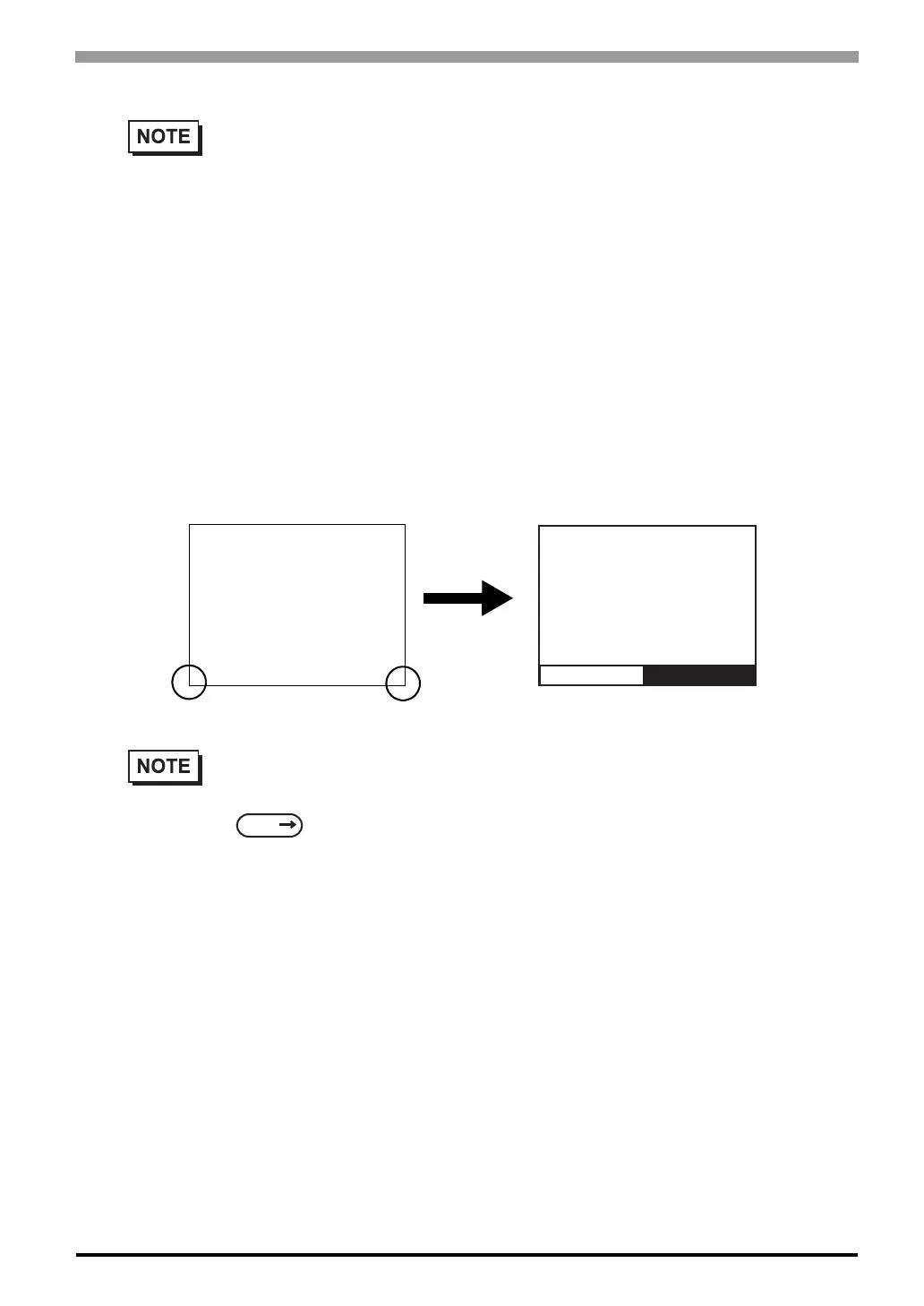
When set to ON, brightness ADJUSTMENT can be performed via touch input. Press the bottom left corner
(2) of the screen while holding down the bottom right corner (1) to enter brightness ADJUSTMENT mode.
Touch the left-side of the bar to brighten the display; touch the right-side of the bar to dim the display. This
unit has two levels of adjustment.
• To end CONTRAST ADJUSTMENT mode, touch anywhere on the screen, except the bottom
section.
• CONTRAST ADJUSTMENT mode cannot be entered while waiting for ST to start up.
• CONTRAST ADJUSTMENTs can be made even in the middle of RUN mode (PLC<—>
ST communication).
• Regardless of a normal and reversed display, the left side of the contrast adjustment bar,
displayed at the bottom area of the screen, is always "Bright".
• With the ST units, reducing the display brightness may cause flicker. Adjust it by changing the
display device settings.
6.4.4 Display Setup (Page 6-16)
• To end brightness ADJUSTMENT mode, touch anywhere on the screen, except the bottom
section.
• Brightness ADJUSTMENT mode cannot be entered while the ST is starting up.
• Brightness ADJUSTMENT can be used even during RUN mode (PLC<-->ST
communication).
• Regardless of a normal and reversed display, the left side of the contrast adjustment bar,
displayed at the bottom area of the screen, is always "Bright".
• Brightness of red in ST403 cannot be adjusted.
Bright Dark
1
2
SEE



 To Next Page