Chapter 4 Data Transfer
4-7
Checking the IP Address
Use the following procedure to check the IP Address assigned to the ST and some consideration/precautions.
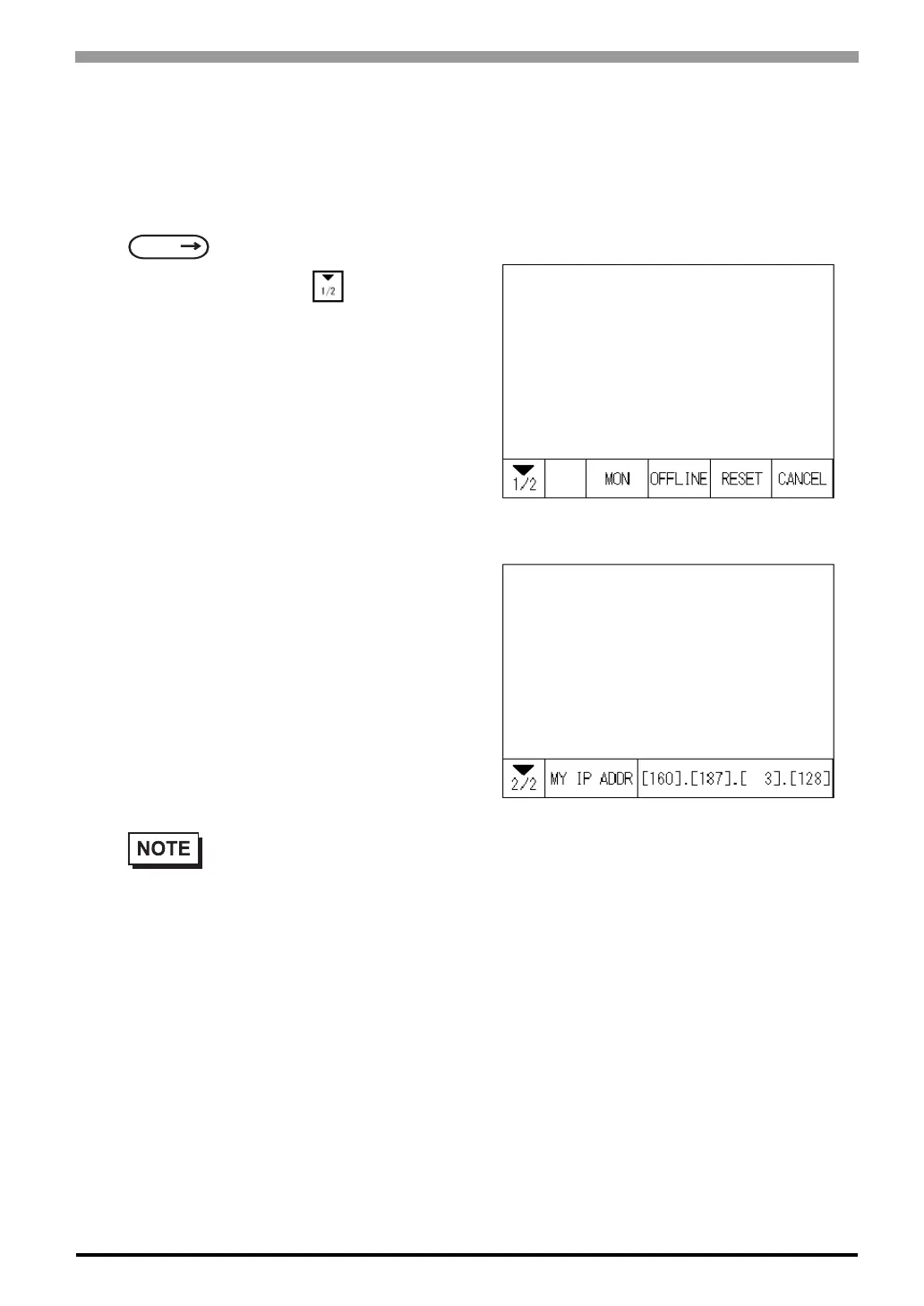
1) Display the menu bar. For instructions on how to display the menu bar,
2) Click on the left-side cell of the menu bar
to display the next menu.
3) The IP Address assigned to the ST will appear
in the menu bar.
SEE
6.4.3 Set Up Touch Panel (page 6-13)
• The IP Address will not be reflected unless ST was reset or power cord was reconnected. After
changing “Ethernet Setup” settings, the ST must then be reset or power cord must be recon-
nected.



 To Next Page