ST Series User’s Manual
6-6
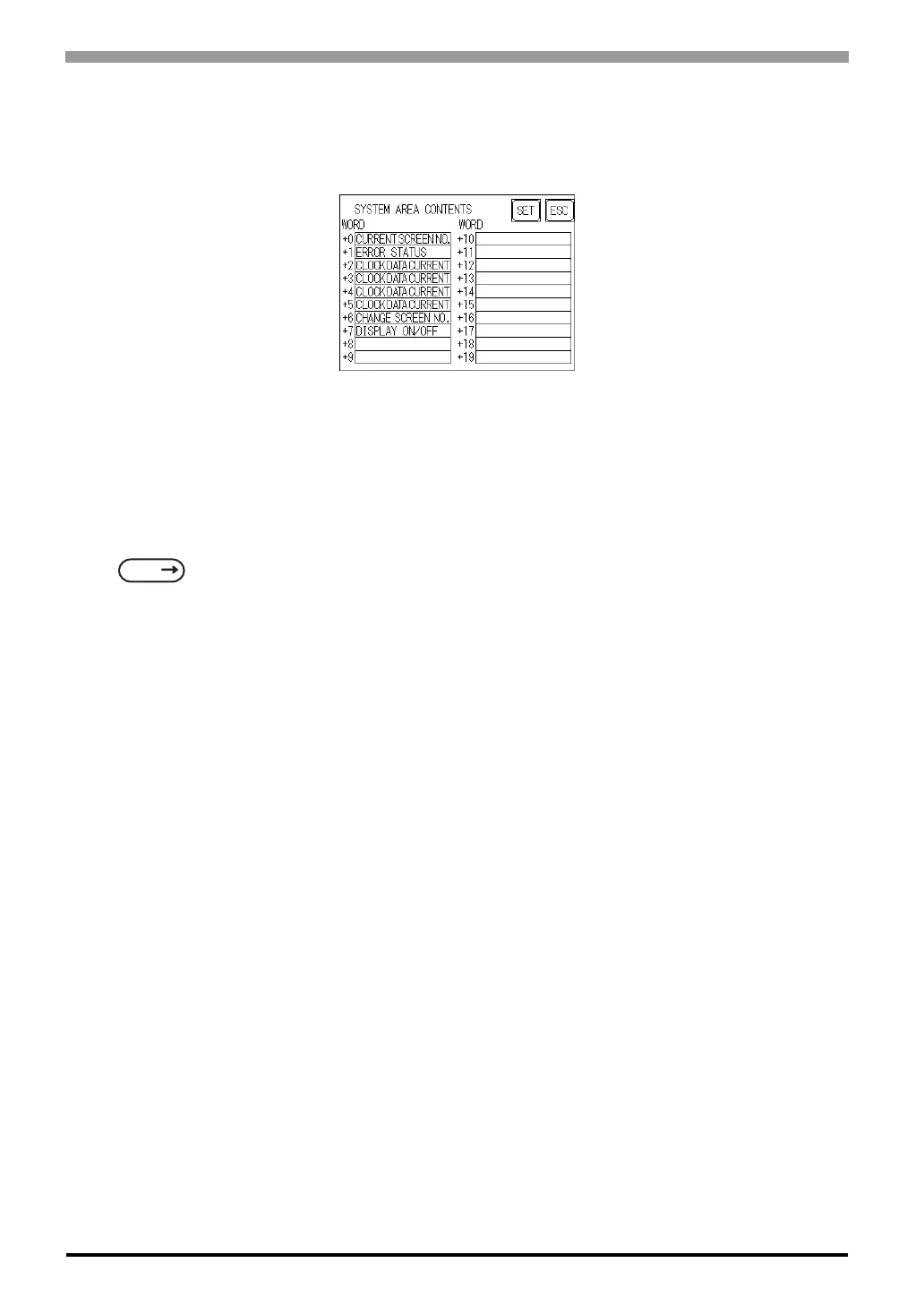
When these five items, "Current Screen Number", "Error Status", "Clock Data (Current)", "Change Screen
Number", and "Display ON/Off", have been selected, word addresses are assigned to each item, in order, as
shown here.
The System DataArea selection process follows this formula [System Data Start Address + n]. For example,
if the System Area Start Address was D00200, and the Change Screen Number option had been selected if
you refer to the System Area Contents screen displayed above because Change Screen No's address is +6, its
word address would be D00200+6=D00206.
For information about how to use the System Start Address and Start Address
SEE
6.5.1 SET UP OPERATION SURROUNDINGS (1:1/n:1) (Page 6-19)



 To Next Page