PLX32-EIP-MBTCP-UA ♦ Multi-Protocol Gateway Using ProSoft Configuration Builder
User Manual
ProSoft Technology, Inc. Page 17 of 156
March 8, 2018
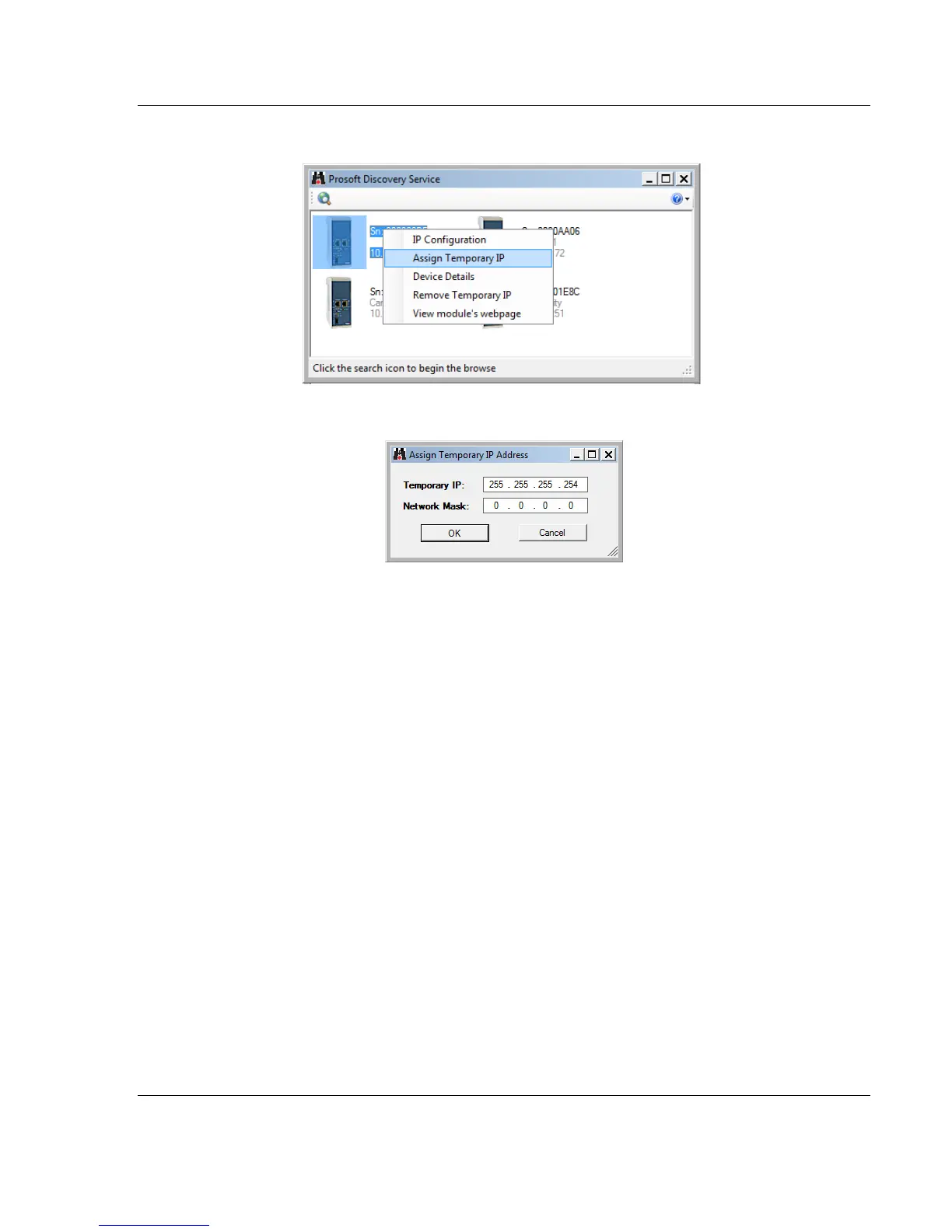
5 Right-click on the gateway, and then select ASSIGN TEMPORARY IP.
6 The gateway’s default IP address is 192.168.0.250.
7 Enter an unused IP within your subnet, and then click OK.
8 See Configuring the Ethernet Port (page 23) to set the permanent IP address
in the gateway.



 To Next Page