RDL-3000 User Manual
70-00158-01-DRAFT Proprietary Redline Communications © 2010 Page 19 of 142 November 25, 2010
Fig. 3: Intro - RDL-3000 RF Ports (Top View of Radio)
Note: For SISO mode, the antenna can be connected to either RF port. Select the
antenna port using the Web interface (Configuration->Wireless->Radio Mode). The
unused RF port must be sealed and weatherproofed.
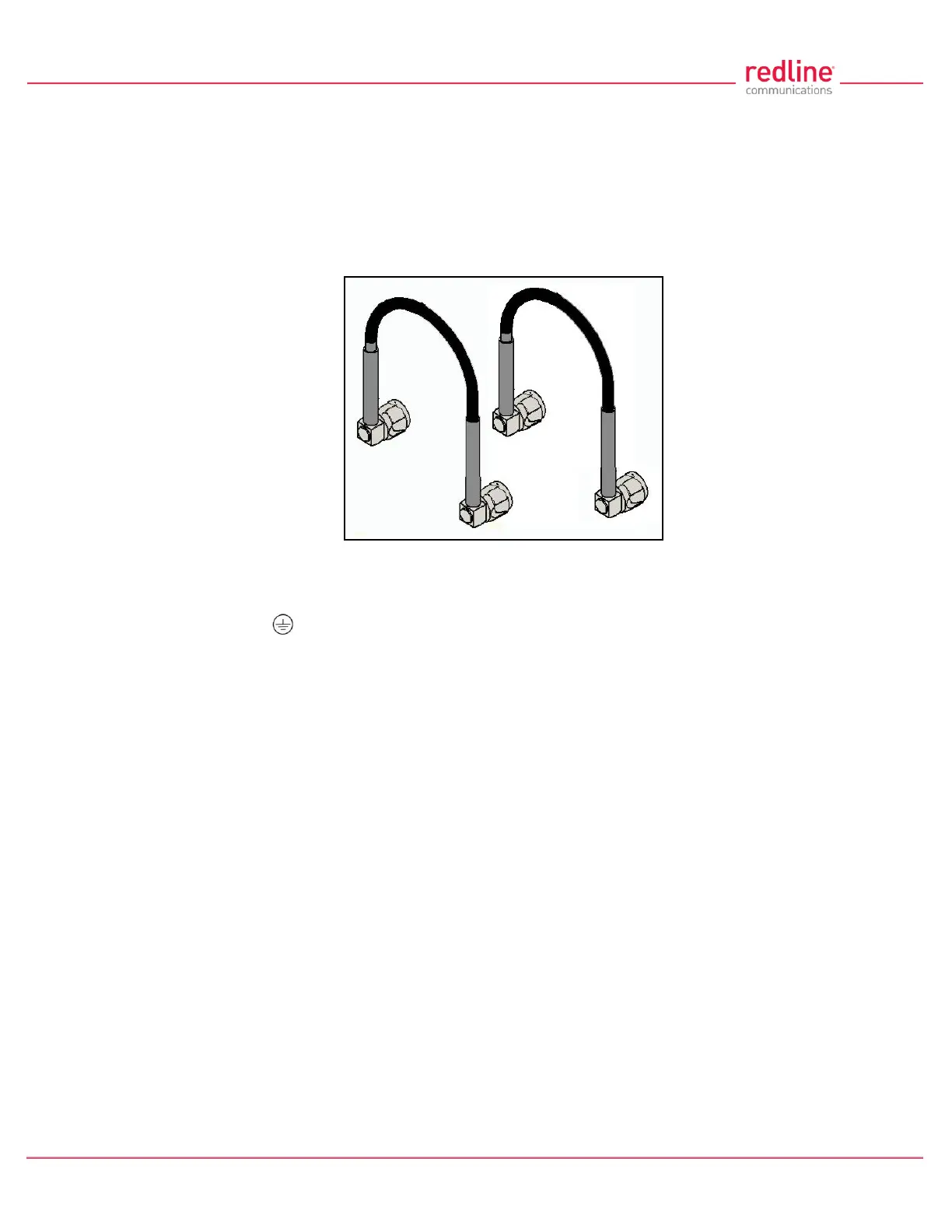
Two RF jumper cables are provided with each mounting kit. The RF cables conduct RF
signals between the RDL-2000 and antenna system. Each 75 cm (29.5 in) cable is
terminated female N-type to TNC.
Fig. 4: Intro - RDL-3000 - RF Jumper Cables
2.6 Ground Lug
A ground-lug is provided on the RDL-3000 chassis. Use this connection to terminate
a grounding wire. All RDL-3000 systems must be properly grounded to protect against
power surges and accumulated static electricity.
2.7 Audible Alignment
When enabled, the audible alignment signal chirps slowly when a low signal level is
detected, and faster for stronger signals. To enable or disable the audible tool through
the user interface:
Web: See Antenna Alignment Buzzer Enable in the Wireless Configuration screen.
Telnet: See 'buzzer' listed under the CLI 'set' commands (e.g., set buzzer on).



 To Next Page