RDL-3000 User Manual
70-00158-01-DRAFT Proprietary Redline Communications © 2010 Page 54 of 142 November 25, 2010
4.4.6 System Messages (Log)
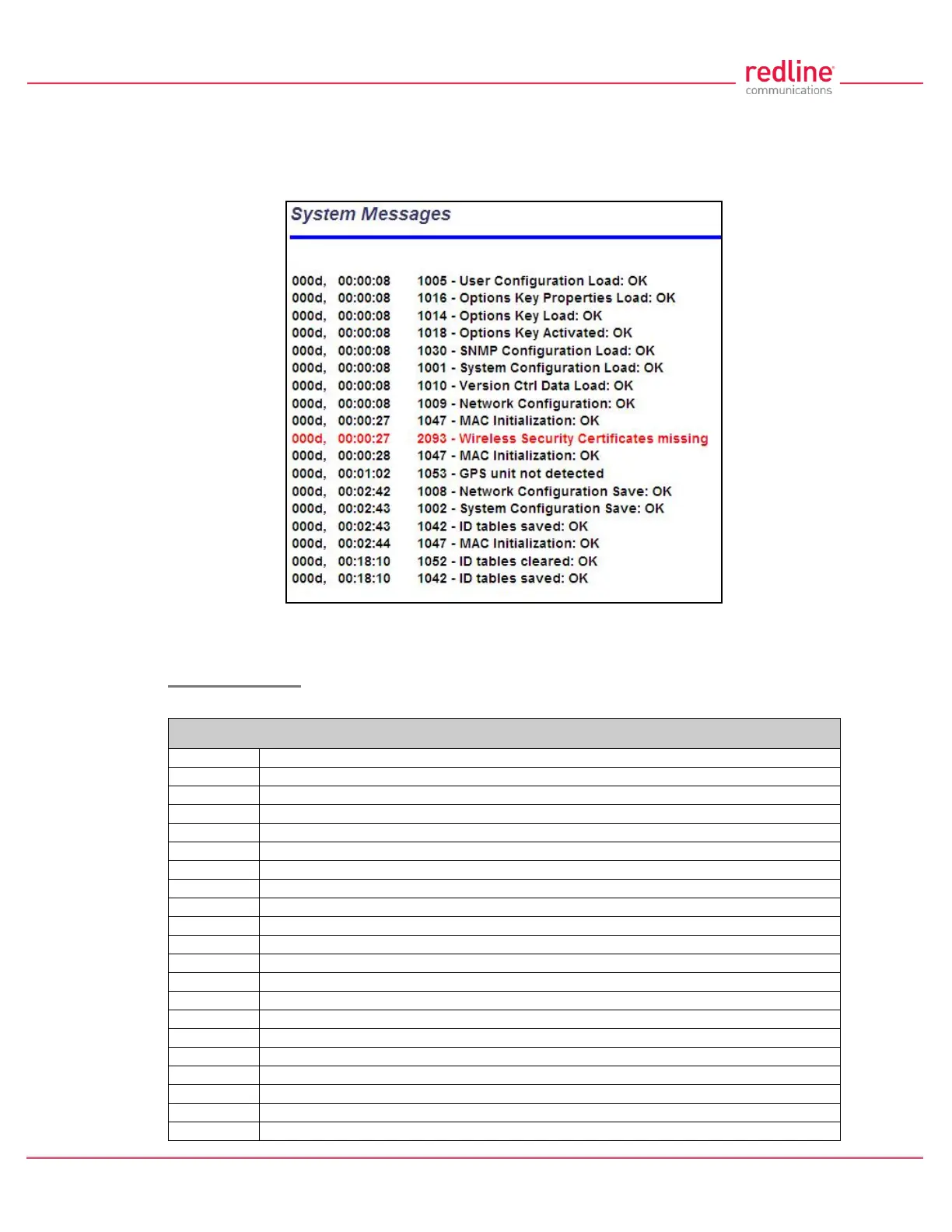
Click System Log in the main menu to view the system activity and error messages
recorded by the RDL-3000. This screen is identical for the sector controller and
subscriber units.
Fig. 34: Web - System Log Messages
Clear Log: Click to erase all messages from the system log file.
Event Messages
The following table provides a brief description of the key system messages.
Table 5: Web - System Log Messages
System Configuration Load: OK
System Configuration Save: OK
EEPROM Directory Load: OK
EEPROM Directory Save: OK
User Configuration Load: OK
User Configuration Save: OK
Network Configuration Load: OK
Network Configuration Save: OK
Network Configuration: OK
Version Ctrl Data Load: OK
Version Ctrl Data Save: OK
System Description Load: OK
System Description Save: OK
Options Key Properties Load: OK
Options Key Properties Save: OK
Options Key Activated: OK



 To Next Page